Most small businesses are already spending money to be found online, and most of it is aimed at the wrong words. A generic keyword research tool built for enterprise content teams will hand you thousands of national head terms with millions in monthly volume, none of which will ever ring your phone. LinkSpear takes the opposite approach. It is a keyword research tool designed from the ground up for local lead generation, where a single “emergency plumber near me” searcher is worth more than a thousand curious visitors from three states away.
This page explains what LinkSpear's keyword research does, how it works step by step, the outcomes you can expect, and where it fits inside the wider platform — from directory backlinks and local citations to the company lead database, call queuing, and rank tracking. If you sell to a city, a county, or a service radius, this is the research layer that tells you exactly which searches to chase first, which pages to build, and where to point every backlink you earn.
What LinkSpear keyword research actually is
LinkSpear's local keyword research is a discovery and prioritization engine. You give it a seed — your service, your city, or a competitor's domain — and it returns a ranked, deduplicated list of the real phrases people type when they are ready to hire someone like you. Every keyword comes back with search volume, a keyword difficulty score, an intent label, and a suggested next action inside LinkSpear.
The difference from a general-purpose tool is focus. LinkSpear weights everything toward local intent: “near me” modifiers, city and neighbourhood names, service-plus-location combinations, and the problem-first phrasing people use in a hurry. Instead of drowning you in vanity head terms, it elevates the long-tail phrases that convert, then shows you the handful of head terms worth defending once your foundation is built.
Powered by DataForSEO, tuned for local
The volume and difficulty numbers behind every keyword come from DataForSEO, the same commercial search-data source that powers many professional SEO suites. LinkSpear pulls live monthly search volume, competition, and cost-per-click signals for each phrase, then re-weights them through a local lens. A national tool would show you “plumber” at the top because it has the biggest number attached. LinkSpear knows that number is meaningless to a single-location business and pushes the winnable, service-plus-city phrases up instead.
Built on the same data spine as the rest of the platform
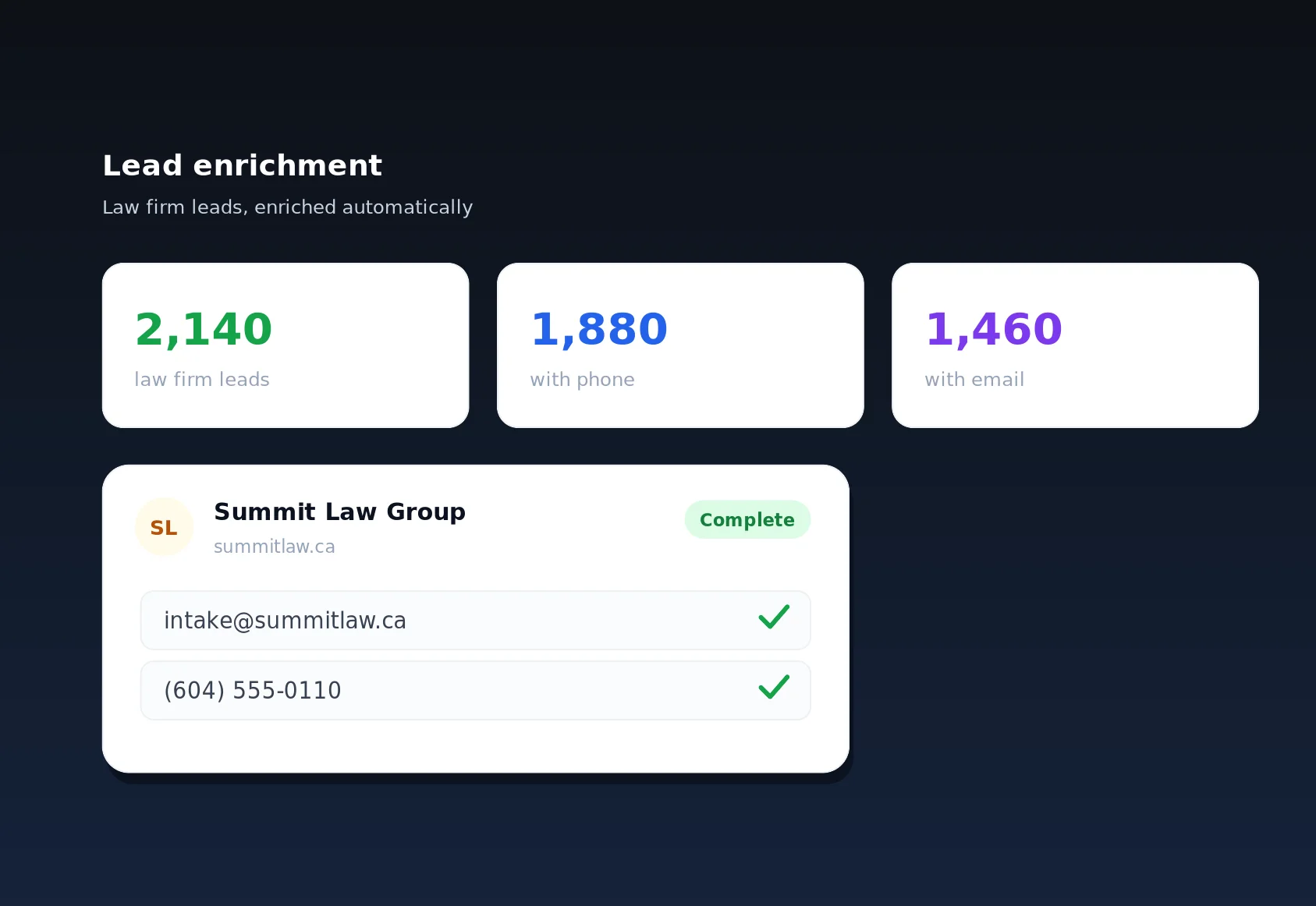
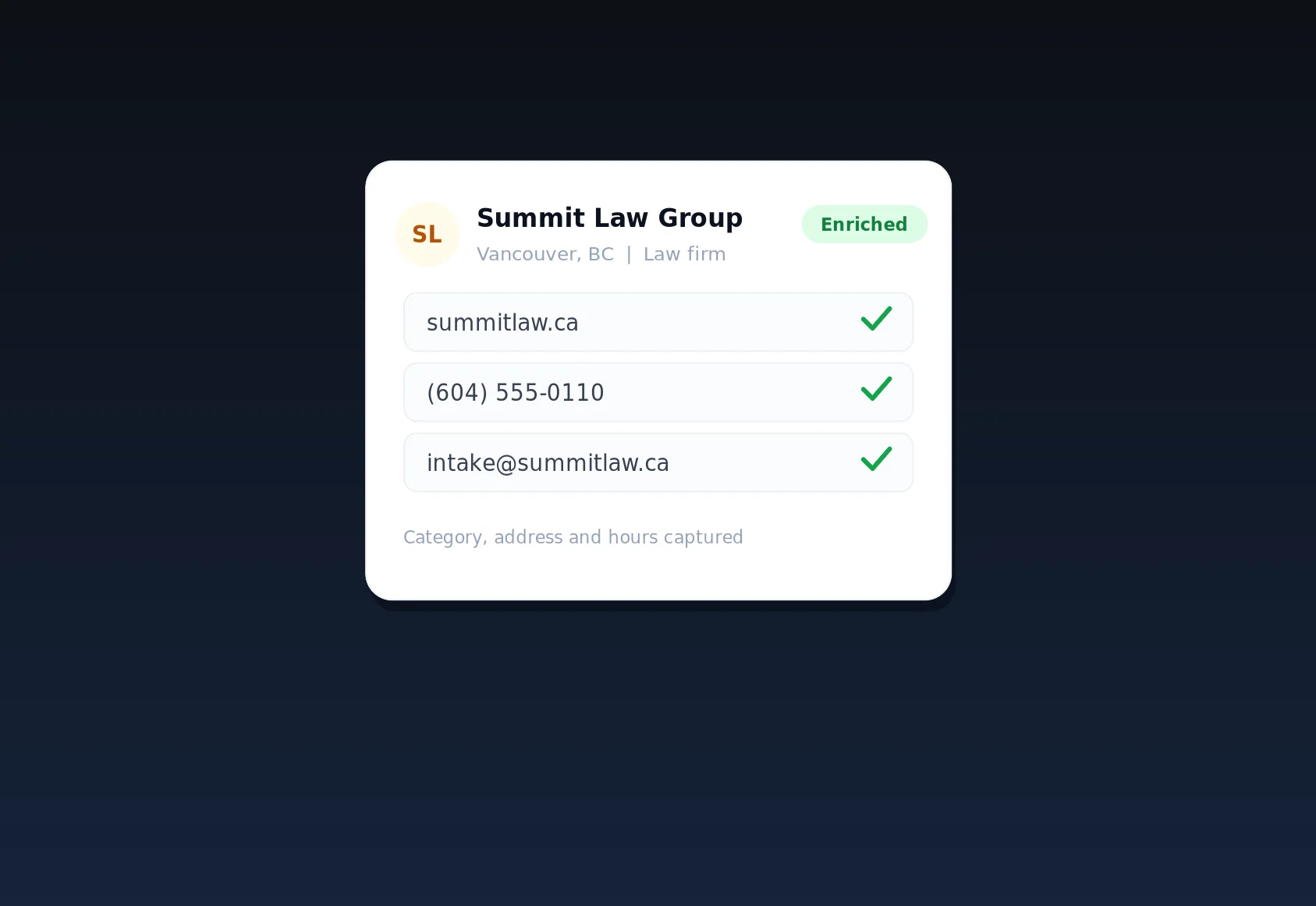
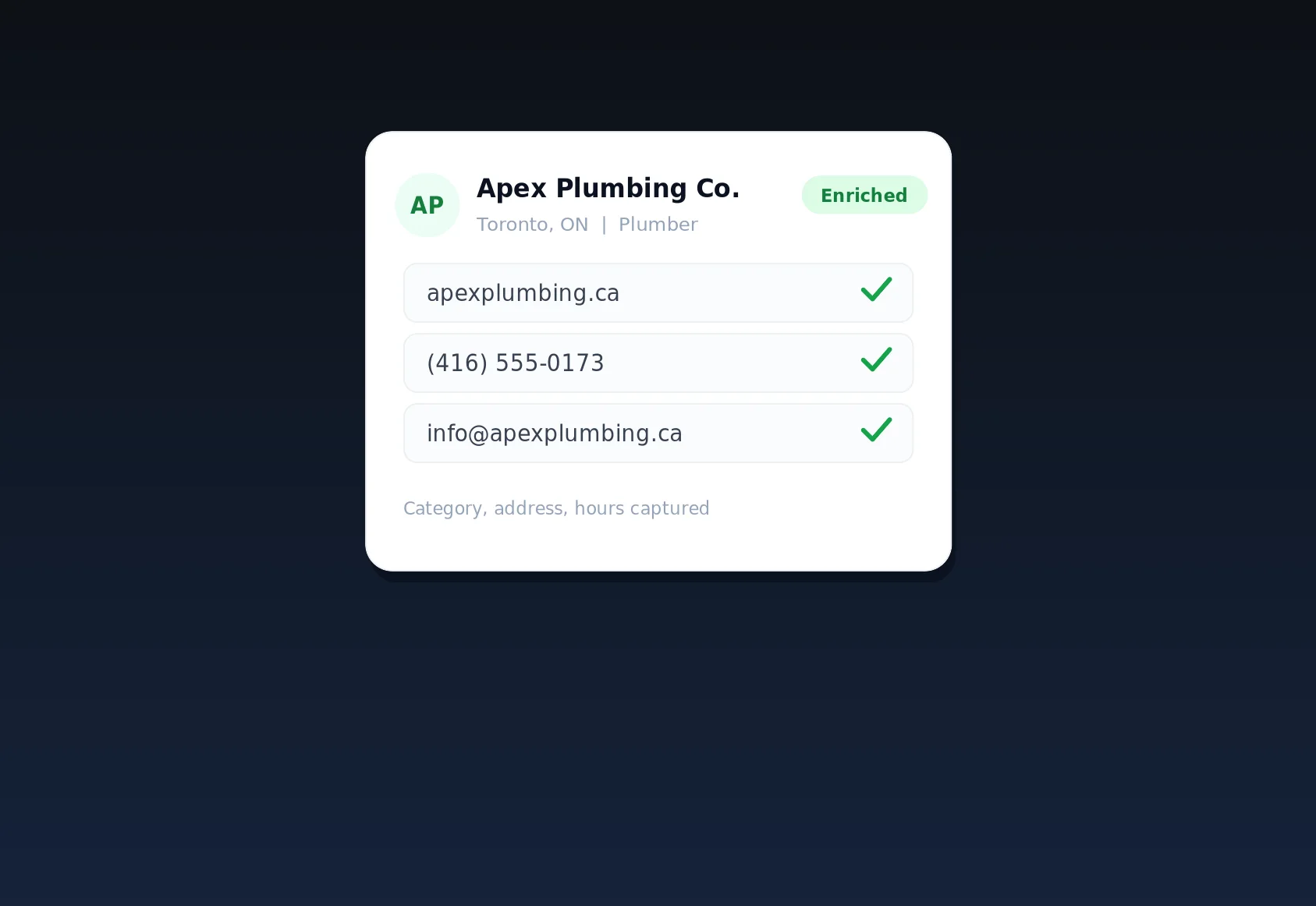
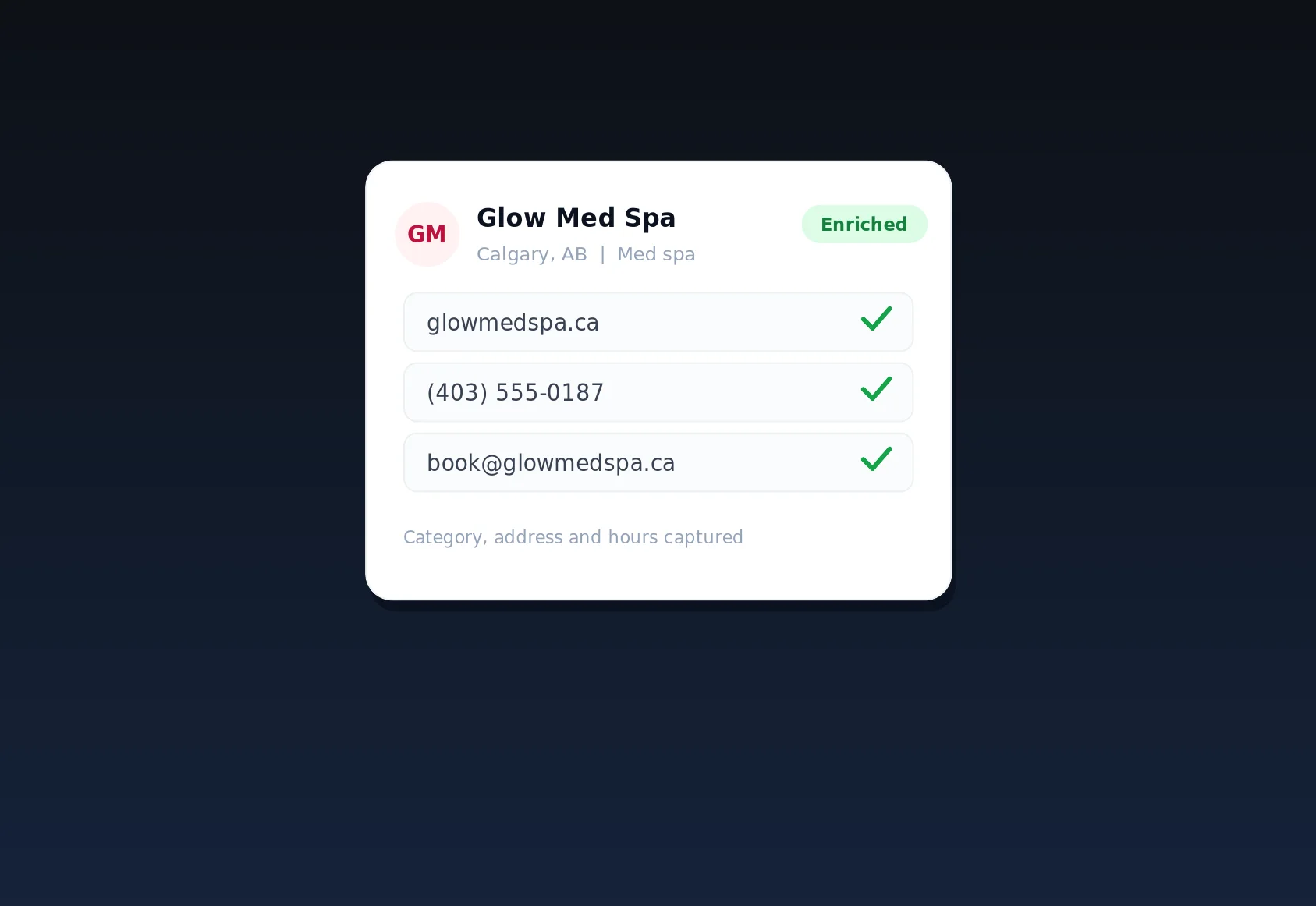
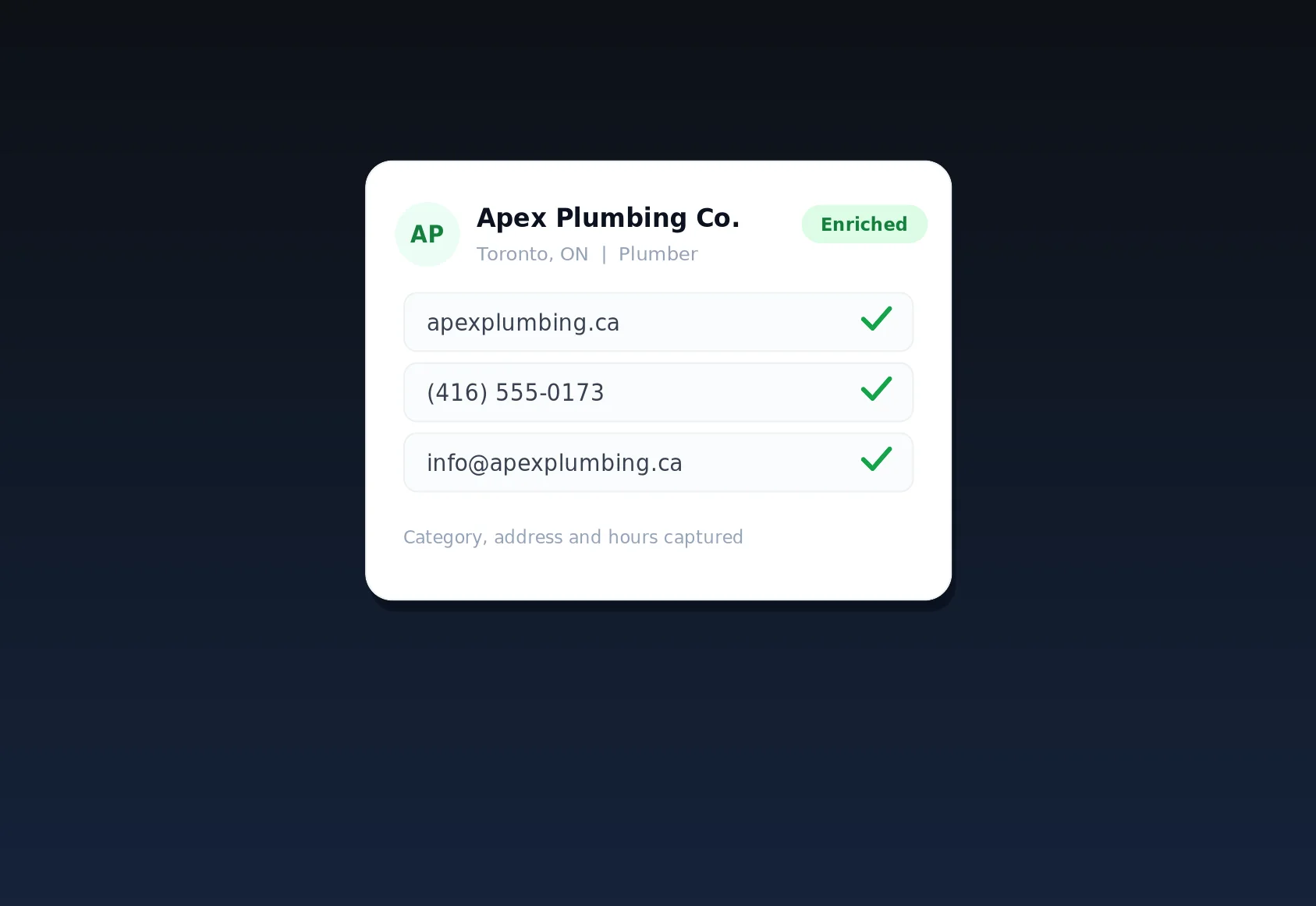
Because LinkSpear already runs a deduplicated company lead database — full contact cards for local businesses, each with a name, website, address, email, phone, and category — your keyword research is grounded in the actual competitive landscape of your market. When the tool tells you a keyword is winnable, it is reading from real signals about who operates in your city, how saturated a given category is, and which service-plus-location combinations are still under-served, rather than a stale national index that has never heard of your town.
How it works, step by step
The workflow is deliberately short. You should get from a blank screen to a prioritized list in a few minutes, not a few hours.
Step 1: Enter a seed
Start with anything you have. A service (“drain cleaning”), a city (“Hamilton”), a full phrase (“24 hour drain cleaning Hamilton”), or a competitor's website URL. You can paste several seeds at once. If you run an agency, you can scope a seed to a specific client sub-account so the research stays cleanly separated per tenant, and nothing from one client's list ever bleeds into another's.
Step 2: Expansion and clustering
LinkSpear expands each seed into hundreds of candidate phrases using real search suggestions, related queries, and service-plus-location permutations. It then clusters those candidates by topic and by the page that should target them, so you are not looking at a flat spreadsheet of near-duplicates. “Emergency plumber,” “emergency plumbing service,” and “24 hour plumber” land in one cluster with a single recommended target page, while “how to unclog a drain” is separated out as an informational topic that belongs on a blog, not a money page.
Step 3: Enrichment with volume, difficulty and intent
Each keyword and cluster is enriched with monthly search volume, a 0–100 keyword difficulty score, and an intent classification: transactional, commercial, navigational, or informational. Local modifiers are detected and tagged so you can filter to purely “near me” and city-level demand in one click. This is the step where a raw list becomes a decision-making tool. As a keyword difficulty and search volume tool, LinkSpear does not just report the numbers — it interprets them for a business that measures success in phone calls, not pageviews.
Step 4: Prioritization and opportunity scoring
LinkSpear combines volume, difficulty, and intent into a single opportunity score, then sorts your list so the fastest, highest-value wins float to the top. A low-difficulty, high-intent phrase with modest volume will outrank a high-volume informational term, because for a local business the first one books a job this week and the second one might earn a newsletter signup. You can re-sort by any column, but the default order is designed to answer the only question that matters: what should I work on first?
Step 5: Push straight into the workflow
This is where LinkSpear separates itself from a standalone research tool. Every keyword has a next action. Send a cluster to rank tracking to monitor it daily, feed it into a content brief for a page LinkSpear will help you build, or line it up for the anchor-text plan behind your directory backlink building and local citations. Research does not sit in a tab — it becomes the plan the rest of the platform executes against.
The concrete benefits and outcomes
A good keyword research tool should change what you do next week, not just what you know. Here is what LinkSpear users get out of it.
- Faster first wins. By surfacing low-difficulty, high-intent local phrases, you rank for terms that convert while the head terms are still out of reach.
- Fewer wasted pages. Clustering means one strong page per topic instead of five thin pages fighting each other for the same query.
- Sharper ad and content spend. Intent labels tell you which keywords deserve a landing page, which deserve a blog post, and which deserve nothing at all.
- A defensible roadmap. The opportunity score gives agencies a clear, client-friendly reason for the order of the work — no more arguing about which keyword comes first.
- Backlinks that point the right way. Because your target keywords flow into the citation and anchor-text plan, every directory submission reinforces a phrase you actually want to rank for.
- Compounding data. Because research flows into rank tracking, you learn which predictions were right and the tool's prioritization gets sharper for your specific market over time.
What that looks like in real numbers
Consider a plumbing company in a mid-sized city. A national tool points them at “plumber” — say 60,500 monthly searches nationally, difficulty in the high 70s, and mostly informational intent when you actually read the results. LinkSpear instead surfaces “burst pipe repair [city]” at 260 searches a month with a difficulty of 18, and “water heater replacement [suburb]” at 140 searches with a difficulty of 22 — lower volume, but transactional, winnable, and local. The first term would take a year and a big budget to touch. The second two can be ranked in a matter of weeks, and each of those roughly 400 monthly searches represents a caller who is ready to book, not a browser looking for a diagram.
Turning long-tail ideas into a content calendar
The same run also produces a stack of long tail keyword ideas for small business owners who never know what to write about next. “Why is my water heater leaking from the bottom,” “cost to replace a sump pump,” and “how long does a water softener last” are all low-competition informational queries that pull in exactly the homeowners who will later need a paid job. LinkSpear tags these separately so you can drop them straight into a blog calendar, capture the top of the funnel, and internally link those posts to the transactional pages that close the sale.
How LinkSpear compares to a general keyword tool
The table below shows why a local-first approach beats a repurposed enterprise SEO suite for the kind of work small businesses and their agencies actually do.
| Capability | Generic keyword tool | LinkSpear keyword research |
|---|---|---|
| Primary focus | National head terms & content volume | Local buyer-intent & service-area demand |
| Data source | Proprietary index, national bias | DataForSEO volume & difficulty, re-weighted for local |
| Intent labelling | Optional or absent | Built in: transactional, commercial, informational, navigational |
| Local modifier detection | Manual filtering | Automatic “near me” and city/suburb tagging |
| Prioritization | Sort by volume | Opportunity score blending volume, difficulty & intent |
| Next action | Export a CSV | One-click to rank tracking, briefs, citations & backlink plans |
| Multi-client support | Extra seats or workspaces | Native agency sub-accounts with per-tenant separation |
| Data grounding | Generic national index | Live local company lead database with full contact cards |
Finding buyer-intent keywords the competition misses
The whole game in local search is separating people who want to buy from people who want to learn. Both matter, but they need completely different pages, and confusing the two is the single most common reason small-business SEO stalls. LinkSpear's job is to sort buyer intent keywords for local SEO into their own bucket so you never send a ready-to-hire searcher to a blog post.
The four intent types and what to do with each
- Transactional (“emergency electrician near me,” “book AC repair [city]”): build a dedicated service page, add strong calls to action, and point citations and backlinks at it.
- Commercial (“best HVAC company [city],” “furnace replacement cost”): build comparison and pricing pages that catch people in the research-then-buy window.
- Informational (“how to reset a tripped breaker”): write helpful blog content that earns trust and internal-links to your money pages.
- Navigational (searches for a named competitor or brand): usually low priority, but occasionally worth a comparison page if a rival dominates your area.
Because each keyword arrives pre-labelled, you spend your time deciding what to build instead of manually reading SERPs to guess what Google thinks each phrase means. For a small team, that classification alone can save several hours per market.
Who it's for
LinkSpear's keyword research is built for two overlapping audiences, and it flexes to fit both.
Small local businesses doing their own SEO
If you are a home-service, trade, or storefront business, you do not have time to become an SEO analyst. You need a short list of the exact phrases worth targeting and a clear order to work through them. LinkSpear gives you that without jargon. Whether you run a plumbing outfit, an electrical company, an HVAC service, a dental practice, or a landscaping crew, the tool speaks in terms of jobs and calls, not abstract traffic. You enter your service and your city, and within minutes you have a to-do list you can actually act on.
Marketing agencies managing many clients
Agencies live and die on efficiency. LinkSpear's agency sub-accounts let you run research for a dozen clients without the lists bleeding into each other, and the opportunity score gives you a defensible, repeatable methodology to justify the roadmap to every client. Because research connects to rank tracking and reporting, you can show the line from “we picked these keywords” to “here is where you now rank” in a single view — the kind of clear cause-and-effect story that keeps retainers renewing month after month.
Where keyword research fits in the wider LinkSpear workflow
Keyword research is the front door to almost everything else LinkSpear does. Once you know which searches matter, the rest of the platform executes against them.
From keywords to content and pages
Each keyword cluster maps to a recommended page. That page structure feeds your on-page work, your headings, and the internal linking that ties your site together. LinkSpear turns a cluster into a brief — primary keyword, supporting phrases, suggested headings, and the intent the page must satisfy — so writing the page is a matter of filling in a proven outline rather than starting from a blank document.
From keywords to backlinks, citations and anchor text
Your target keywords directly shape your anchor-text plan so that new links reinforce the exact phrases you are trying to rank for. LinkSpear's directory backlink builder pairs with a Chrome extension that autofills each directory and citation form from your saved company profile — name, website, address, phone, category — and submits through your own real browser and real IP, leaving no automated footprints, while the anchor-text plan keeps every submission on-message. The keywords you prioritized this morning become the anchors and the local citations you build this afternoon.
From keywords to leads and calls
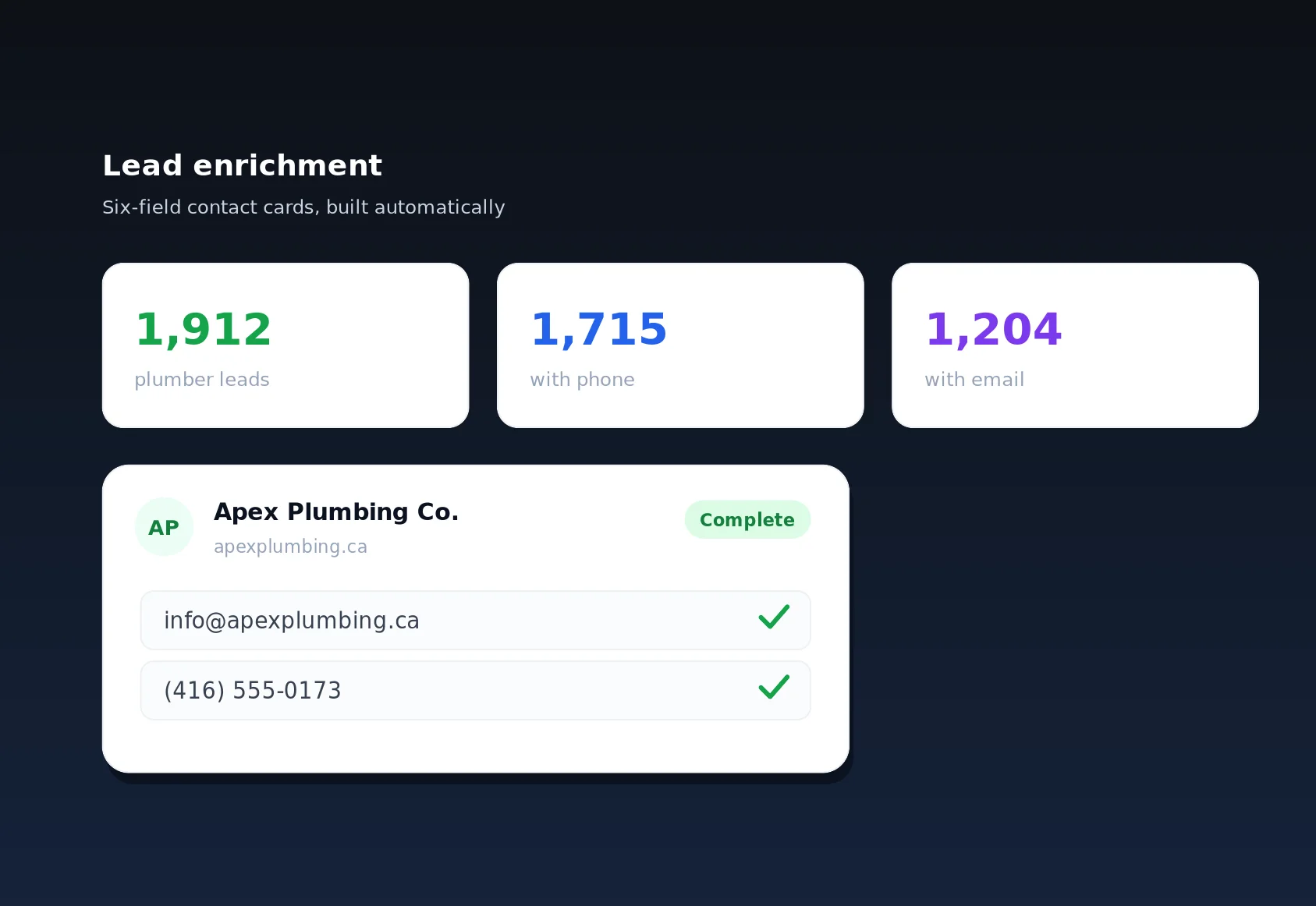
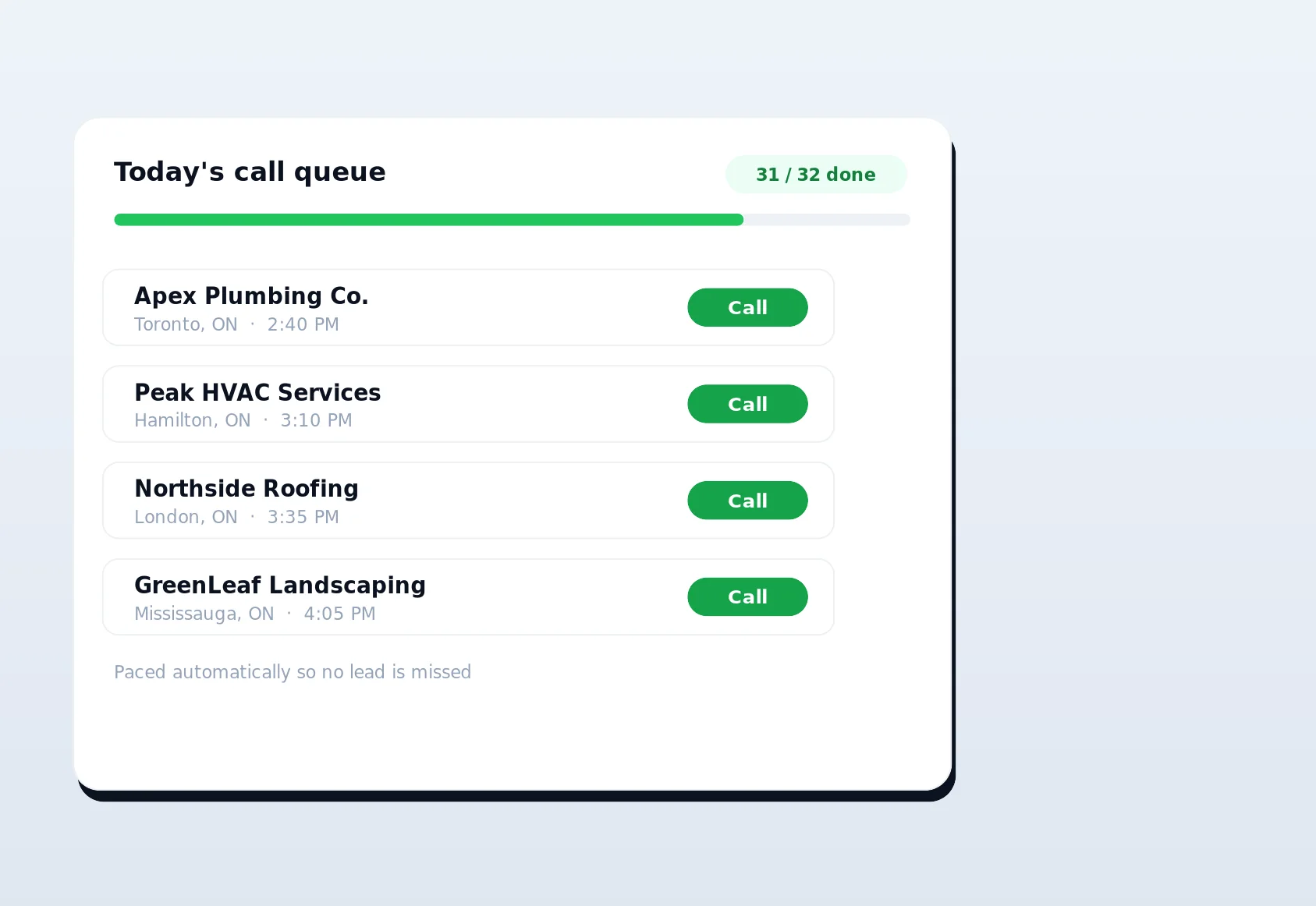
Ranking is only half the story; the other half is turning demand into pipeline. The businesses you compete against and the prospects you sell to both live in LinkSpear's company lead database, a deduplicated catalogue of full contact cards — name, website, address, email, phone, and category. Call queuing hands those leads to your reps one at a time with fair rotation, cooldowns, and daily caps, so nobody double-dials a prospect and no lead falls through the cracks. Your keyword research tells you what the market wants; the lead database and call queue help you go get it.
From keywords to measurement
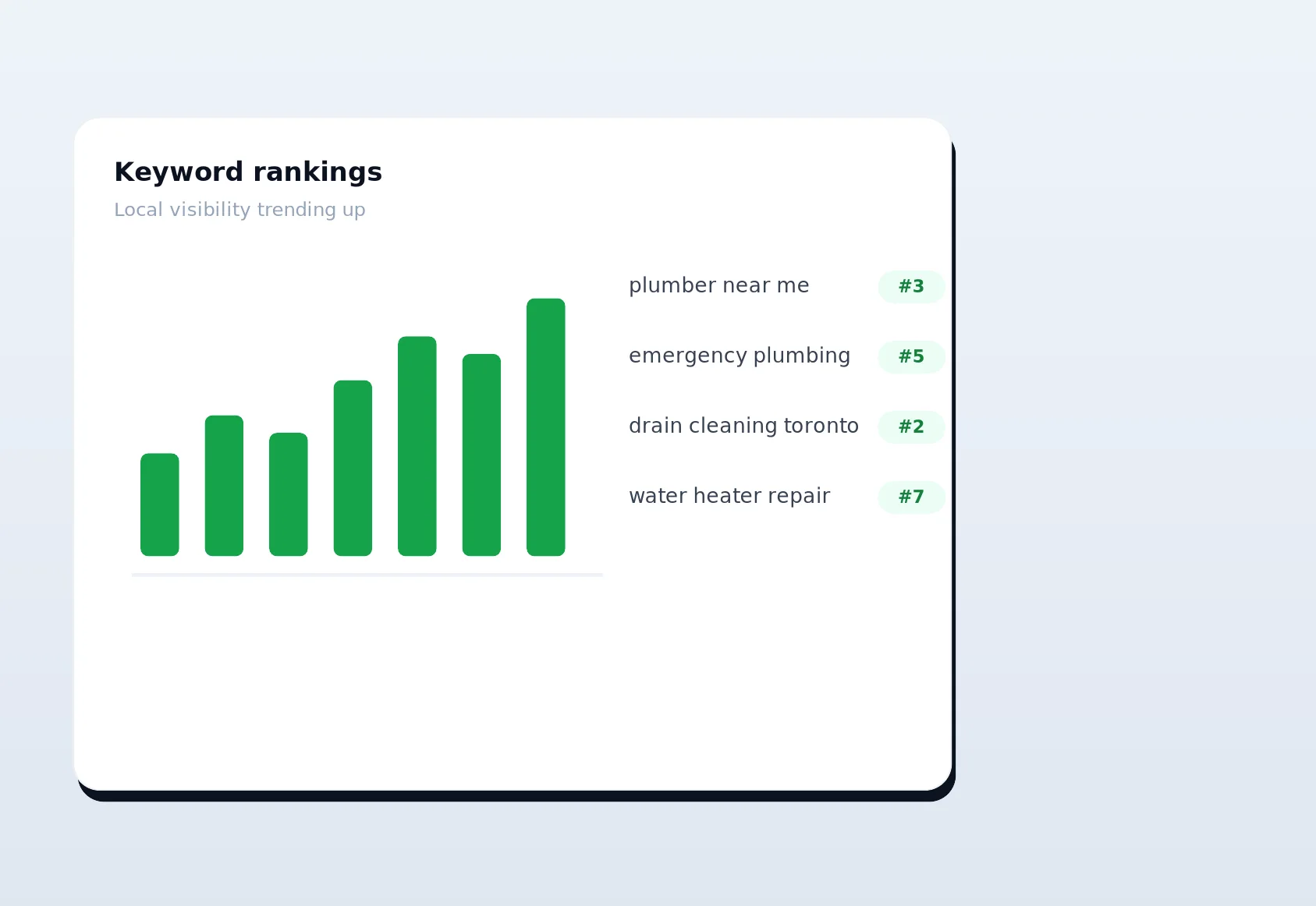
Finally, the loop closes with tracking. Keywords pushed to the rank tracker are monitored over time, so you can watch a “water heater replacement [suburb]” page climb from page three to the local pack week by week. Over time the platform learns which of its predictions paid off in your market, and future research gets sharper as a result. Research, build, link, rank, measure — and then feed what you learned back into the next round of research.
Pricing and getting started
Keyword research is available across every LinkSpear plan — Starter, Growth, Pro, and Agency — with higher tiers unlocking more tracked keywords, more client sub-accounts, and larger enrichment and backlink allowances. Most single-location businesses start on Starter or Growth, while multi-client agencies tend to land on Pro or Agency for the sub-account and volume headroom.
The best way to judge a keyword research tool is to point it at your own market and see whether the list it returns looks like real customers or just noise. New users get a full 14-day free trial on the Starter plan — no long onboarding, no credit-card gymnastics. Enter your city and your service, watch LinkSpear surface the buyer-intent searches your competitors are quietly winning, push your first cluster into rank tracking, and line up your first batch of directory citations before the trial is even a day old. Start your free trial today and turn keyword research from a spreadsheet chore into a steady stream of local calls and booked jobs.