Every LinkSpear account touches paid infrastructure behind the scenes: proxy bandwidth for lead enrichment, geocoding and mapping calls for scraping, indexing pings, rank-tracking lookups, and third-party data APIs. API cost controls are the guardrails that keep all of that spend predictable, so a runaway job or an over-eager team member can never turn your growth engine into a surprise invoice. This page explains what LinkSpear's API cost controls do, how they work, and why they matter whether you run a single storefront or a 200-client agency.
The short version: you set the ceilings, LinkSpear enforces them in real time, and every credit-consuming action is metered, attributed, and logged before it ever runs. No overages, no mystery charges, no 2 a.m. wake-up because a proxy loop went sideways.
If you have ever watched a lead tool quietly chew through a bandwidth allowance mid-campaign, or opened an invoice you could not reconcile against the work actually done, you already understand the problem this solves. The value here is not just saving money, though it does that. It is removing an entire category of anxiety from running the platform at scale, so you can point big jobs at the system and trust that the numbers stay inside the fence you drew.
What are API cost controls?
API cost controls are a spending-governance layer that sits between your users and every metered operation LinkSpear performs. Instead of letting jobs consume external API quota and proxy bandwidth freely, the platform prices each action in credits, checks it against your configured budgets, and either approves, queues, or blocks it. Think of it as a programmable throttle and an itemized meter combined.
Most SEO and lead tools hide this machinery. You buy a plan, burn through an invisible quota, and discover the wall only when a scrape stalls or a bill spikes. LinkSpear's API cost controls make the whole economy visible and adjustable. You can see exactly what a full business lead scraping run will cost before you press go, cap what any sub-account may spend per day, and get an in-app alert the moment a workflow trends toward its limit.
The core building blocks
- Credit metering: every proxy request, geocode, indexing ping, and API lookup is priced in a single unified credit unit.
- Budgets and caps: hard daily, monthly, and per-job ceilings at the account, sub-account, and workflow level.
- Pre-flight estimates: a projected cost for any batch job shown before it starts, so nothing runs blind.
- Fail-closed enforcement: when a limit is hit, the action stops rather than silently overspending.
- Attribution and audit: who spent what, on which client, doing which task, recorded in the audit log.
Why API cost controls matter for lead generation and SEO
Local SEO work is bursty by nature. You might enrich 10,000 businesses on Monday, run rank checks for 300 keywords on Tuesday, and fire a citation campaign on Wednesday. Each of those leans on paid infrastructure, and each can balloon if a filter is set too wide or a retry loop misbehaves. Without disciplined cost controls, the failure mode is expensive and silent: bandwidth drains, quotas exhaust mid-campaign, and you find out after the damage is done.
Good guardrails flip that dynamic. They turn variable, unpredictable infrastructure spend into a line item you actually manage. For agencies this is the difference between a healthy margin and a mystery on the P&L. For a solo operator it is the peace of mind that a fat-fingered filter cannot cost a week of profit. The same controls also protect service quality: by pacing proxy usage, they keep your rotating proxies healthy and your enrichment success rate high instead of hammering endpoints until they rate-limit you.
There is a second, quieter reason this matters. Uncapped tools push a subtle tax onto the user: you end up self-rationing. You hesitate before running the big enrichment job, you split scrapes into cautious little batches, you avoid the aggressive rank-tracking schedule that would actually help, all because you cannot see the meter and do not trust it. That hesitation costs you results. When the ceiling is explicit and enforcement is guaranteed, the hesitation disappears. You run the job you actually need, at the size you actually need, because the downside is bounded and known. Cost controls are as much about giving you permission to move fast as they are about stopping you from overspending.
How LinkSpear's API cost controls work
The system runs in five stages, from the moment you configure a budget to the audit trail you review afterward. Everything is enforced server-side, so a limit cannot be bypassed from the browser or a stray script.
Step 1: Set your budgets
In Settings, you define ceilings that fit how you operate: a monthly account cap, optional daily caps to smooth spend across the billing cycle, and per-workflow limits for the operations that carry the most risk, such as enrichment and scraping. Agencies can push these down to each client via agency sub-accounts, so a single client can never consume the whole pool.
Step 2: Price every action in credits
Before any metered task runs, LinkSpear converts it into a credit cost. A proxy-masked website visit for enrichment, a geocoding lookup during scraping, an indexing ping, a rank-tracking query, and a competitor backlink fetch each carry a known unit price. One currency across every subsystem means you compare apples to apples and never juggle five separate quota dashboards.
Step 3: Pre-flight estimate and approval
When you launch a batch, the platform shows a projected total first, for example, "Enriching 8,420 businesses, estimated 8,420 credits." If that projection would breach a cap, LinkSpear tells you up front and offers to scope the job down, split it across days, or request a raise, rather than starting a run it cannot finish.
Step 4: Real-time enforcement
As the job executes, a metering ledger decrements in real time. Cross that day's or month's ceiling and the system fails closed: in-flight work finishes cleanly, the remainder pauses, and nothing new consumes credit. This is the mechanism that makes overages structurally impossible rather than merely discouraged.
Step 5: Attribution, alerts, and audit
Every credit-consuming action is written to the audit log with who ran it, which client it belonged to, and what it accomplished. Threshold alerts surface in-app the moment spend crosses 50%, 80%, and 100% of any budget, so you react before a limit, not after a bill. Because attribution is per sub-account, agencies can bill infrastructure back to clients with real numbers instead of guesses.
The metered operations at a glance
Not every action in LinkSpear costs credits, only the ones that touch paid external infrastructure. Here is how the common operations map, and where the cost controls apply.
| Operation | What it consumes | Cost-controlled? | Typical guardrail |
|---|---|---|---|
| Lead enrichment (email/phone) | Rotating proxy bandwidth | Yes | Per-job cap + daily cap |
| Business lead scraping | Geocoding + mapping API calls | Yes | Per-run estimate + approval |
| Rank tracking | SERP lookup quota | Yes | Scheduled daily budget |
| Instant indexing | Search-engine ping quota | Yes | Per-account monthly cap |
| Competitor backlink analysis | Third-party data API | Yes | On-demand estimate |
| Directory backlink autofill | Your own browser + real IP | No (free) | N/A, no external quota |
| Browsing the local directory | Internal database only | No (free) | N/A |
Notice the last two rows. LinkSpear's automated directory backlink building runs through the Chrome extension using your real browser and real IP, so it carries no proxy or API cost at all. Likewise, reading your local business directory is a database read, not a metered call. The cost controls only fence the operations that spend real money, which keeps the guardrails focused where they matter.
This distinction is worth internalising, because it shapes how you should plan campaigns. The most expensive-feeling activities in LinkSpear, such as building dozens of citations per client, are often the ones that cost you nothing in credits, because they run on your own browser and IP. Meanwhile the operations that feel lightweight, like a quick scrape of a new metro area, are the ones drawing on geocoding quota. Understanding which is which lets you sequence work intelligently: do the free, footprint-clean submission work liberally, and reserve your budget attention for the discovery and enrichment steps that actually draw down external quota.
Benefits and outcomes
API cost controls are not a compliance checkbox. They change what you can safely do with the platform, because you can scale aggressively knowing the floor cannot fall out.
Predictable spend, zero surprise overages
Hard ceilings and fail-closed enforcement mean your infrastructure bill is a number you chose, not one you discover. A misconfigured filter that tries to enrich 200,000 businesses stops at your cap instead of draining a month of budget in an afternoon.
True per-client profitability for agencies
Because every credit is attributed to a sub-account, you finally know what each client actually costs to service. Set a per-client cap that matches their retainer, bill infrastructure back with real figures, and protect the margin on your flat-rate packages.
Higher success rates, not just lower bills
Pacing usage against budgets also paces it against rate limits. Enrichment and scraping run at sustainable speeds, so proxies stay healthy, endpoints stay responsive, and a larger share of jobs complete on the first pass. Cost discipline and reliability turn out to be the same thing.
Confidence to delegate
With per-sub-account caps and full attribution, you can hand scraping and enrichment to a junior teammate or a client without fear. The worst case is a paused job and an alert, never a blown budget. That is what makes the platform safe to open up.
- No overages: spend cannot exceed the ceilings you set.
- Full visibility: every credit is metered, attributed, and logged.
- Fair sharing: one client or job cannot starve the rest.
- Early warning: in-app alerts at 50/80/100% of any budget.
- Better throughput: paced usage keeps success rates high.
Who API cost controls are for
Any LinkSpear user benefits, but three groups feel the impact most.
Marketing agencies
If you run campaigns for dozens of clients, cost controls are how you keep infrastructure from eating your margin. Cap each client, attribute every credit, and bill back with confidence. Paired with agency sub-accounts, it becomes a full cost-governance layer across your book of business.
Local service businesses
A plumber, roofer, or HVAC company running its own outreach does not want to think about proxy bandwidth. Set a modest monthly cap once and forget it, the platform simply will not let a job overspend while you focus on booking work.
High-volume lead teams
Teams pushing large enrichment and scraping volumes need pacing as much as ceilings. Per-workflow budgets let you run big jobs at a sustainable clip, protecting both your bill and your success rate on massive batches.
A worked example
Concrete numbers make the mechanics clearer than any description. Suppose an agency onboards a new roofing client and wants to build them a fresh prospect list, enrich it, and start rank tracking, all within a set infrastructure budget for the month.
- Set the client cap. The account owner creates a sub-account for the roofer and assigns it a monthly ceiling that comfortably fits inside the client's retainer, plus a daily cap so the spend spreads evenly rather than burning out in the first week.
- Scrape with a preview. A team member starts a scrape of three neighbouring metros. LinkSpear shows the projected geocoding cost before the run; it fits inside the daily cap, so it proceeds and the ledger ticks down as results arrive.
- Enrich, and hit a wall safely. The enrichment job is pointed at the full 12,000-record list. Partway through, it approaches the daily cap. Instead of overspending, LinkSpear finishes the in-flight batch, pauses the rest, and posts an alert. The next day's budget picks the job back up automatically.
- Attribute and report. At month end, the owner opens the audit log, sees exactly what the roofer consumed across scraping, enrichment, and rank tracking, and either bills it back or confirms the retainer covered it comfortably.
Nobody watched a dashboard nervously, nobody got a surprise charge, and the big enrichment job still completed, just paced across two days instead of one. That is the pattern cost controls produce over and over: work gets done, spend stays bounded, and the paper trail is always there when you need it.
How it fits the wider LinkSpear workflow
Cost controls are the connective tissue underneath the whole platform. A typical local-SEO cycle touches several metered systems, and the budget layer quietly governs each one.
- Discover: pull prospects with business lead scraping from OpenStreetMap and YellowPages, with a pre-flight estimate so you know the geocoding cost before the run.
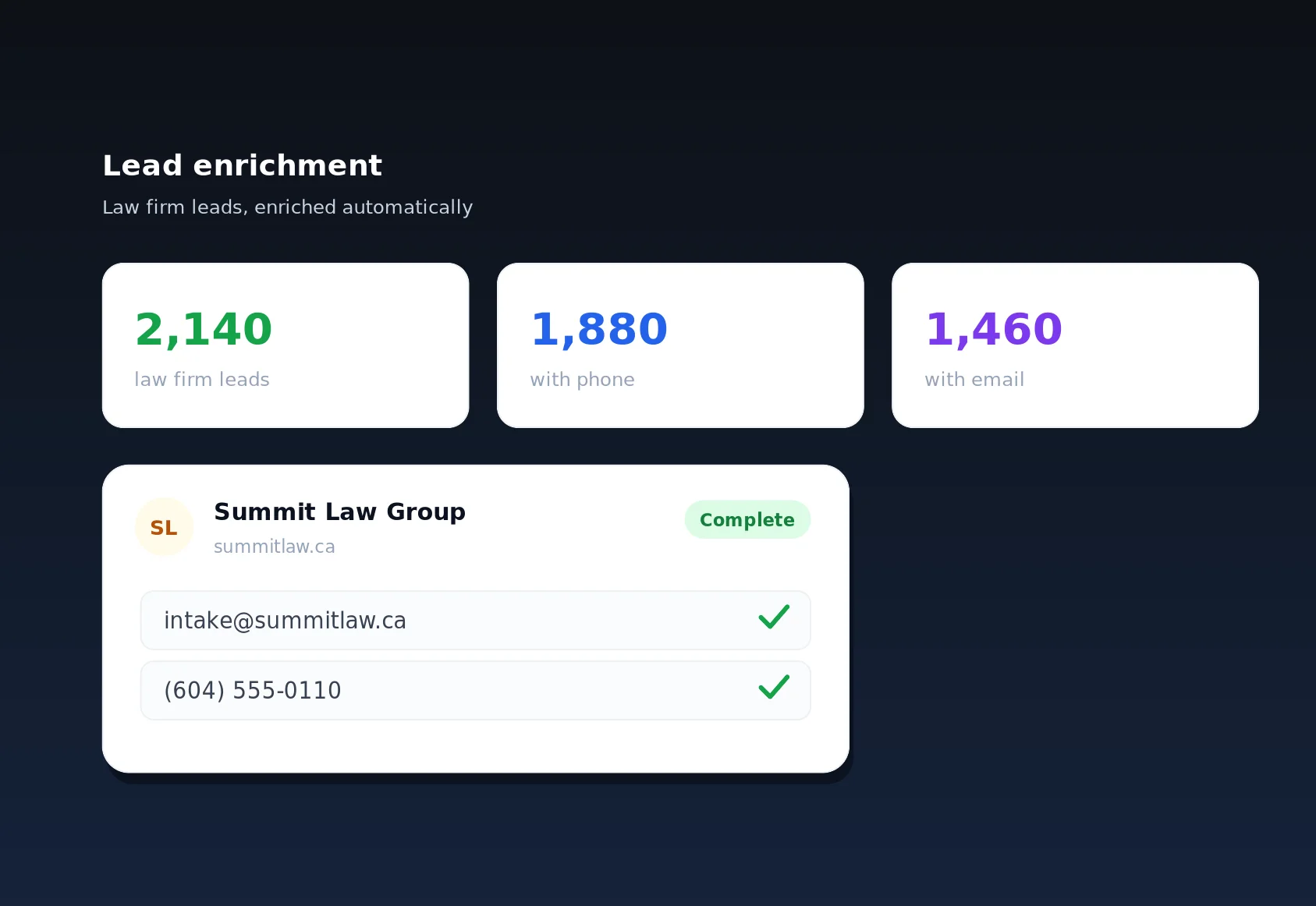
- Enrich: fill in emails and phones via lead enrichment over anonymous proxies, capped so a huge list cannot drain bandwidth unexpectedly.
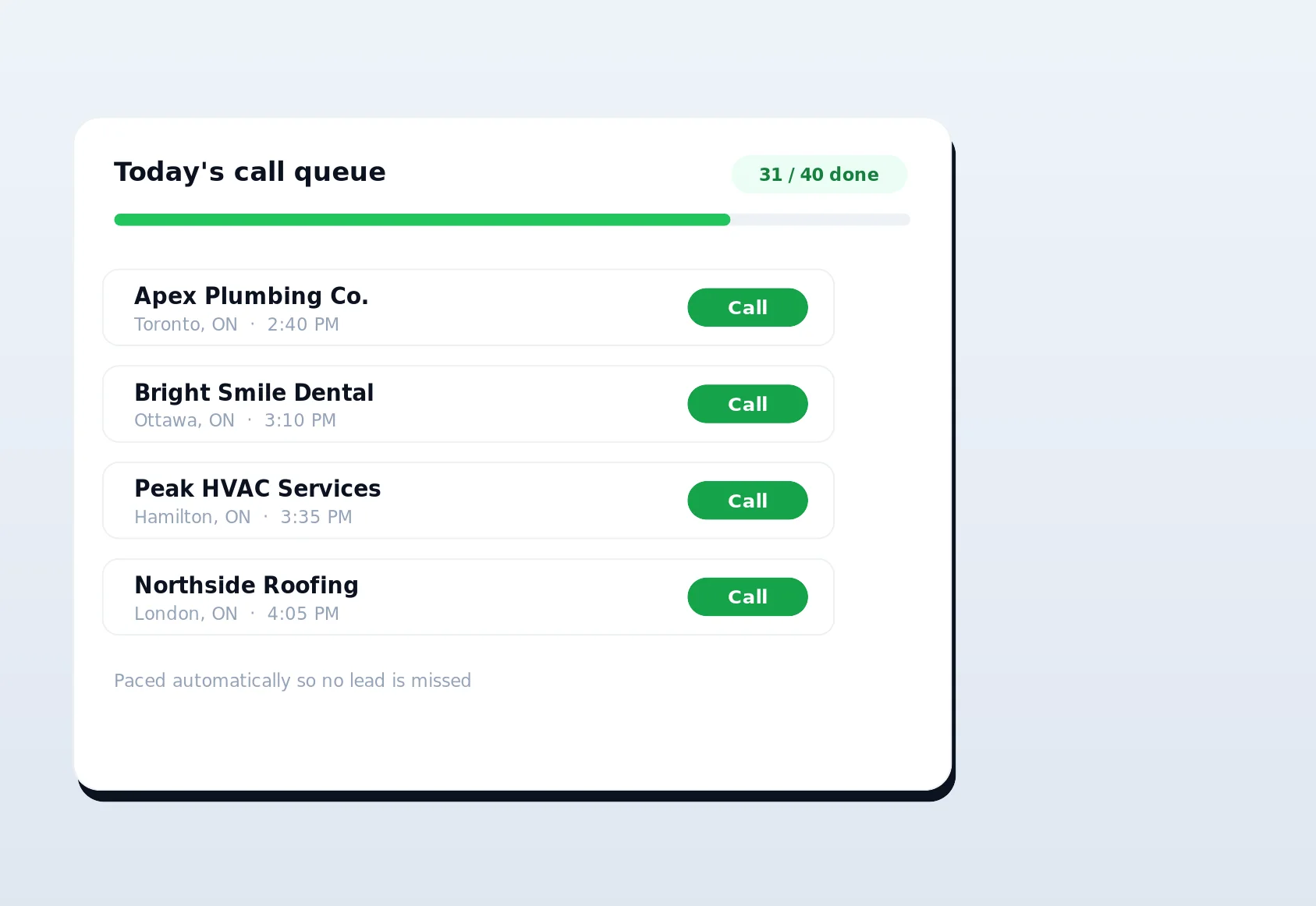
- Work the list: hand enriched businesses to reps through call queuing, a free internal operation with no metered cost.
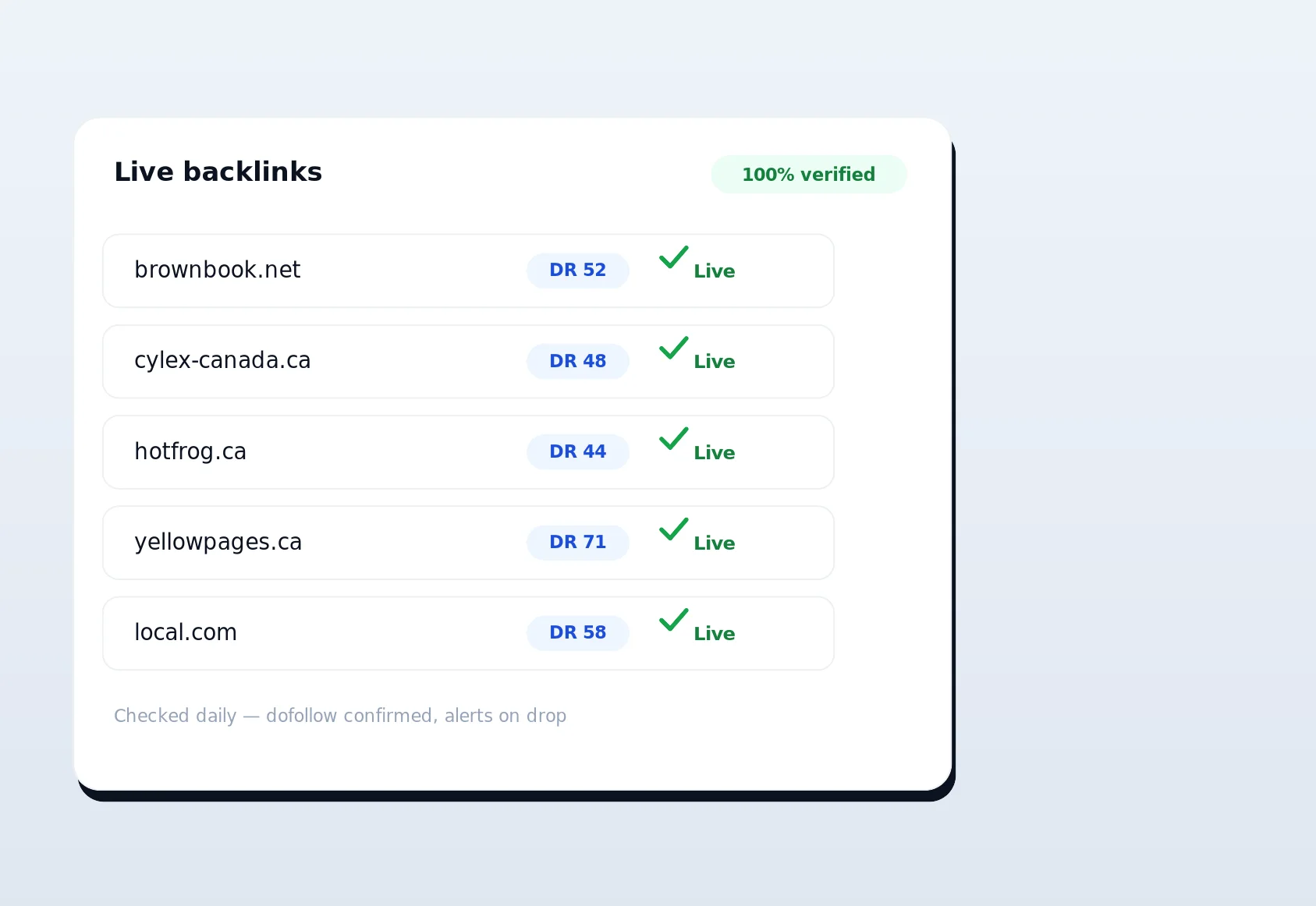
- Build authority: run automated directory backlinks through the Chrome extension, again free of proxy cost, then confirm placements with live link verification.
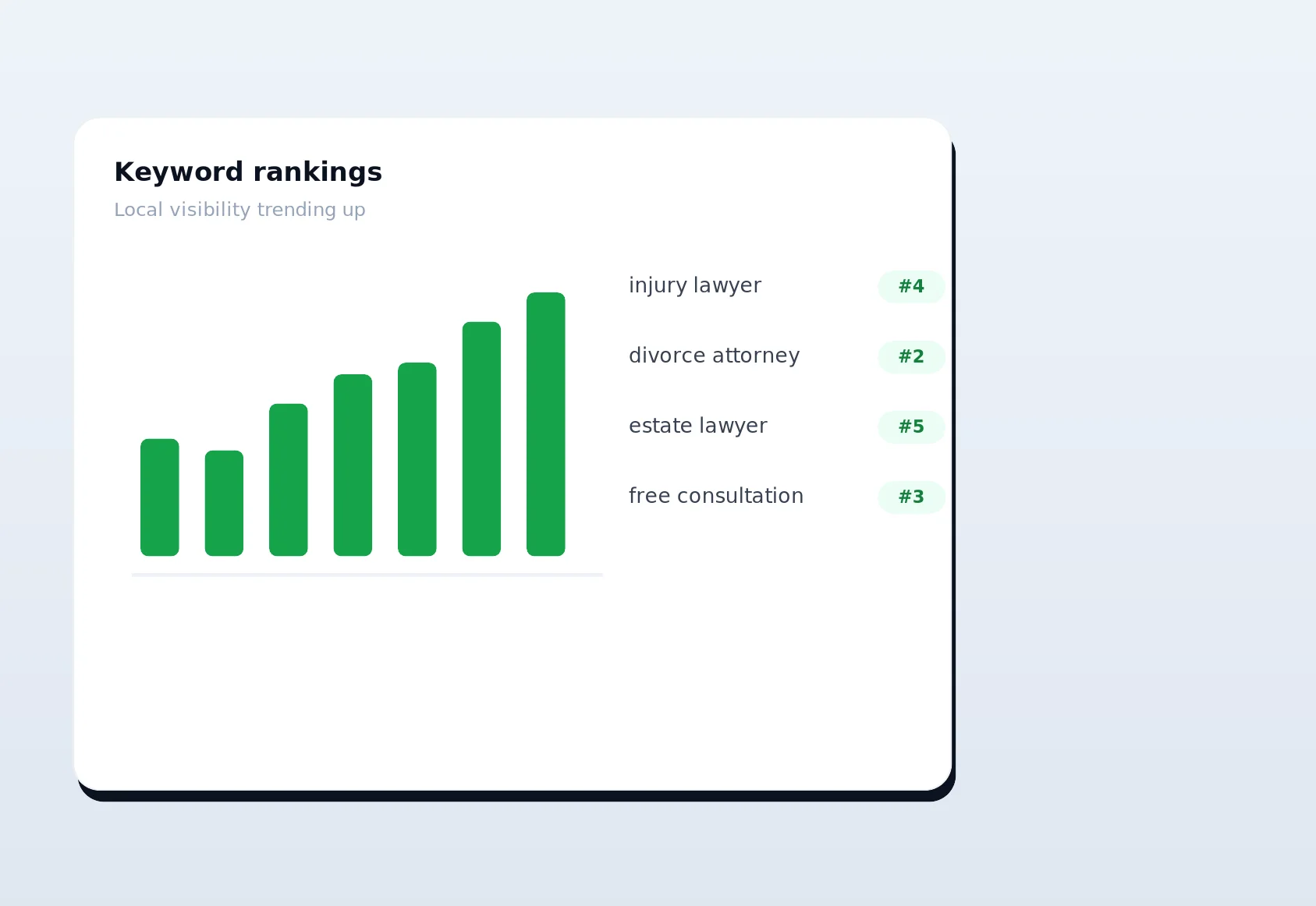
- Measure: track positions with rank tracking on a scheduled daily budget, so monitoring never becomes a runaway cost.
At every metered step, the same guardrails apply: estimate first, enforce in real time, log everything. You get the full pipeline without ever losing sight of what it costs.
Getting started with API cost controls
There is nothing to install and nothing to bolt on. Cost controls are built into every LinkSpear account from day one. Open Settings, set a monthly ceiling that matches your budget, add daily or per-workflow caps if you want finer control, and enable threshold alerts. From that moment, every enrichment, scrape, and index run is priced, checked, and logged automatically. Agencies can then push caps down to each client and start attributing infrastructure spend with real numbers instead of estimates.
The best way to feel the difference is to run a real job and watch the meter work: launch a scraping batch, see the pre-flight estimate, set a cap below it, and watch the platform pace and pause exactly as promised. New users get a 14-day free trial on the Starter plan, no credit card required, with cost controls fully active so you can prove out the guardrails on your own data before you ever pay. Start your trial today, set your first budget in under a minute, and turn unpredictable infrastructure spend into a number you finally control.