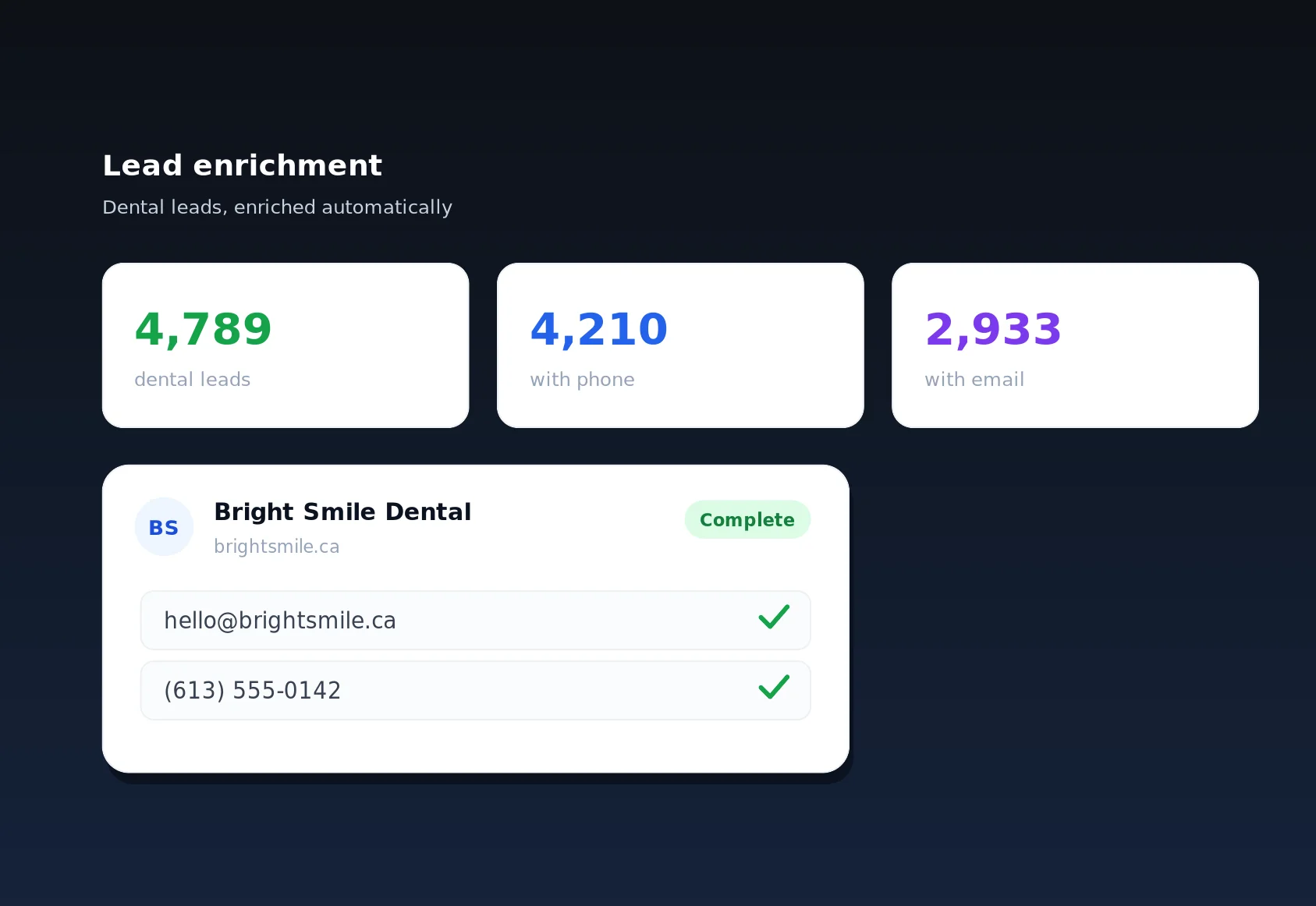
The CSV lead export feature in LinkSpear is the bridge between the data you have gathered inside the platform and every other tool your team already runs on. In a few clicks it takes your deduplicated master catalogue of local businesses — complete contact cards with business name, phone, email, website, street address, city, province or state, country and category — and hands you a clean, standards-compliant spreadsheet file. No copy-paste, no manual cleanup, no reformatting. Whether you are loading a dialer, seeding a cold-email sequence, or handing a territory to a new sales rep, a reliable CSV lead export is the difference between selling today and wrangling data all afternoon.
This page explains exactly what the feature does, how it works step by step, the concrete outcomes you can expect, who benefits most, and how it slots into the wider LinkSpear workflow — from scraping and lead enrichment through to call queuing and directory backlink building.
What is CSV lead export?
CSV lead export is a built-in capability that lets you download any lead segment from LinkSpear's Local Business Directory as a comma-separated values file. CSV is the universal exchange format for tabular data: every CRM, email platform, power dialer, Google Sheet and Excel workbook on the planet can read it. Because LinkSpear already stores each business as a structured contact card, the export is not a messy dump — it is a tidy, column-aligned table where every row is one business and every field lands in the right place.
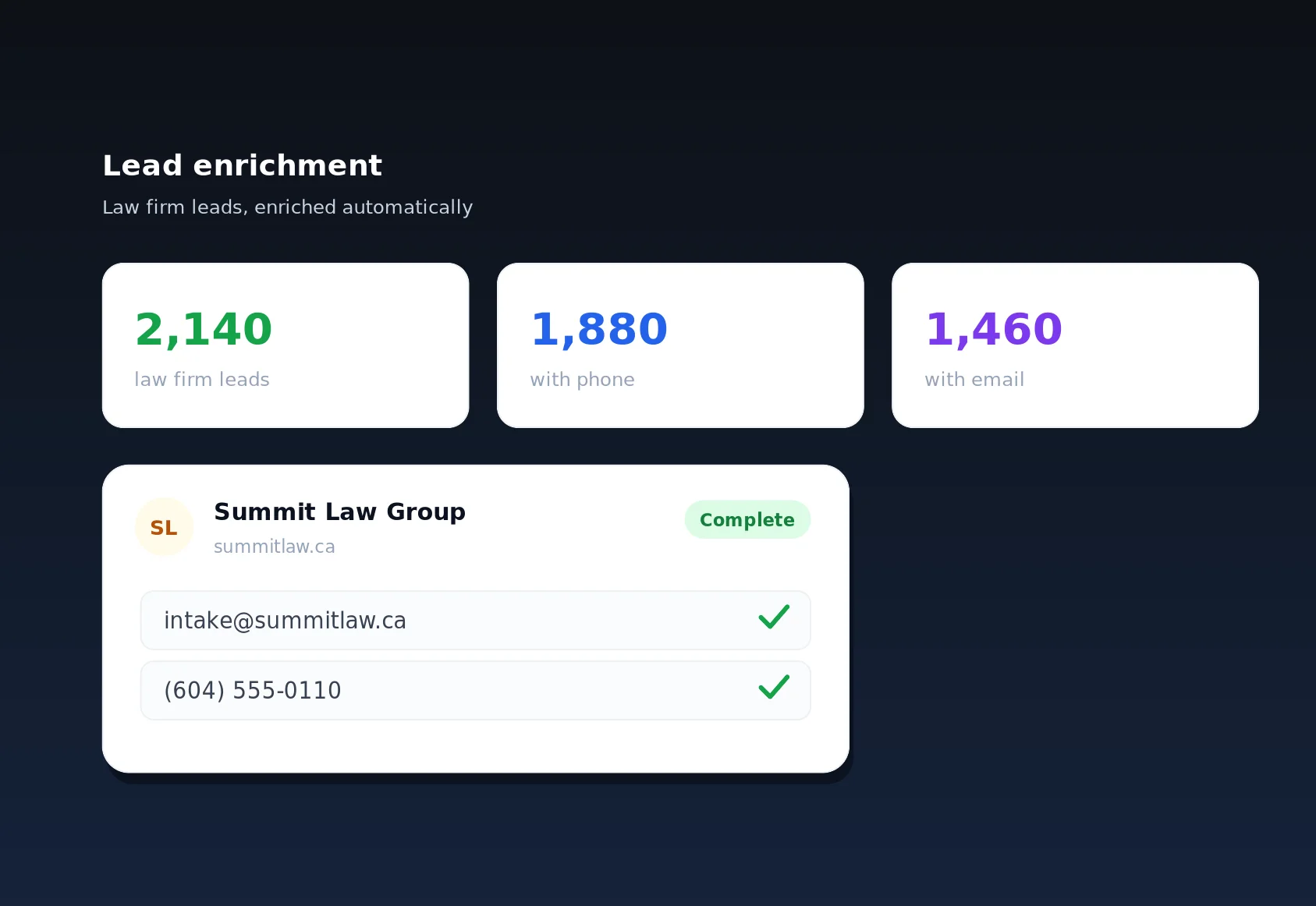
Crucially, the leads you export are not raw scrapes. They have already passed through LinkSpear's deduplication and, where you have enabled it, lead enrichment — which visits each business's own website through rotating anonymous proxies to fill in missing emails and phone numbers without ever exposing your IP. The result is that a LinkSpear CSV lead export gives you contactable records, not a list of names you still have to research one by one.
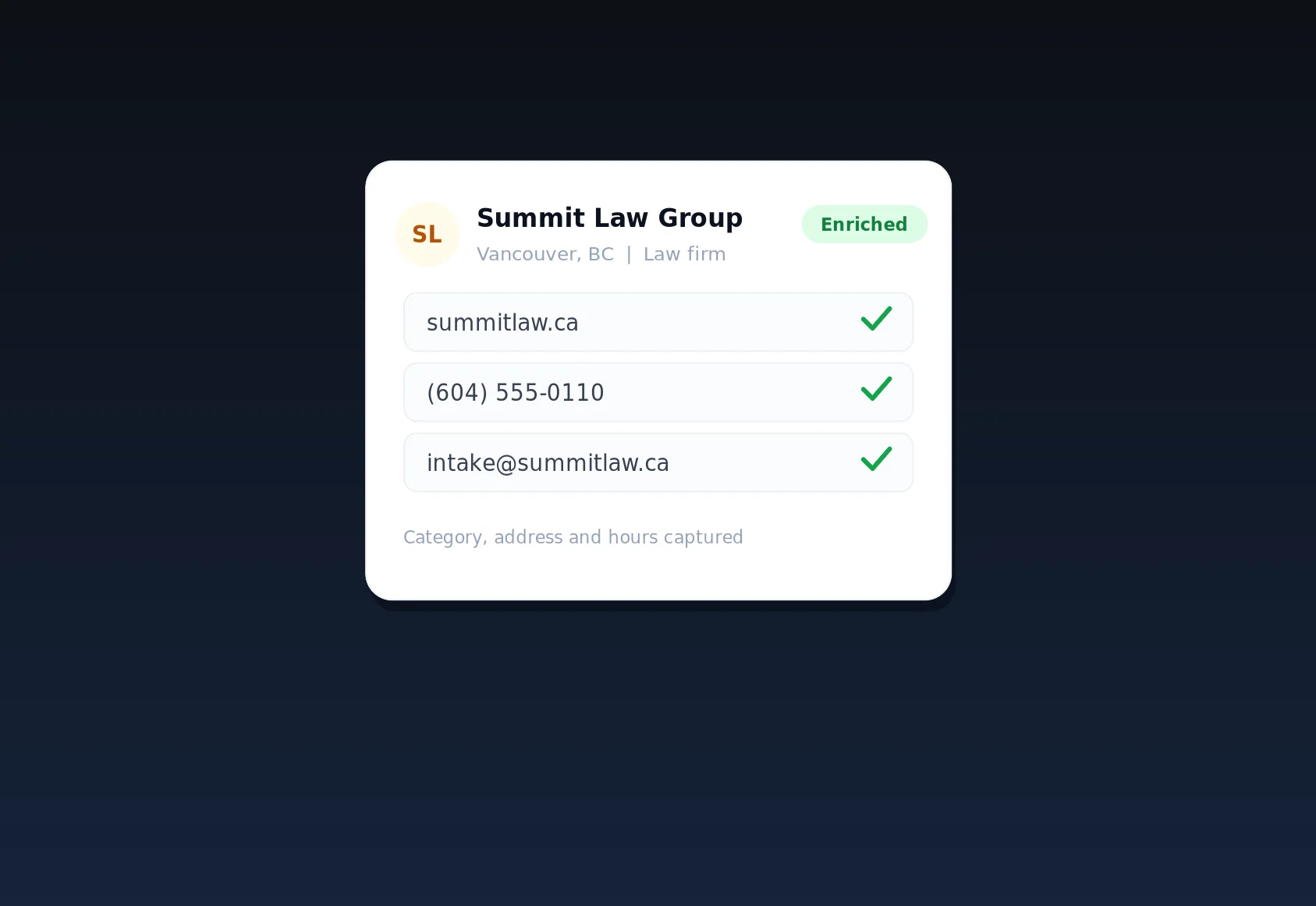
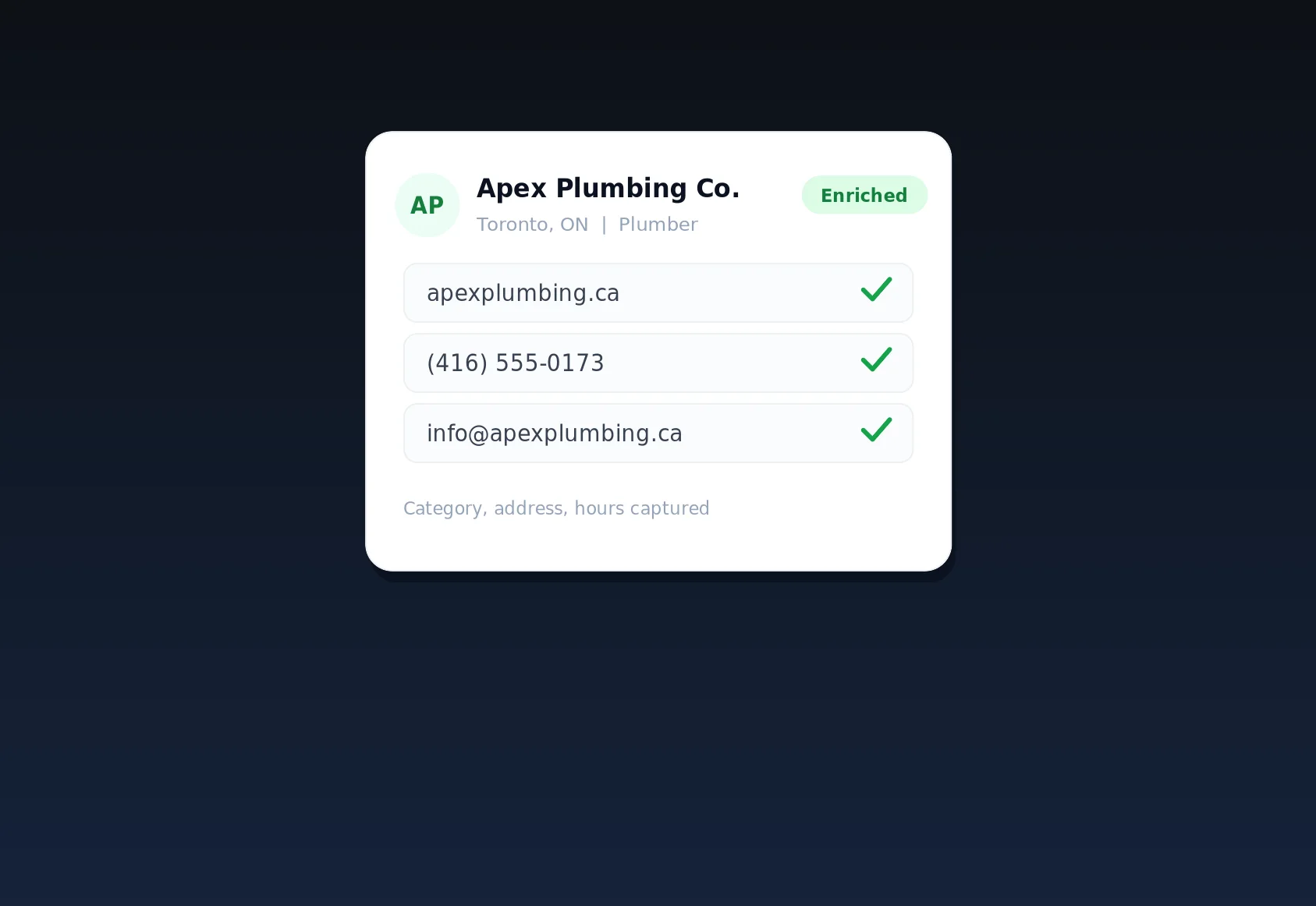
What lands in every file
- Business name — the canonical, de-duplicated name, not three near-duplicate variants.
- Phone and email — including values recovered by enrichment where the public listing was blank.
- Website — the verified primary domain for the business.
- Full postal address — street, city, province or state, and country as separate columns.
- Category — so you can filter plumbers from dentists from law firms downstream.
How CSV lead export works, step by step
The whole point is speed, so the flow is deliberately short. Most users go from "I need a list" to "the file is downloading" in under a minute.
Step 1: Build or open a lead segment
Start by narrowing the master catalogue to the businesses you actually want. Filter by category (say, plumbers), by city or province, by whether an email or phone is present, or by enrichment status. You can also start from a saved segment you use every week — for example "HVAC companies in Ontario with an email but no website."
Step 2: Enrich first (optional but recommended)
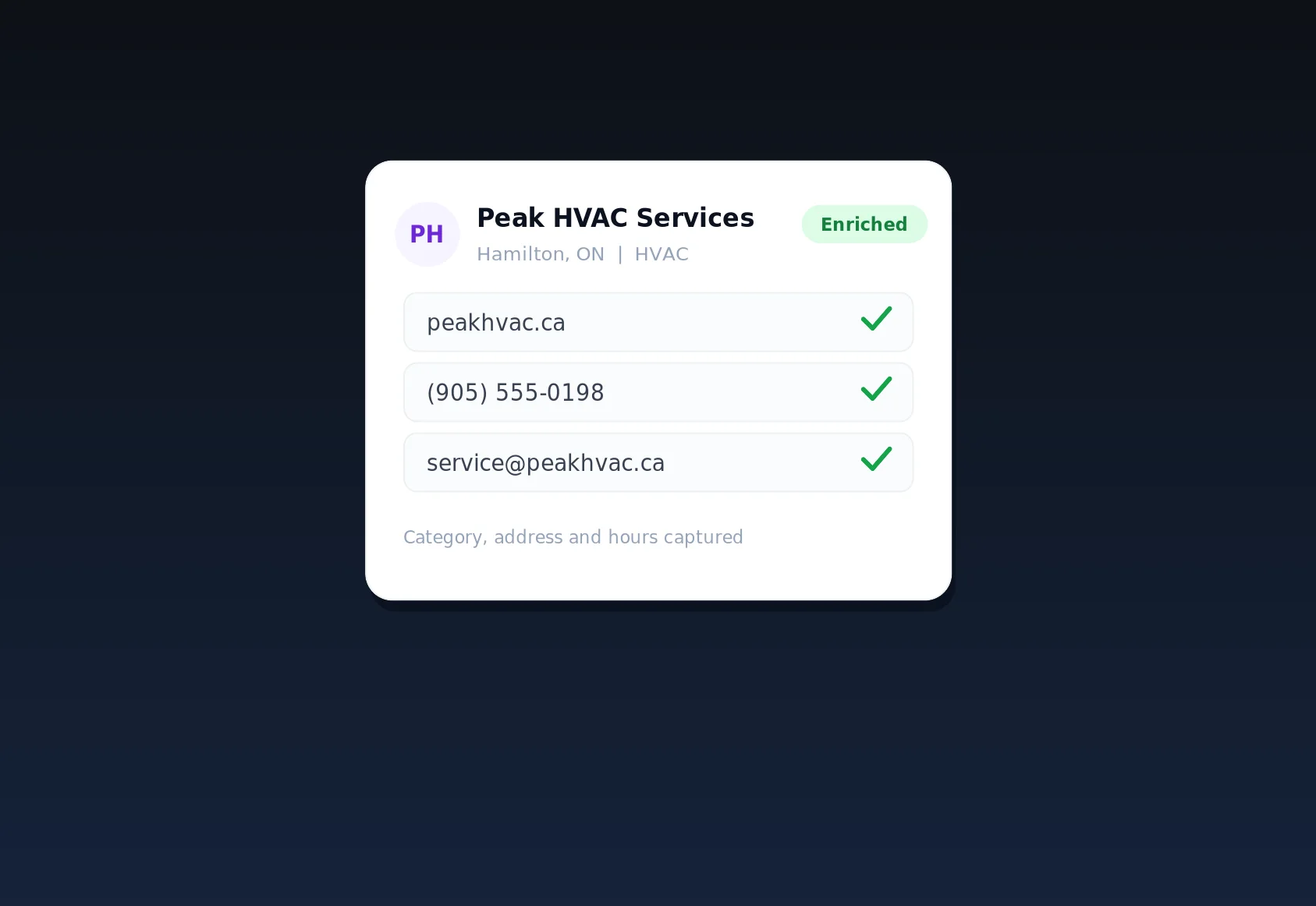
If some rows are missing contact details, run lead enrichment before exporting. LinkSpear quietly visits each business's own site through rotating anonymous proxies and pulls back the email and phone, so the CSV you download is as complete as possible. Skipping this step is fine when you just need names and addresses fast, but enrichment is what turns a list into a callable pipeline.
Step 3: Choose your columns
Select which fields to include. Loading a power dialer? Export just business name and phone. Feeding a cold-email tool? Include email and website. Handing a printed territory to a field rep? Include the full address block. You control the shape of the file so it drops straight into the destination tool without post-processing.
Step 4: Export to CSV
Click export. LinkSpear generates a UTF-8 encoded, properly quoted CSV — commas inside addresses are escaped, accented business names survive intact, and the header row is named so your CRM can auto-map fields on import. For large segments the file streams so you are not left staring at a spinner.
Step 5: Import anywhere
Open the file in Excel or Google Sheets, or import it directly into your CRM, dialer or email platform. Because the columns are clean and consistently named, most tools map them automatically. Your leads are now working for you outside LinkSpear — while the master catalogue inside LinkSpear stays the untouched source of truth.
The concrete benefits and outcomes
A good CSV lead export is not just a convenience — it removes a specific, expensive bottleneck. Here is what changes when you stop hand-building lists.
- Minutes, not hours. A territory of 2,000 enriched businesses that would take a VA a full day to compile becomes a single file you download before your coffee cools.
- No dirty data. Because the catalogue is deduplicated upstream, you are not paying a dialer or email tool to hammer the same business three times under slightly different names.
- Higher contact rates. Enriched emails and phones mean more rows are actually reachable, so your reps spend time talking instead of researching.
- Tool freedom. CSV works everywhere. You are never locked into LinkSpear for the outreach step — use whatever dialer, CRM or sequencer your team already loves.
- Repeatability. Saved segments mean next month's list is one click, not a fresh research project.
CSV export vs. the manual way
Teams that have not automated this step usually cobble leads together from web searches, screenshots and half-finished spreadsheets. The table below shows why that approach quietly drains hours and money.
| Task | Manual list building | LinkSpear CSV lead export |
|---|---|---|
| Time to a 1,000-row list | Half a day or more of copy-paste | Under a minute |
| Duplicate businesses | Common; hard to catch by eye | Removed upstream by deduplication |
| Missing emails and phones | Researched one by one | Auto-filled by proxy-based enrichment |
| Column formatting | Inconsistent; breaks CRM imports | Clean, named, UTF-8, CRM-ready |
| Your IP exposure | You browse targets directly | Enrichment runs through anonymous proxies |
| Repeat next month | Start from scratch | Re-export a saved segment in one click |
Who CSV lead export is for
Any team that lives partly outside LinkSpear benefits, but a few groups feel the difference immediately.
Marketing agencies
Agencies juggle many clients and many tools. With agency sub-accounts, you can build a segment per client and export a tailored CSV for each — a plumber's list here, a dentist's list there — then load them into whatever outreach stack that client uses. It is the fastest way to prove pipeline value in a kickoff call.
Inside and outside sales teams
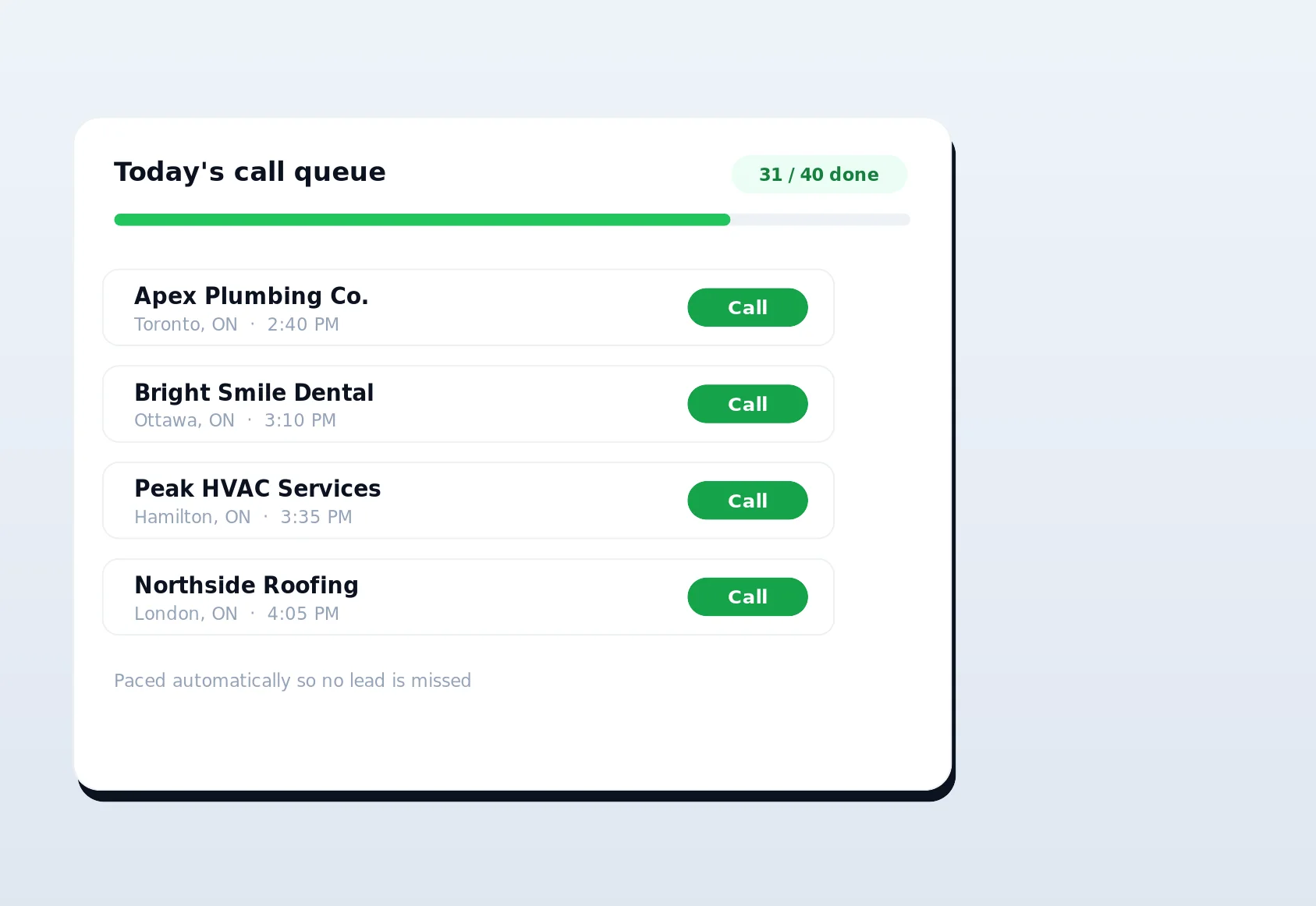
Sales managers use exports to hand clean territories to reps and to feed power dialers. When you want structured, one-at-a-time calling with fairness and cooldowns instead, keep the leads inside LinkSpear and use call queuing — but the CSV is there whenever an external dialer is the requirement.
Local service businesses
Trades and local pros — for example plumbers, electricians and HVAC companies — use exports to build referral and partner lists, or to prospect complementary businesses in their service area without hiring a data team. A roofer can export every general contractor in the county to pitch a referral arrangement; a commercial cleaner can pull every property manager in the city into one file for a direct-mail campaign. The catalogue already knows who is out there, so the export simply hands you the reachable subset that matters for whatever play you are running this week.
Data resellers and lead-gen operators
Operators who sell leads for a living need volume, cleanliness and repeatability, and the export delivers all three. Build a segment once, and every future pull is a click — no re-scraping, no re-cleaning. Because deduplication and enrichment happen upstream, the product you deliver to your buyers is consistent from batch to batch, which is exactly what turns a one-off sale into a recurring account.
Where CSV export fits in the LinkSpear workflow
Export is one link in a chain, and it is most powerful when you understand what comes before and after it.
- Scrape. LinkSpear pulls raw local businesses from OpenStreetMap and YellowPages into the catalogue.
- Deduplicate. Near-identical records collapse into one canonical contact card.
- Enrich. Lead enrichment fills missing emails and phones through anonymous proxies.
- Segment. You filter to the exact businesses worth contacting.
- Export. CSV lead export hands that segment to any external tool — or you keep it inside LinkSpear for call queuing.
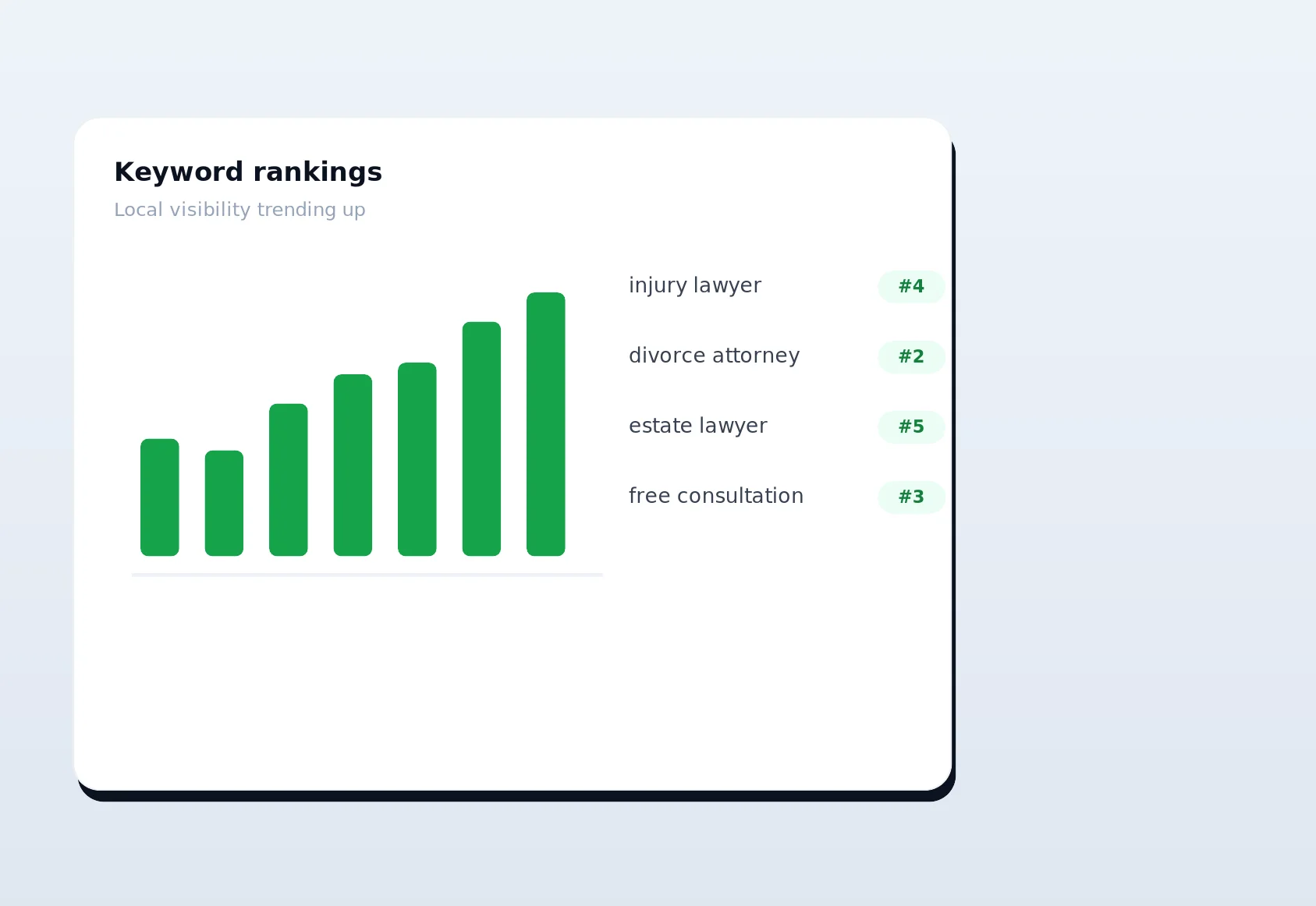
- Grow visibility. Meanwhile, LinkSpear's automated directory backlink building and rank tracking keep your own site climbing.
Because the catalogue is the single source of truth, exporting never damages your data. You can pull the same segment as many times as you like, refine it, re-enrich it and export again — the master records stay intact.
Data quality you can trust in the file
An export is only as good as the records behind it, and this is where LinkSpear's CSV lead export earns its keep. Deduplication means one business equals one row. Enrichment means blank fields get filled from the business's own website rather than a stale third-party database. And because enrichment traffic is routed through rotating anonymous proxies, you gather all of this without leaking your own IP or leaving a footprint on the sites you touch. The CSV you open in Excel is therefore closer to a verified contact sheet than a raw scrape.
Consider the alternative that most teams live with: leads assembled from a dozen browser tabs, pasted into a spreadsheet where one business appears twice under slightly different spellings, half the phone numbers are missing, and the address is jammed into a single cell that breaks the moment your CRM tries to parse it. Every one of those problems costs money downstream — wasted dialer minutes, bounced emails, reps chasing dead records. LinkSpear's export removes them before the file ever leaves the platform, which is why the CSV you open is something you can act on rather than something you first have to repair.
Encoding and formatting done right
- UTF-8 throughout, so accented and non-Latin business names never turn into garbled characters.
- Proper quoting, so a comma inside a street address never shifts your columns.
- Named header row, so CRMs and email tools auto-map fields on import.
- Consistent one-field-per-column layout, so downstream automations stay reliable.
Best practices for exporting leads that convert
A few habits turn a decent export into a genuinely high-converting one.
- Enrich before you export so more rows are actually reachable.
- Filter by presence of an email or phone when you need a callable-today list, so reps are not scrolling past dead rows.
- Export only the columns the destination needs — a leaner file imports cleaner and faster.
- Save your segment so next month's list is a single click.
- Keep the master catalogue as your source of truth and treat each CSV as a disposable working copy.
- Date and label your files by segment and city so your team always knows which territory a spreadsheet represents.
- Re-enrich before re-exporting a segment you first pulled weeks ago, since businesses change phone numbers, launch new sites and update emails over time.
Used together, these habits mean the list your reps work is dense with reachable, current, non-duplicate businesses. That density is what lifts connect rates and, ultimately, booked meetings — the export itself is fast, but disciplined filtering and enrichment are what make it convert.
Loading a CRM, dialer or email tool without the headache
The reason CSV endures as the lingua franca of sales data is that it imposes no assumptions about your stack. Wherever your outreach happens, a LinkSpear CSV lead export drops in cleanly, and a little forethought at export time removes almost all of the usual import friction.
CRMs (HubSpot, Salesforce, Pipedrive, Zoho and the rest)
Most CRMs walk you through a field-mapping wizard on import. Because LinkSpear names its header row in plain language — business_name, phone, email, website, street, city, province, country, category — the mapping is usually one-click auto-detect. Import the address block as separate columns so your CRM can build territories, filter by city, and trigger location-based automations rather than parsing a single mashed-together address string.
Power dialers
Dialers care about two things: a clean phone column and no duplicates. LinkSpear delivers both. Export just business name and phone for the leanest possible file, filter to rows that actually have a phone number, and your reps start dialing real, deduplicated businesses the moment the import finishes — no wasted attempts on empty or repeated rows.
Cold-email and sequencing tools
For email sequencers, include the email and website columns and, if your tool personalizes on it, the business name and city. Because enrichment sourced those emails from each business's own website rather than a stale purchased list, your bounce rate and spam-complaint risk drop, which protects the sending-domain reputation you rely on for every campaign after this one.
Security, privacy and keeping your footprint clean
Gathering local business data at scale usually means visiting a lot of websites, and doing that from your own connection leaves a trail — one that can get your IP rate-limited or blocked. LinkSpear sidesteps this entirely. All the lead enrichment that fills your export runs through rotating anonymous proxies, so the businesses you research never see your IP and you never build a footprint. By the time you click export, the hard part is already done invisibly.
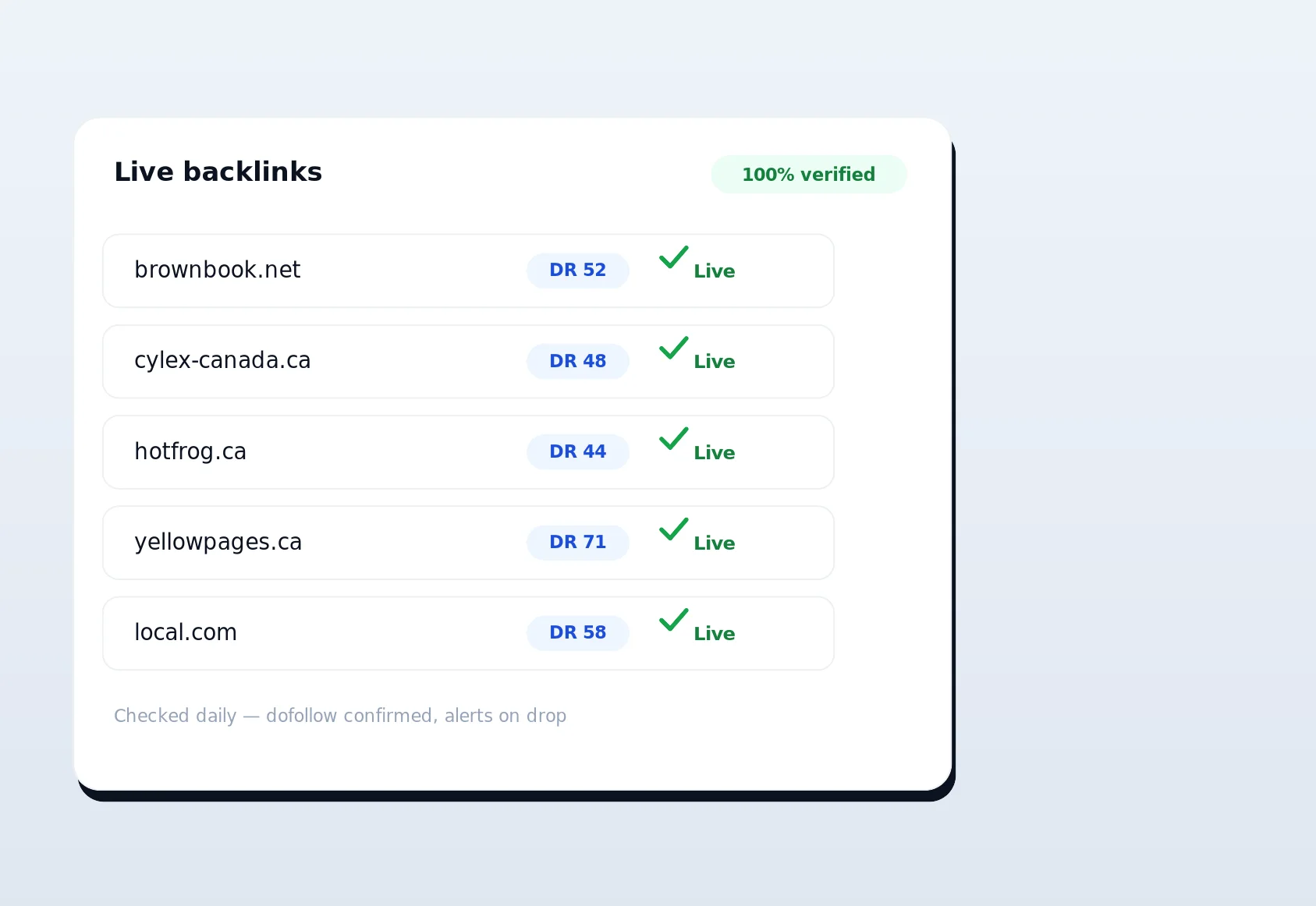
On the outbound side, the same discipline carries into LinkSpear's automated directory backlink building, which submits citations using your own real browser and real IP so those signals look authentically yours. The platform is deliberate about which activities should be anonymous (research) and which should look genuinely first-party (your own citations). Your CSV benefits from the former: it is built on data collected cleanly, without exposure, and without leaving a mess behind you on the wider web.
Frequently overlooked details
Two things surprise people in a good way. First, because leads never leave the catalogue when you export, you can safely share CSVs with contractors or clients without risking your core dataset — exporting is a read, not a move. Second, exports pair naturally with LinkSpear's other outbound tools: pull a CSV for your external dialer today, and still run the same businesses through in-platform call queuing tomorrow with cross-tenant fairness, cooldowns and daily caps. The data works twice.
Start exporting leads today
If your reps are still stitching lead lists together by hand, you are paying salary hours for work that a clean CSV lead export does in seconds — and getting dirtier data for the trouble. LinkSpear turns a deduplicated, proxy-enriched catalogue of local businesses into a spreadsheet your dialer, CRM and email tool can use immediately, then keeps that catalogue pristine for the next export. New users get a 14-day free trial on the Starter plan, so you can build a segment, run enrichment and download your first real list before you decide anything. Start your free trial today, export a territory, and let your team spend the afternoon selling instead of formatting spreadsheets.