If you can't see where you rank, you're guessing. Keyword rank tracking turns that guesswork into a measurable line on a graph: for every keyword that matters to your business, you know exactly which position you hold in Google today, where you sat last week, and whether the work you're doing is actually moving the needle. LinkSpear's rank tracker was built for the people who live and die by local search results, small businesses fighting for the map pack and the agencies managing dozens of them at once, so the numbers you see are the numbers your customers see.
This page walks through what the tool does, how it collects rankings without tripping over Google's personalization, the concrete outcomes it drives, and how it plugs into the wider LinkSpear workflow, from lead scraping to directory backlink building. Whether you own a single storefront or run a portfolio of client sites, the goal is the same: stop reporting effort and start reporting results.
What keyword rank tracking actually measures
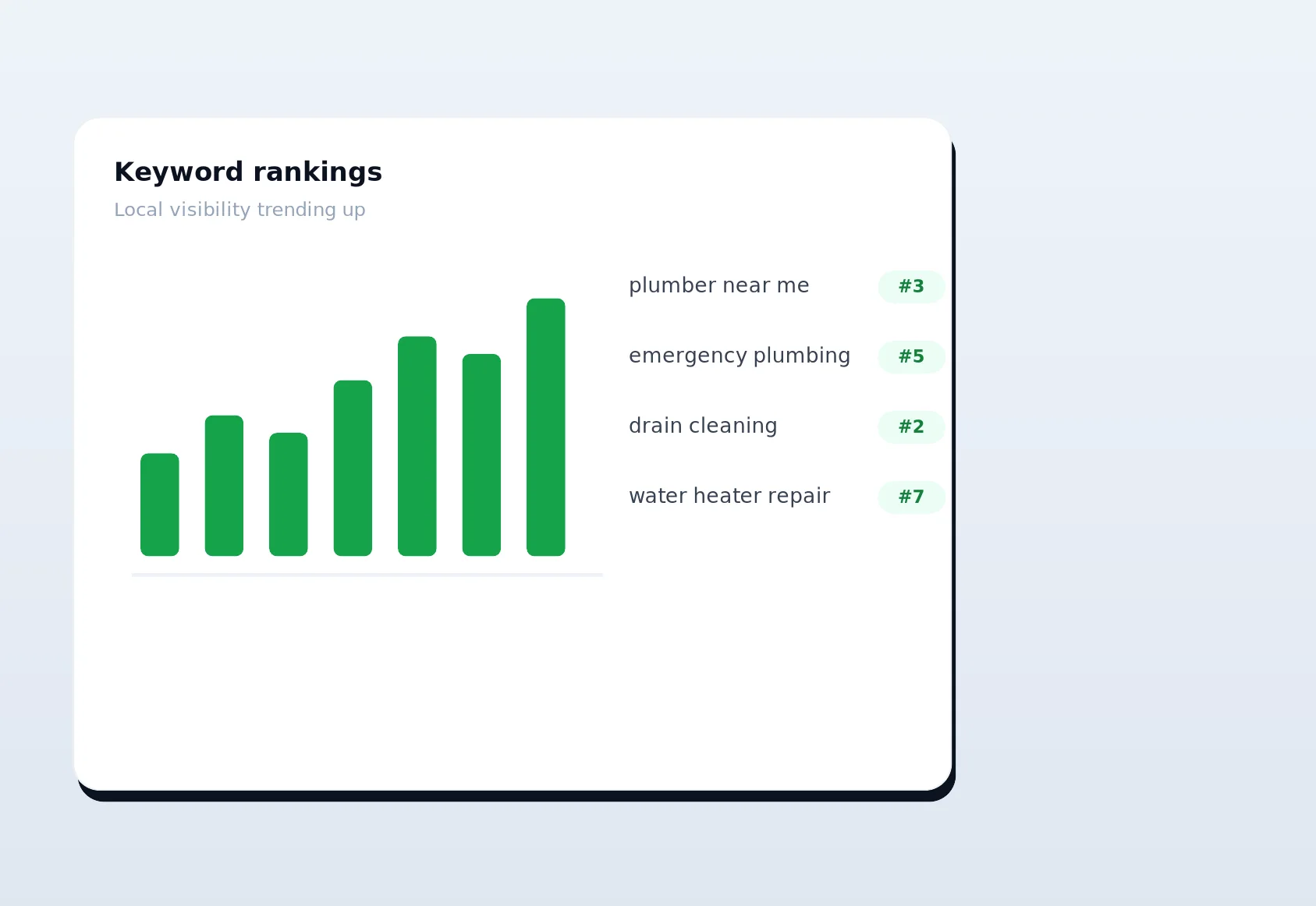
At its simplest, keyword rank tracking answers one question on a schedule: "When someone searches this phrase, where do I appear?" LinkSpear checks each of your target keywords against live search results and records your organic position, whether you're inside the local pack, and how that has changed over time. Because rankings shift daily, a one-off manual check tells you almost nothing. Automated, dated snapshots tell you the story.
But raw position is only half the picture. A number one ranking for a phrase nobody searches is worthless, while position four for a high-intent local term can fill your calendar. There is also a difference between where you rank and where you appear, a page can rank organically while a competitor owns the map pack sitting above it, and a searcher on a phone sees something different from a searcher at a desk. Real rank tracking captures all of these dimensions instead of flattening them into a single misleading number. That's why every tracked keyword in LinkSpear carries context alongside its position:
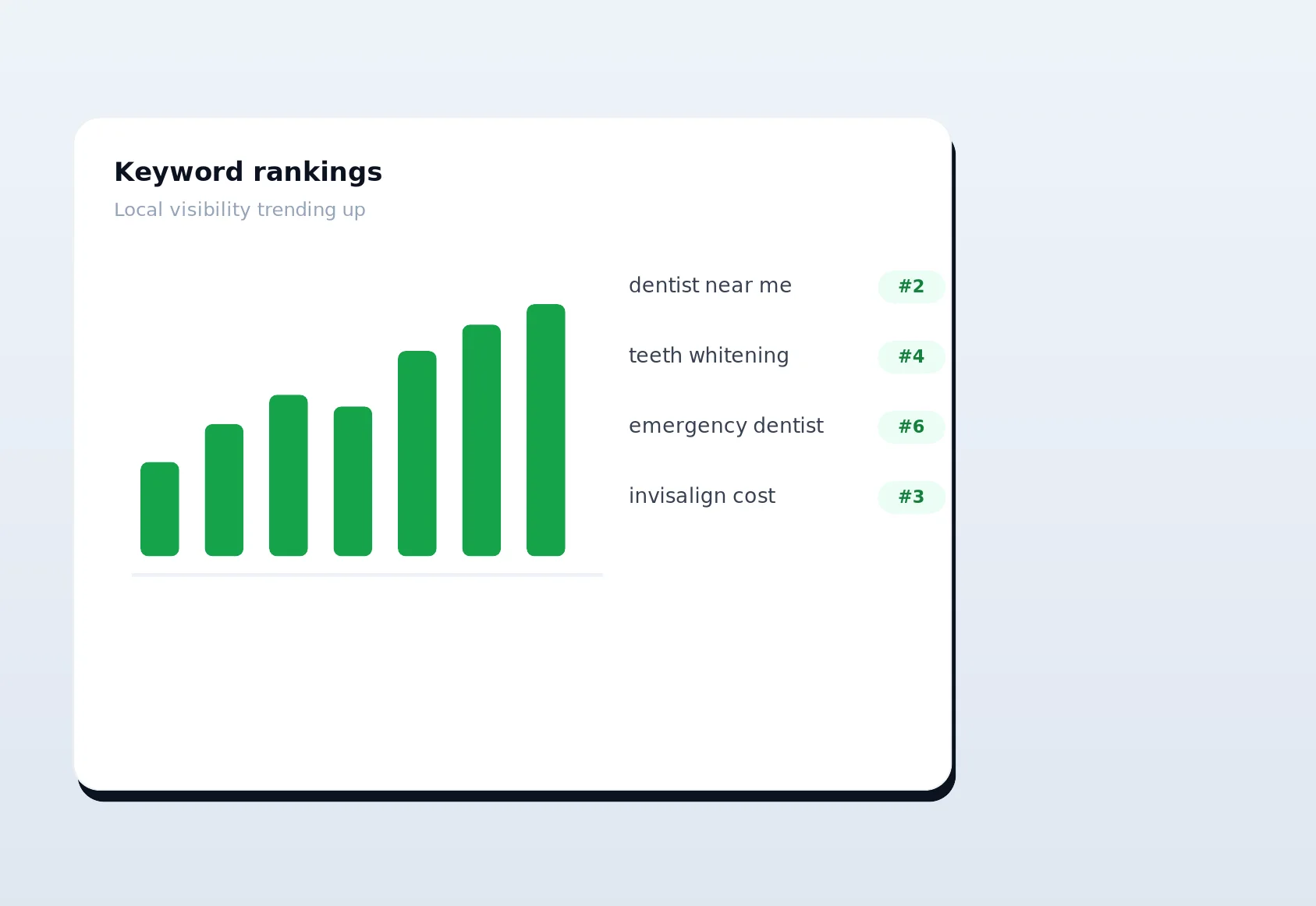
- Current rank and rank history — today's position plus a trend line so you can see momentum, not just a single frozen number.
- Local pack presence — whether you appear in the map-based results that dominate "near me" and city-based searches.
- Search volume and difficulty signals — pulled from LinkSpear's keyword research so you can prioritize the terms worth chasing.
- Location and device context — rankings recorded for the city and device type your real customers use, not a generic national average.
- Best, worst, and average position — so a single volatile day doesn't mislead your reporting.
How LinkSpear collects rankings without leaking your identity
The hardest part of accurate rank tracking is that Google personalizes results. Your own logged-in searches, your browsing history, and your IP location all bias what you see, which is exactly why the position you spot from your office chair is almost never the position a fresh customer gets. LinkSpear removes that bias the same way it protects the rest of the platform: by querying search results through rotating anonymous proxies.
Every ranking check runs from a clean, location-appropriate proxy IP with no personalization baggage attached. That means the position we log is the neutral, customer's-eye result, and your own IP never appears in the request. It's the same privacy-first plumbing that powers lead enrichment, where the platform visits business websites through anonymous proxies so your address never shows up in anyone's analytics.
Under the hood, the tracker also respects search engines. Checks are queued, rate-limited, and spread out rather than fired in aggressive bursts, so you get dependable data without hammering anything. You set the cadence, daily for the keywords you're actively working, weekly for the long tail, and LinkSpear handles the scheduling.
Location precision matters here too. When you tell LinkSpear to track "emergency electrician" in a specific city, the check is anchored to that place, so the results reflect what a searcher standing in that neighbourhood would actually get. National, unlocated rank checks are close to useless for a local business, because Google weighs proximity so heavily. By pinning every check to a real target location and running it from a clean proxy, LinkSpear gives you the one number that counts: your position in the market you actually serve.
How it works, step by step
Getting from "I have no idea where I rank" to a living rankings dashboard takes minutes, not days. The workflow is deliberately linear so anyone on your team can run it.
Step 1 — Add your keywords
Type or paste the phrases you want to track, or import them straight from LinkSpear's keyword research tool. Most local businesses start with a focused list: a handful of core service terms, their "near me" variants, and the city-plus-service combinations that drive real calls. There's no need to track a thousand vanity phrases, precision beats volume.
Step 2 — Set your target location and device
Rankings are local, so you tell LinkSpear where your customers are, a city, a metro area, a specific service region, and whether to track mobile, desktop, or both. A plumber in Austin and a plumber in Dallas are competing in completely different SERPs, and the tracker treats them that way.
Step 3 — Let the tracker run on schedule
LinkSpear checks your keywords through anonymous proxies on the cadence you choose. Each run records a dated position for every keyword and location combination, quietly building the history that turns a single number into a trend you can act on.
Step 4 — Read the dashboard
Open your rankings view to see current positions, movement since the last check, and colour-coded gains and losses at a glance. Filter by keyword group, location, or device. Drill into any keyword to see its full history and whether you're holding the local pack.
Step 5 — Act, then re-measure
Rankings tell you where to spend effort. Slipping on a money keyword? Push more directory backlinks, tighten your on-page content, or fix a schema gap, then watch the next tracking run confirm whether it worked. This closed loop, measure, act, re-measure, is where rank tracking stops being a vanity metric and starts being a growth engine.
The concrete benefits and outcomes
Effective keyword rank tracking changes how you make decisions. Instead of arguing about whether SEO is "working," you point at a graph. Here's what that looks like in practice.
- Prove ROI with dated evidence. When a client asks what they're paying for, a rankings trend that climbs from position 18 to the local pack over eight weeks answers the question instantly, no spin required.
- Catch drops before they cost you. A Google update or a competitor's push can quietly bump you off page one. Daily tracking surfaces the slide while there's still time to respond, not after the phone stops ringing.
- Prioritize the work that pays. Search volume and position together show you the near-miss keywords, the terms sitting at position four to seven where a small push flips them into visible, click-earning territory.
- Win and defend the local pack. The map pack captures the lion's share of local clicks. Tracking pack presence separately tells you exactly which terms you own and which you're leaving to rivals.
- Report without the busywork. Automated, dated snapshots mean you're never rebuilding a spreadsheet the night before a client call.
- Set realistic expectations. A visible trend line lets you show clients that local SEO is a climb, not a switch, which keeps them patient through the weeks it takes rankings to respond to new backlinks and content.
The compounding effect is what makes it valuable. One week of rankings is a snapshot; three months of rankings is a strategy document. It tells you which types of pages climb fastest, which competitors are aggressive in which neighbourhoods, and which keywords are worth doubling down on versus quietly retiring. That institutional knowledge, built automatically in the background, is something no amount of manual checking can ever produce.
Rank tracking vs. checking Google yourself
Plenty of people "track rankings" by opening an incognito tab and typing a keyword. It feels free, but it's slow, biased, and impossible to trend. The table below shows why dedicated tracking wins the moment you care about more than one keyword.
| Capability | Manual Google checks | LinkSpear rank tracking |
|---|---|---|
| Personalization-free results | No — biased by your history and IP | Yes — anonymous proxy, neutral SERP |
| Rank history and trends | None — a single moment in time | Full dated history per keyword |
| Local pack tracking | Eyeball guess | Recorded automatically |
| Multiple locations and devices | Impractical by hand | Built in and scheduled |
| Scales to hundreds of keywords | No | Yes, across many clients |
| Client-ready reporting | Manual spreadsheets | Dashboard, always current |
| Time cost per week | Hours | Minutes to review |
The manual approach doesn't just cost time, it costs accuracy. Because your logged-in searches are personalized, the position you see is often better than reality, which quietly hides problems until they're expensive. Neutral, proxy-based checks keep you honest.
Who keyword rank tracking is for
Rank tracking earns its keep for anyone whose revenue depends on being found in local search, but a few groups get outsized value.
Small businesses fighting for local visibility
If you're a plumber, electrician, HVAC company, or any service business where customers search "service + city," your ranking for a small set of high-intent terms is the difference between a full and empty schedule. Tracking those terms tells you whether your marketing spend is actually buying visibility.
Practices and clinics competing on trust
For dentists, chiropractors, med spas, and similar practices, the local pack is fiercely contested and reviews-driven. Rank tracking shows which service and neighbourhood terms you own, and where a competitor is edging you out of the three-pack that captures most of the clicks.
Marketing agencies managing many clients
Agencies feel the pain most acutely, because they multiply it by every account. Tracking rankings by hand across twenty clients is unworkable, and clients demand proof. With agency sub-accounts, each client's keywords, locations, and trends live in one place, so monthly reporting becomes a filter click rather than an all-nighter.
How rank tracking fits the wider LinkSpear workflow
Rank tracking isn't a standalone gadget bolted onto the platform, it's the scoreboard for everything else LinkSpear does. The whole point of the platform is to find local businesses, reach them, win their trust, and grow their visibility, and rankings are how you prove that last part is happening.
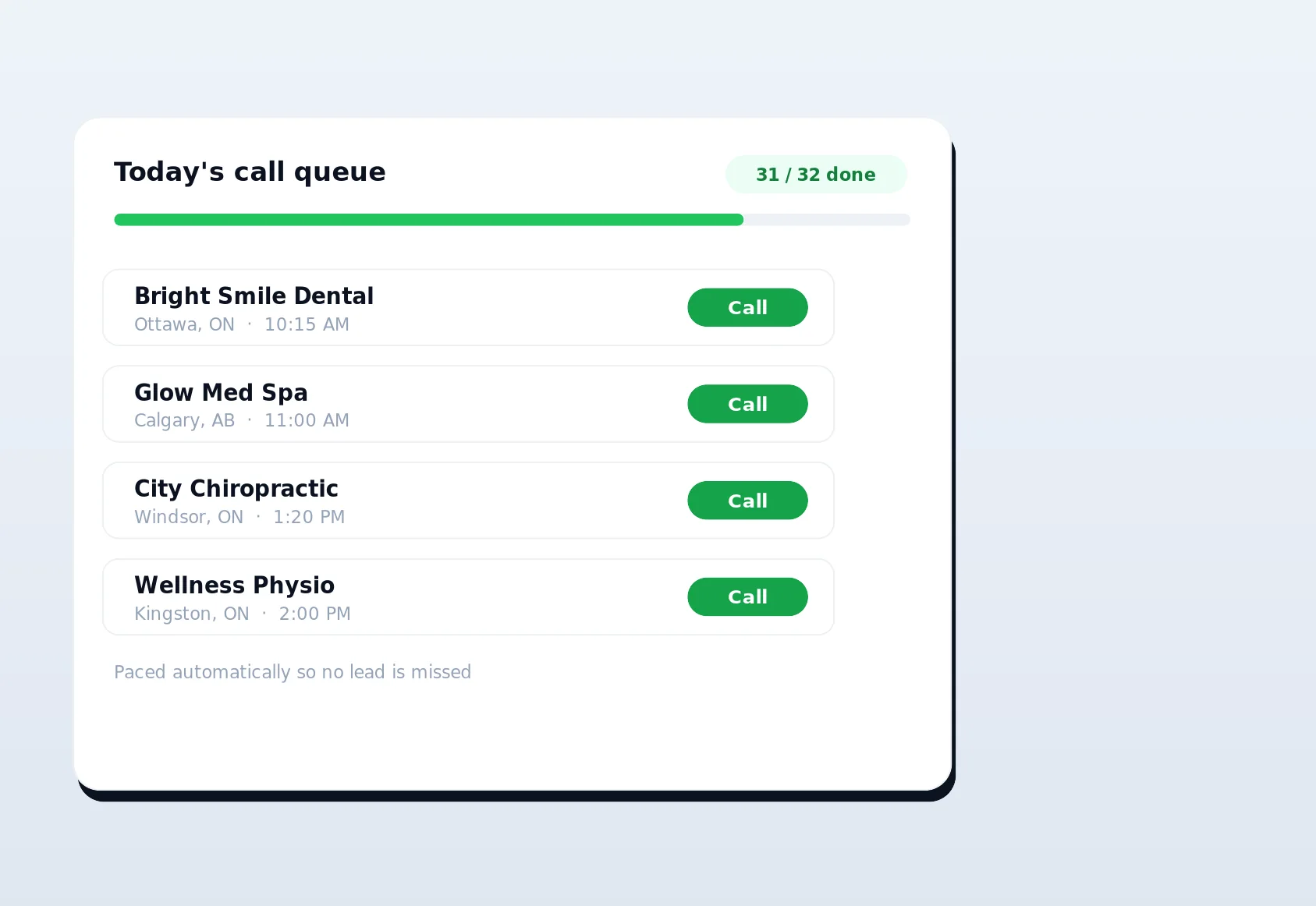
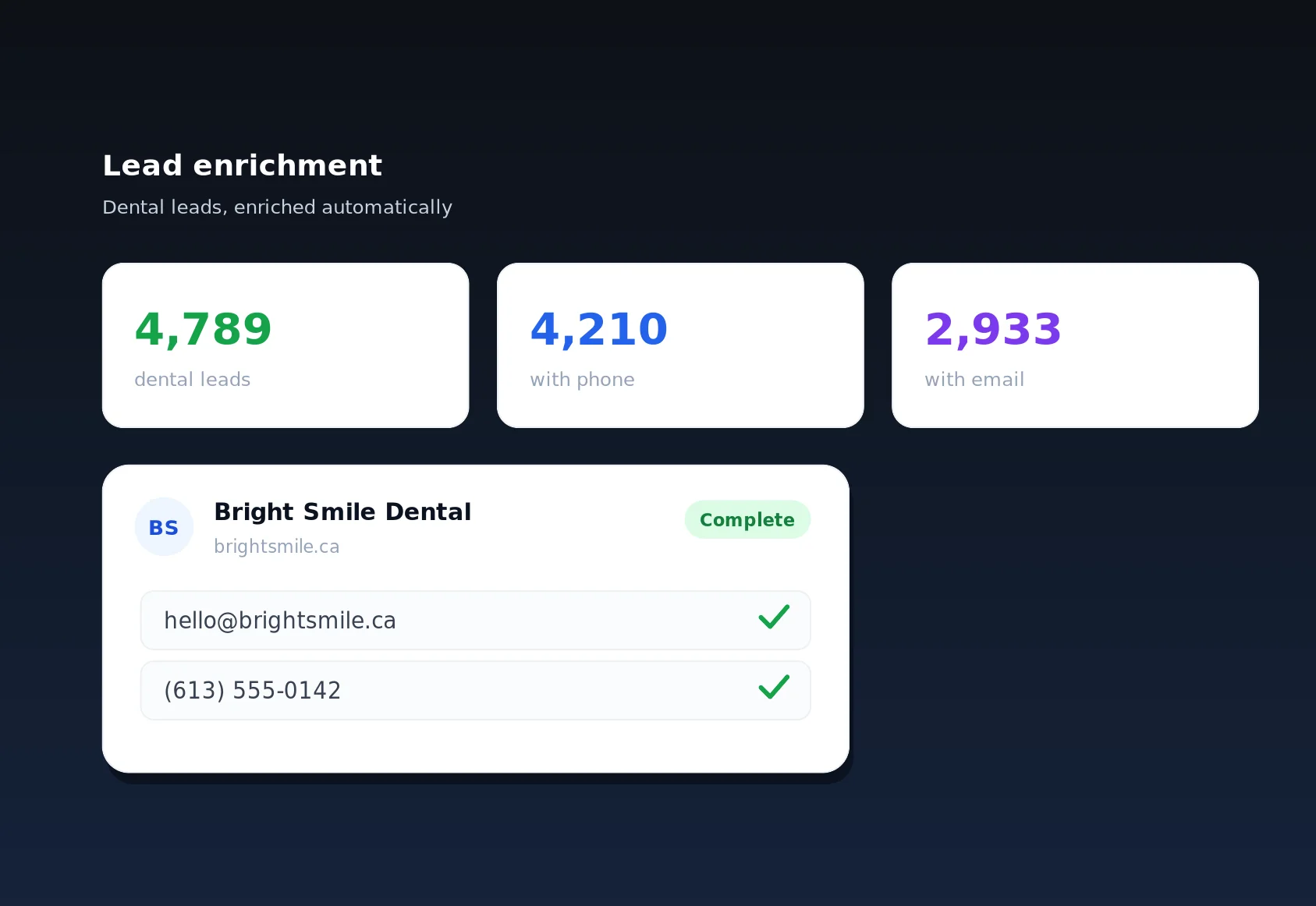
Here's the loop it closes. LinkSpear's business lead scraping pulls fresh prospects from OpenStreetMap and YellowPages into a deduplicated local business directory with full contact cards. Lead enrichment fills in the missing emails and phone numbers through anonymous proxies. Call queuing then hands those enriched businesses to your sales reps one at a time, with fairness rules and daily caps built in, so no lead is dropped or double-worked.
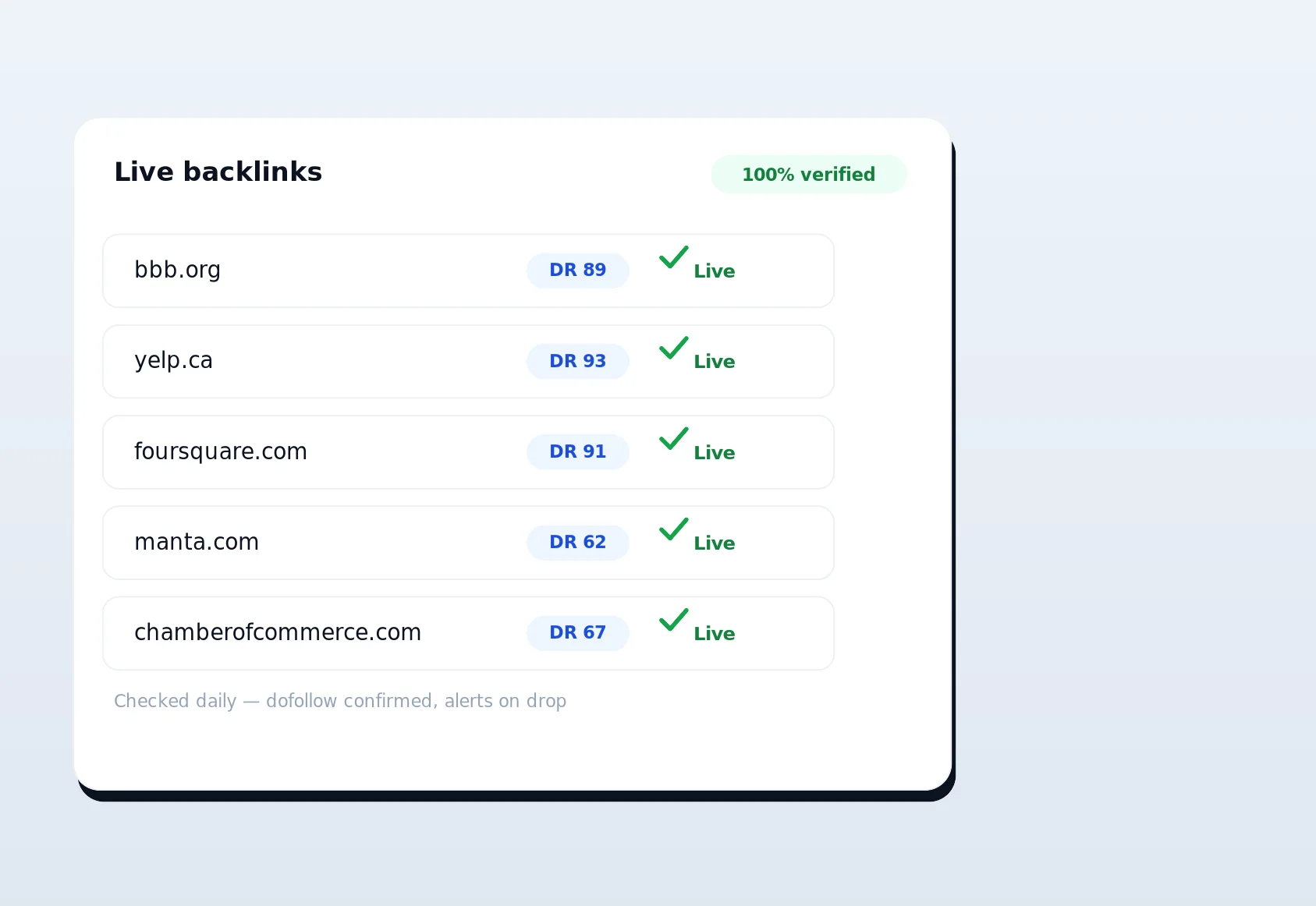
Once a business is a client, the SEO side takes over. Keyword research surfaces the terms worth chasing, the automated directory backlink builder submits citations using your real browser and real IP so there's no footprint, and instant indexing, schema audits, and anchor-text optimization tighten the on-page picture. Rank tracking sits on top of all of it, telling you, week after week, whether the backlinks, content, and citations are translating into higher positions and more local pack appearances. Without it, you're doing the work blind. With it, every action has a feedback loop.
Best practices for getting the most from rank tracking
A tracker is only as useful as the way you use it. A few habits separate teams that report rankings from teams that grow them.
- Track intent, not vanity. Prioritize "service + city" and "near me" terms that signal a ready-to-buy searcher over broad, high-volume phrases that rarely convert.
- Group keywords by service and location. Clean groups make trends obvious and reports readable, especially across multiple clients or branches.
- Watch the local pack separately from organic. They move independently, and for local businesses the pack is usually where the clicks are.
- Set alerts on your money keywords. A sudden drop on a term that drives calls deserves a same-day response, not a month-end surprise.
- Correlate rankings with your actions. Note when you push backlinks or publish content, then watch the next few tracking runs. Over time you'll learn what actually moves your market.
- Review on a fixed rhythm. Rankings reward consistency. A short weekly look to catch drops and a deeper monthly review to spot trends beats obsessively refreshing the dashboard every day, which only surfaces normal daily noise.
Finally, resist the urge to track everything. It's tempting to load in hundreds of phrases on day one, but a bloated keyword list buries the terms that actually matter under noise. Start with the ten to twenty phrases that most directly drive calls, bookings, or quotes, prove the loop works, then expand deliberately. Precision keeps your dashboard honest and your reporting sharp, and it's far easier to add keywords later than to untangle a list nobody trusts.
Start tracking your rankings free
You can't improve what you can't see, and for local businesses, keyword rank tracking is the clearest lens you have on whether your SEO is working. LinkSpear gives you neutral, proxy-based, dated rankings for the terms that fill your calendar, plus the full toolkit, lead scraping, enrichment, call queuing, and automated backlink building, to actually move them. Every new account starts with a 14-day free trial on the Starter plan, no credit card required to begin. Add your keywords, set your city, and by tomorrow you'll be watching your first real rankings roll in. See where you stand, then start climbing.