Directory and citation submissions are one of the highest-ROI activities in local SEO — and one of the most tedious. Typing the same business name, address, phone, category, and description into 200 different forms is soul-destroying work, and it is exactly the kind of repetitive task that chrome extension form auto-fill was built to eliminate. LinkSpear's browser extension reads your saved business profile and fills every field on a directory submission page in a single click, using your real Chrome browser and your real residential IP. No proxies on the submission itself, no headless automation that trips spam filters, no fingerprints that scream “bot.” Just clean, human-looking listings, built at a speed no human could match by hand.
This page explains what the extension does, how it works step by step, the concrete outcomes you can expect, who benefits most, and how form auto-fill slots into the wider LinkSpear workflow alongside lead enrichment, live-link verification, and rank tracking.
What Chrome Extension Form Auto-Fill Actually Is
The LinkSpear extension is a lightweight Chrome add-on that connects to your LinkSpear account and turns any directory, citation site, or business-listing form into a one-click submission. Instead of hosting a database of “we'll submit for you” listings on our servers — the model that gets thousands of identical listings flagged and purged — our chrome extension form auto-fill runs the submission inside your own browser session. To Yelp, Yellow Pages, BBB, industry directories, and hyper-local chambers of commerce, the request looks exactly like what it is: a real person on a real machine typing their real business details.
That distinction matters enormously. Directories have spent a decade training their spam models to catch datacenter IPs, headless browsers, and bulk-submission APIs. By keeping the actual form fill in your hands, LinkSpear sidesteps every one of those signals while still removing the manual labor that makes citation building so painful.
- One profile, every form: Save your business name, phone, email, website, street address, city, province/state, country, category, hours, and description once. The extension maps them onto whatever fields a given directory exposes.
- Real browser, real IP: Submissions carry your genuine Chrome fingerprint and network identity — no footprints, no shared submission farm.
- Smart field detection: The extension recognizes fields by label, name, placeholder, and surrounding context, so it works on forms it has never seen before.
- Human-in-the-loop: You review the filled form and click submit. Nothing goes out without your eyes on it, which keeps quality high and CAPTCHAs manageable.
How It Works: Directory Submissions in Six Steps
The workflow is deliberately simple. LinkSpear does the heavy lifting; you stay in control of the final click.
1. Install the extension and sign in
Add the LinkSpear extension to Chrome and log in with your account. It syncs securely with your workspace, so any business profiles, campaigns, and target directory lists you have set up in LinkSpear are immediately available in the browser.
2. Build or import your business profile
Enter the business you're building citations for — or pull an existing record straight from your local business directory. Because LinkSpear already stores full contact cards (name, phone, email, website, full address, category), you rarely type anything twice. Agencies can store dozens of client profiles and switch between them from a dropdown.
3. Open a target directory
Navigate to a citation site's “add your business” page. LinkSpear ships with a curated, categorized catalogue of local directories, so you can work a prioritized queue rather than hunting for opportunities. National, regional, and niche-specific sites are all covered.
4. Click auto-fill
Hit the extension button. It detects every relevant field on the page and populates them from your active profile — including the fiddly ones like category dropdowns, province selectors, and description boxes. What takes three to five minutes by hand happens in under a second.
5. Review, solve any CAPTCHA, submit
You give the filled form a quick glance, clear any human-verification step the site throws up, and submit. Keeping you in the loop here is a feature, not a limitation: it is precisely why LinkSpear listings survive when bulk-tool listings get scrubbed.
6. Track and verify the live link
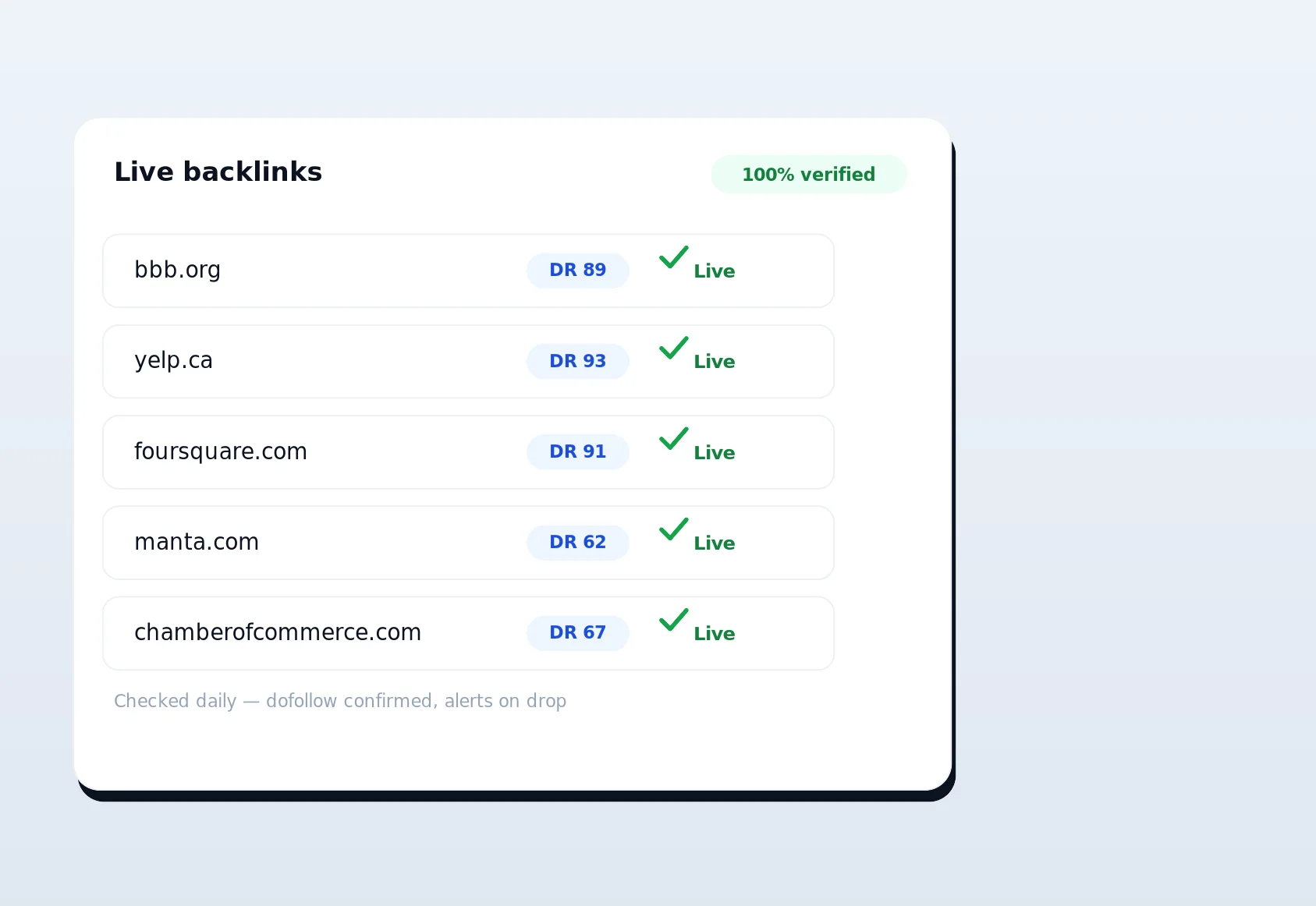
LinkSpear logs the submission against the business and campaign. Our live-link verification then periodically checks that the citation actually went live and stays live, so you can prove the work to yourself — or to a client — instead of hoping it stuck.
Why Real Browser, Real IP Beats “Automated” Submission Services
Most automated directory submission tools fall into two camps, and both have a fatal flaw. The first camp submits from their own servers using shared templates; the resulting listings are near-identical and get pattern-matched into oblivion. The second camp drives headless browsers through datacenter proxies; directories detect the automation and either reject the submission or silently shadow-ban it. LinkSpear's approach is a third path: assist the human instead of replacing them.
| Factor | Bulk submission service | Headless-bot automation | LinkSpear form auto-fill |
|---|---|---|---|
| IP / fingerprint | Shared server IP | Datacenter proxy | Your real Chrome + IP |
| Listing survival rate | Low — templated, easy to purge | Medium — detected over time | High — looks human |
| CAPTCHA handling | Often fails silently | Breaks on modern CAPTCHAs | You solve it in-flow |
| Speed vs. manual | Fast but low quality | Fast but risky | Near-instant, high quality |
| Works on unknown forms | No — fixed integrations | Fragile selectors | Yes — context-aware detection |
| Client-safe / white-label | Rarely | Rarely | Yes — agency sub-accounts |
The takeaway is straightforward: you get the speed of automation with the durability and trust signals of hand-built citations. That combination is what makes LinkSpear's chrome extension form auto-fill worth the switch for anyone who takes local ranking seriously.
The Concrete Benefits and Outcomes
Automating the form fill is not about vanity metrics — it is about the downstream results that actually move rankings and revenue.
- 10x faster citation building: A submission that took five minutes now takes seconds. A campaign that took a week takes an afternoon.
- NAP consistency by default: Name, Address, and Phone are pulled from one canonical profile every time, so you never introduce the typos and format drift that quietly wreck local ranking signals.
- Durable backlinks and citations: Because listings look human, they stay live — building the steady, trusted citation footprint that Google's local algorithm rewards.
- No footprints, no risk to your domain: Real IP and real browser mean nothing links your submissions together in a way that could look manipulative.
- Scales across clients: Switch profiles and run the same fast workflow for every business you manage, without re-keying a single field.
- Proof of work: Every submission is logged and verified, so reporting to clients becomes a filter-and-export instead of a scramble.
Who It's For
Form auto-fill earns its keep for anyone whose growth depends on being found in local search, but a few groups feel the difference most sharply.
Marketing agencies
If you run local SEO for a roster of clients, citation building is a recurring cost center. With agency sub-accounts and one-click profiles, a junior team member can build a full citation set for a new client in a fraction of the usual time — and you can white-label the whole thing.
Local service businesses
Trades and service providers live and die by local pack rankings. Whether you run a plumbing company or a landscaping crew, consistent citations across dozens of directories are non-negotiable. See how it fits industries like plumbers and HVAC contractors, where showing up in the map pack directly drives service calls.
Multi-location and franchise operators
Managing citations for ten locations means ten NAP profiles and ten times the busywork. Stored profiles plus fast auto-fill turn a logistical nightmare into a repeatable checklist.
Freelance SEOs and solo consultants
When you're a team of one, hours are your scarcest resource. Reclaiming the time you'd otherwise spend on data entry lets you take on more clients — or simply go home earlier.
How Form Auto-Fill Fits the Wider LinkSpear Workflow
The extension is not a standalone gadget; it is one link in a chain that takes a business from “undiscovered” to “ranking and converting.” Here's how the pieces connect.
- Find the businesses: Scrape fresh local leads from OpenStreetMap and Yellow Pages, then deduplicate them into your master catalogue.
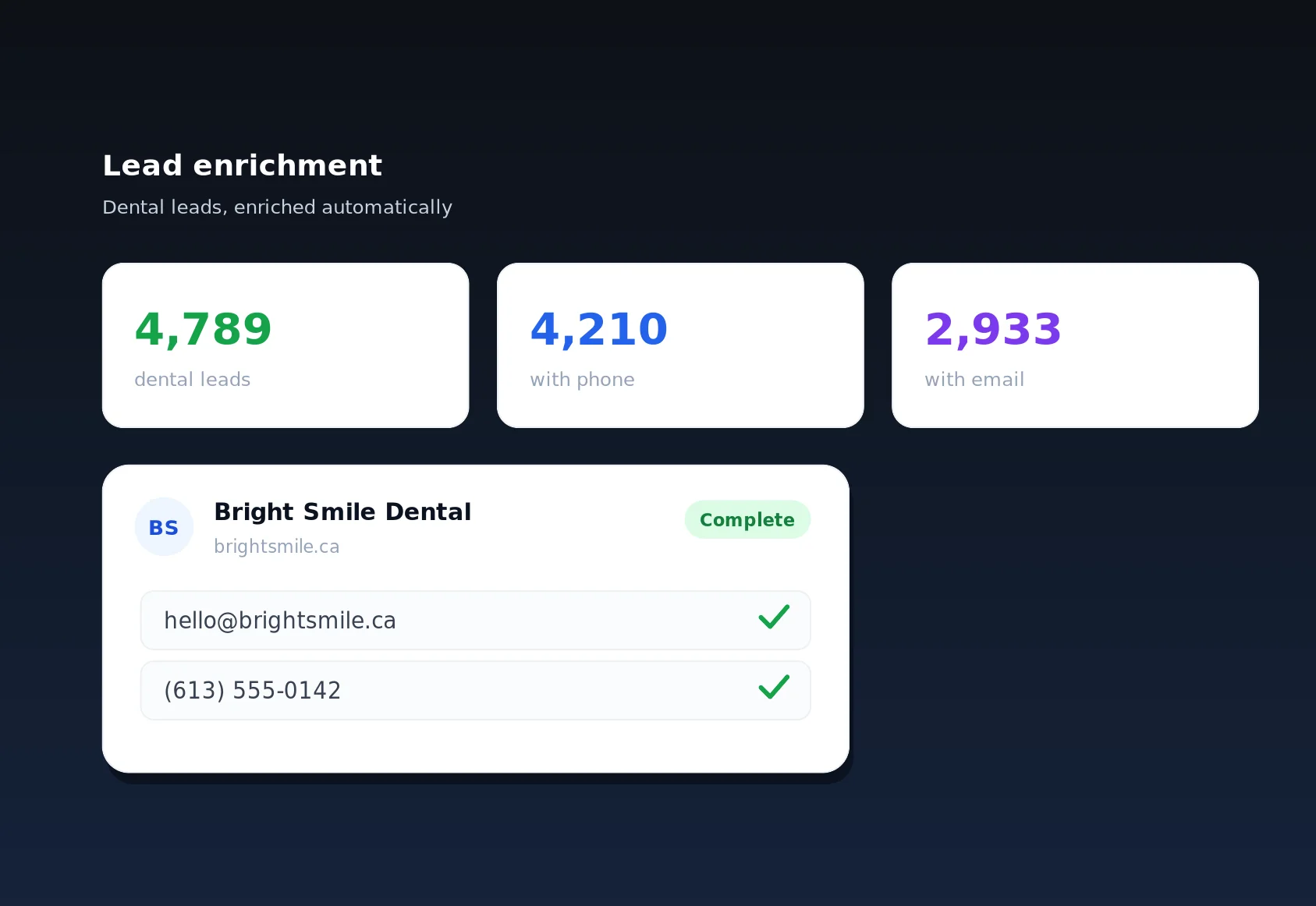
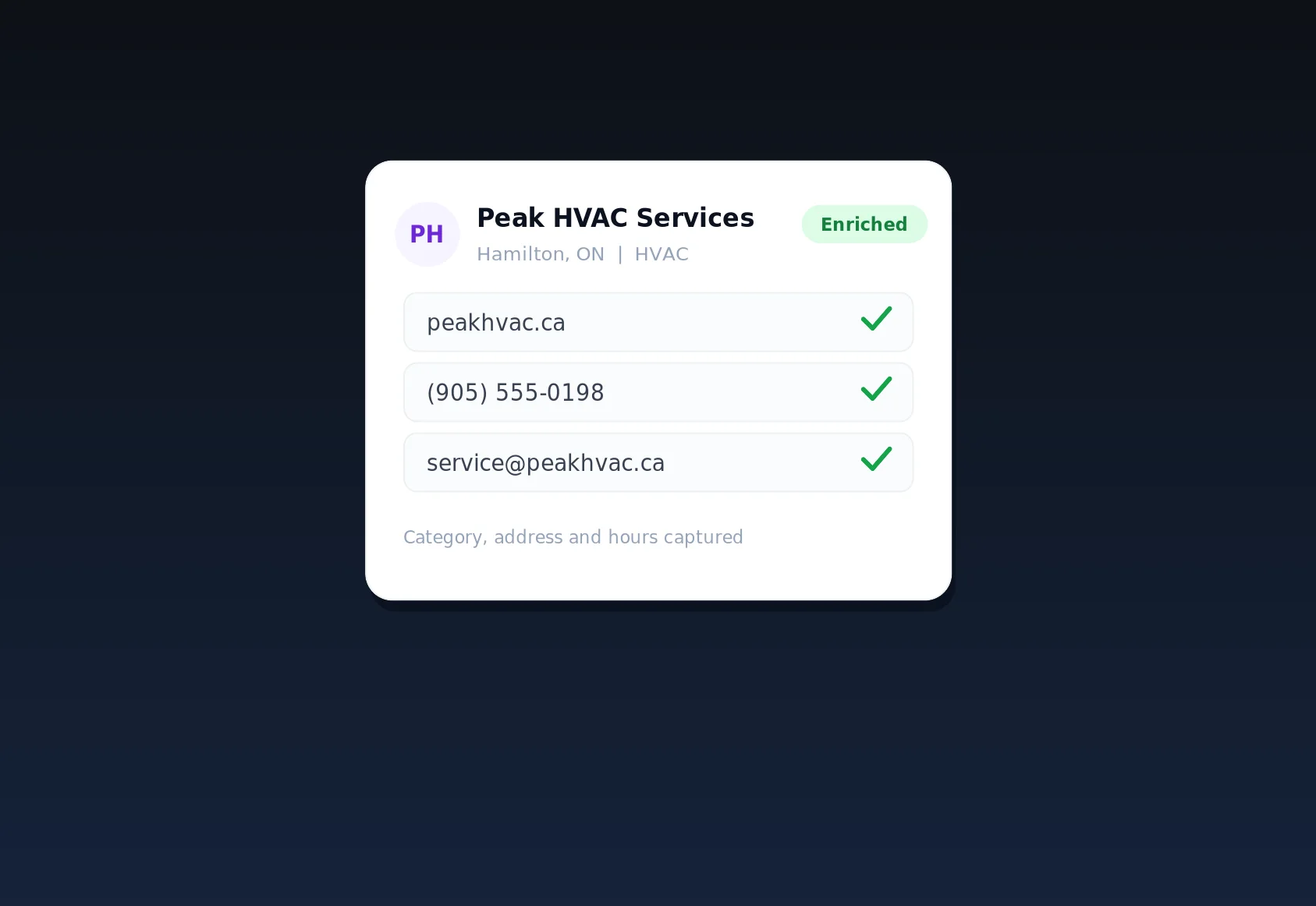
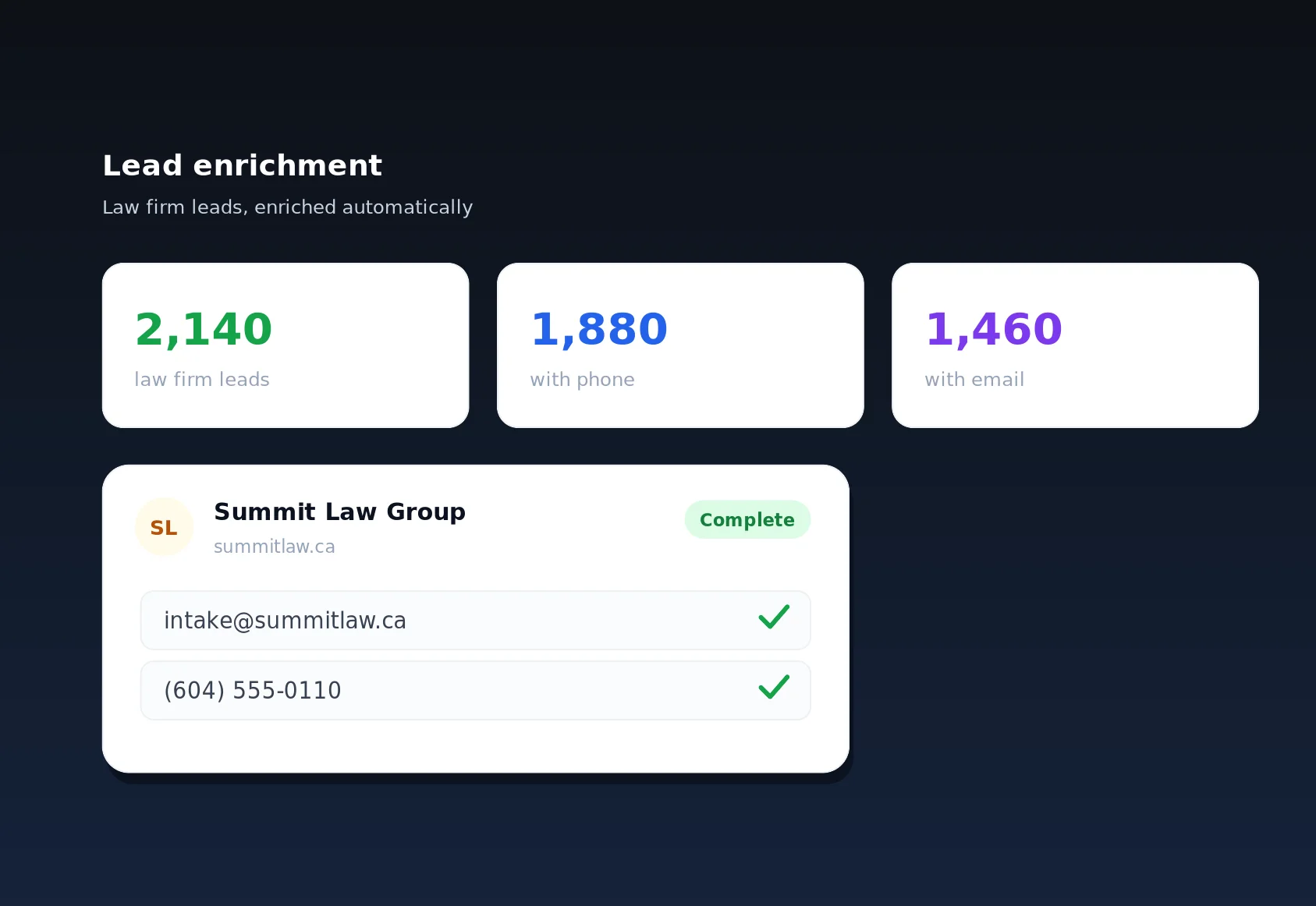
- Enrich the data: Lead enrichment visits each business's own website through rotating anonymous proxies to fill in missing emails and phones — so your citation profiles are complete before you ever open a directory.
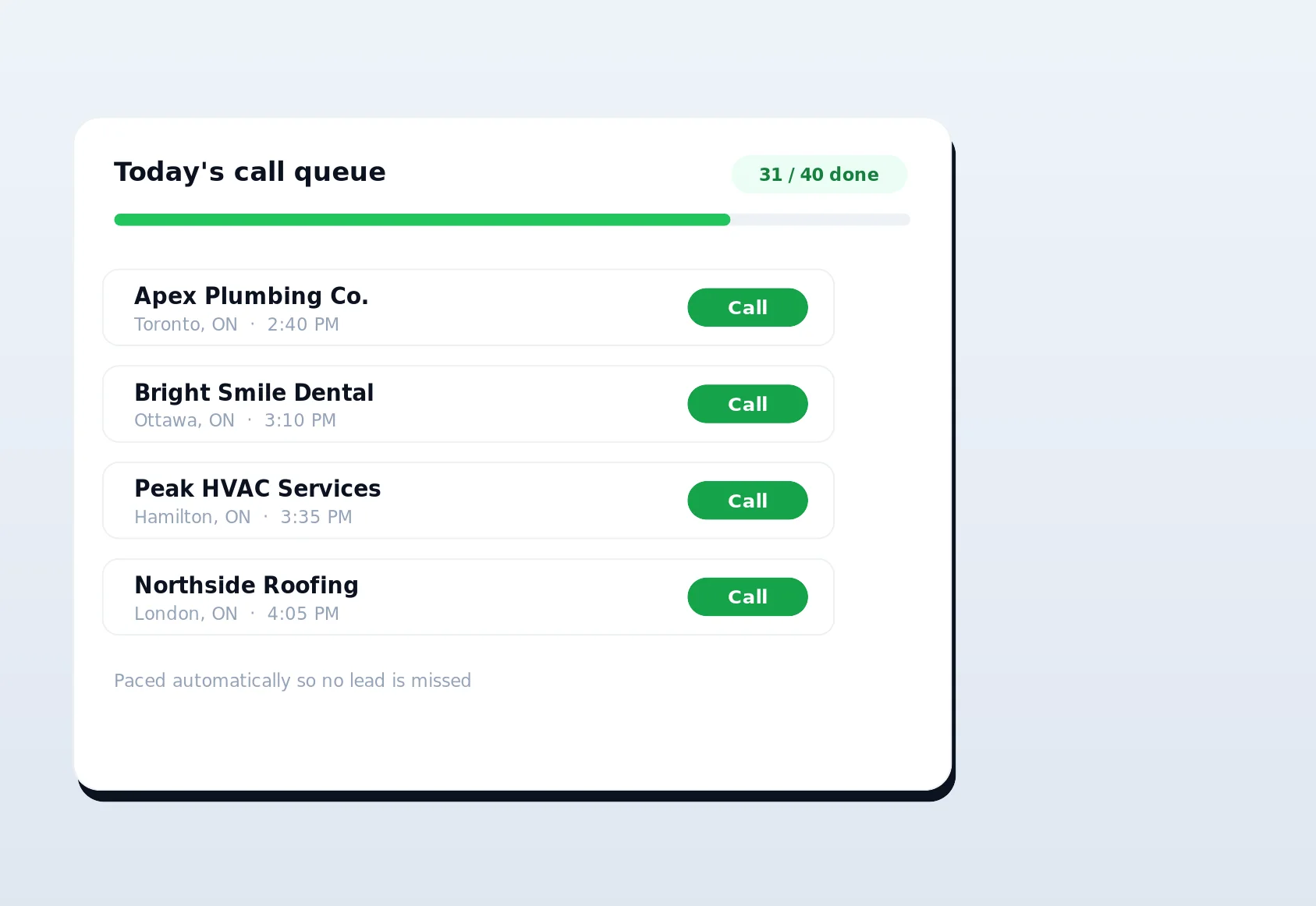
- Queue the outreach: Call queuing hands businesses to sales reps one at a time, with cross-tenant fairness, cooldowns, and daily caps, so cold-calling stays organized and compliant.
- Build the citations: The Chrome extension auto-fills directory and citation submissions from your real browser — the step this page is about.
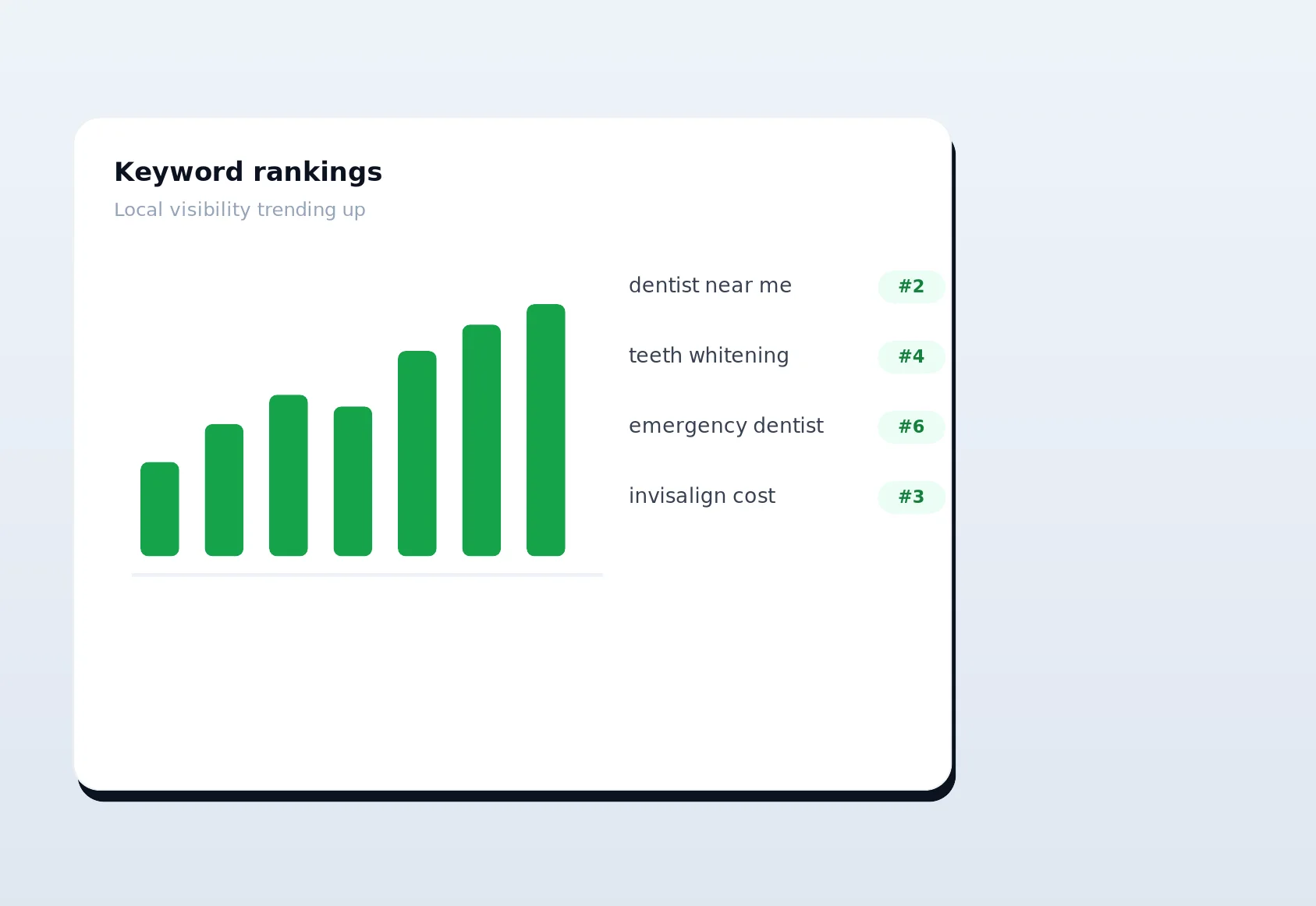
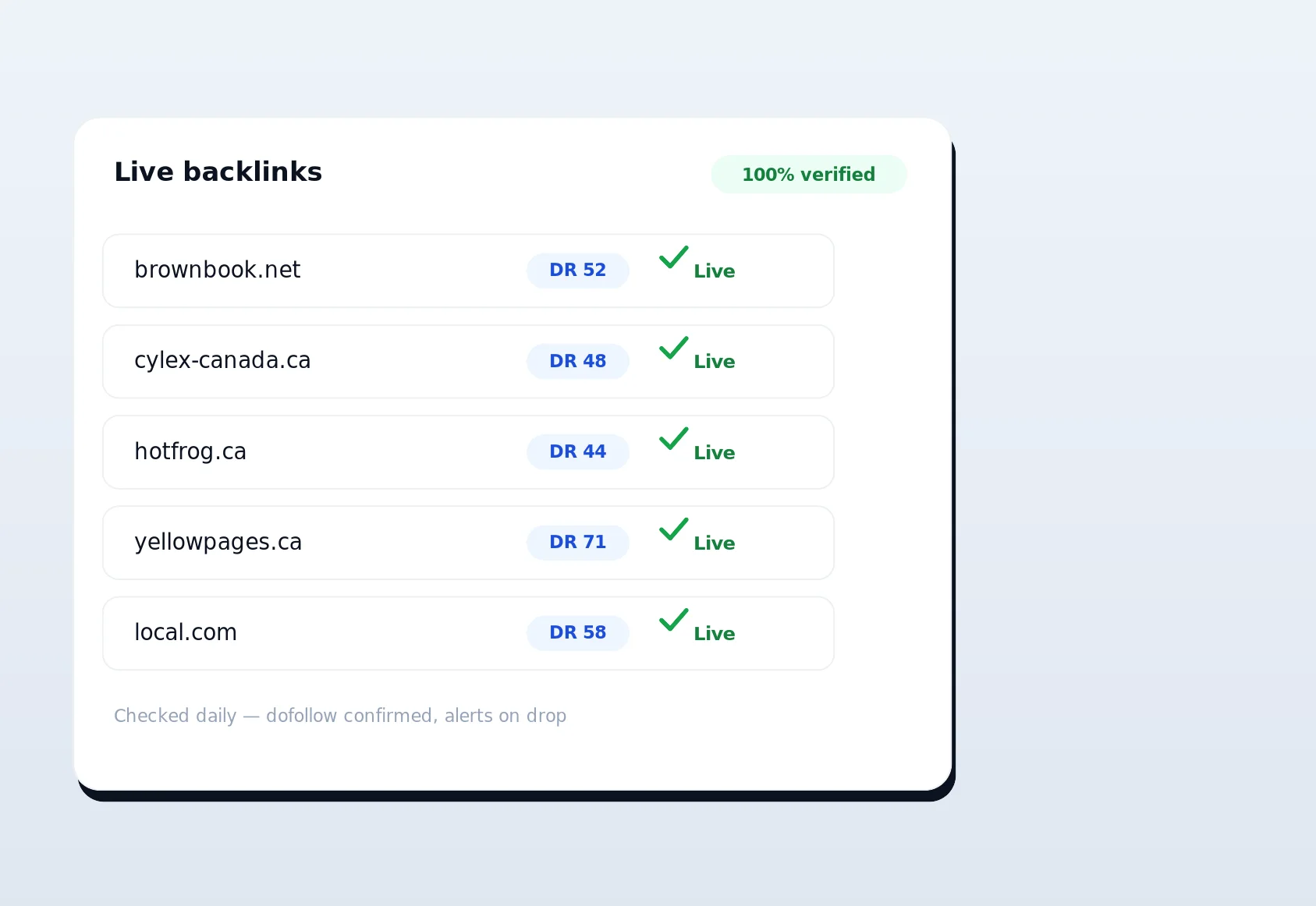
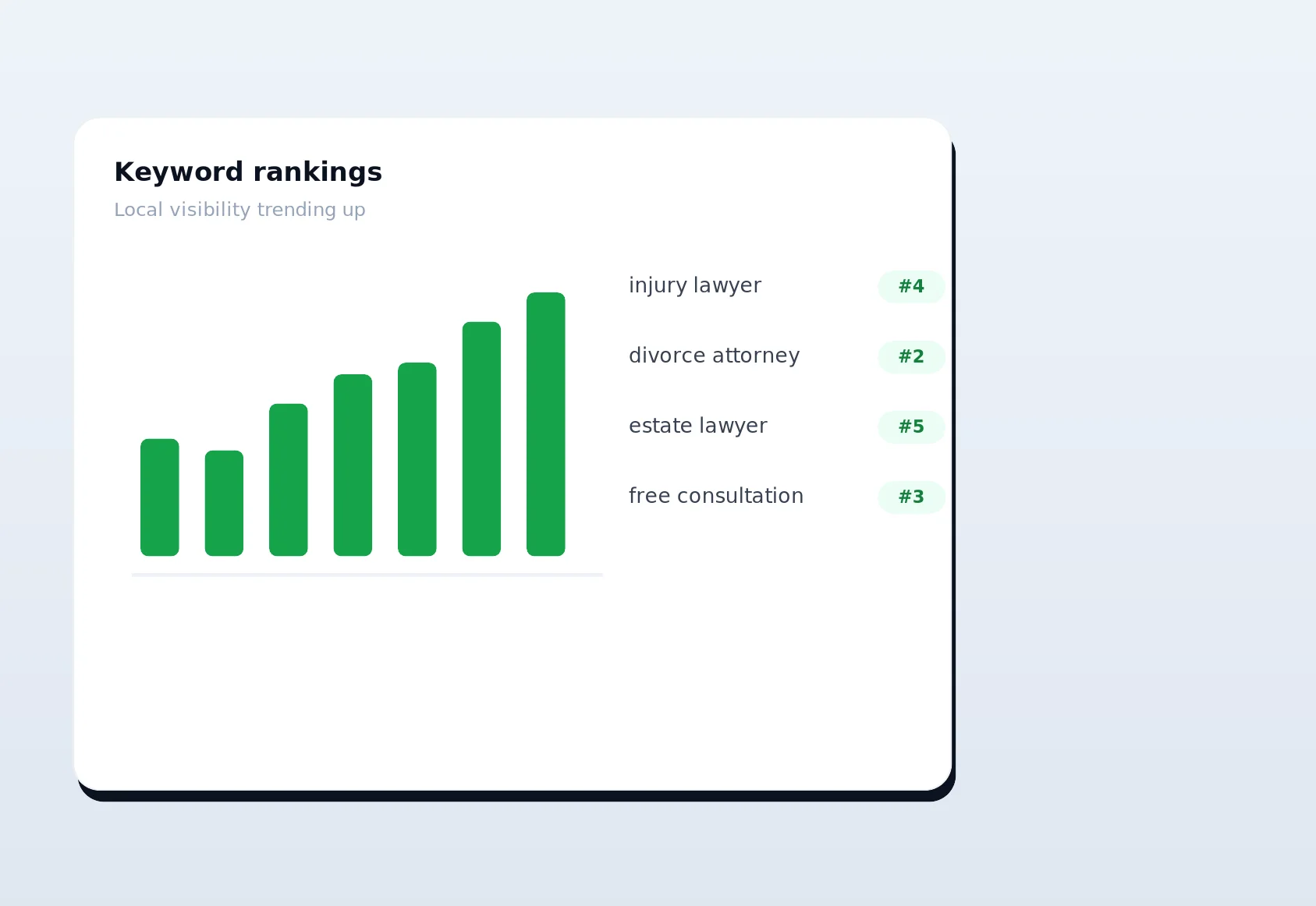
- Verify and monitor: Live-link verification confirms listings went live; rank tracking shows the ranking lift those citations produce over time.
- Sharpen the rest of your SEO: Round it out with keyword research, competitor backlink analysis, schema audits, instant indexing, a disavow tool, and anchor-text optimization — all in the same platform.
One important clarification on IP strategy, because it trips people up: LinkSpear uses anonymous rotating proxies for reading data during lead enrichment, so your IP never leaks while scanning thousands of business websites. But for writing citation submissions, it deliberately uses your real browser and IP. Reading anonymously protects you; submitting authentically protects your listings. Using the right identity for each job is exactly why the whole workflow holds up.
Built for Quality, Not Just Volume
It would be easy to pitch raw submission counts, but volume without quality is how sites earn manual actions. LinkSpear's design choices all point toward durable, defensible citation building.
Context-aware field mapping
The extension doesn't rely on brittle, hard-coded selectors for each directory. It interprets each field from its label, name attribute, placeholder text, and surrounding markup, which means it keeps working when a directory redesigns its form — and works on directories LinkSpear has never explicitly integrated.
You stay in control
Every submission is a review-then-submit action. That keeps you compliant with each directory's terms, lets you tailor a description where it helps, and ensures a human handles the human-verification steps that break every fully automated tool.
Everything is logged
Because each submission is recorded against a business and campaign, you always have an auditable trail: what was submitted, where, when, and whether it's still live. That is the difference between “I think we built citations” and a report you can hand to a client with confidence.
A Realistic Look at the Time You Save
It's easy to wave around a “10x faster” claim, so let's ground it in the actual math of a citation campaign. A thorough local citation set for a single business runs 40 to 80 directories — a mix of the big national players, regional aggregators, and niche or geo-specific sites. Done by hand, each submission means locating the correct form, copying the business name, pasting the address in the exact format the site wants, selecting a category from an unfamiliar dropdown, writing or pasting a description, and clearing a CAPTCHA. Four to five minutes is a fair average once you account for hunting, typos, and the occasional confusing layout.
| Campaign size | Manual time (~4.5 min each) | With form auto-fill (~45 sec each) | Time reclaimed |
|---|---|---|---|
| 50 directories, 1 business | ~3.75 hours | ~38 minutes | ~3 hours |
| 50 directories, 10 clients | ~37.5 hours | ~6.3 hours | ~31 hours |
| 80 directories, 25 locations | ~150 hours | ~25 hours | ~125 hours |
The manual figures assume you never get distracted, never mistype an address, and never have to redo a rejected listing — so in practice the gap is wider still. The point isn't just raw hours; it's what those hours were costing you. Manual data entry is where NAP inconsistencies creep in, where enthusiasm dies three directories into a 60-site list, and where agencies quietly lose margin. Removing it doesn't just make citation building faster, it makes it something your team will actually finish.
Setup and What You Need to Get Going
There's no complicated onboarding and no engineering effort involved. If you can install a Chrome extension and fill in a business's details once, you're ready.
What's required
- Google Chrome (or a Chromium-based browser) on the machine you'll submit from — the extension uses your everyday browser deliberately.
- A LinkSpear account, which you can open with the 14-day free Starter trial.
- One accurate business profile per business or client. If the record already lives in your local business directory or was completed by lead enrichment, there's nothing to type at all.
What you don't need
You don't need proxies, servers, API keys, or a developer. You don't need to pre-map every directory or maintain brittle integrations, because the extension's field detection adapts to each form on the fly. And you don't need to worry about your submissions being pooled with other users' — every fill happens in your session, from your identity, for your business alone.
Common Questions Teams Ask Before Switching
When people evaluate a chrome extension form auto-fill workflow, a handful of concerns come up every time. Here are the honest answers.
“Won't Google penalize me for building citations quickly?”
Speed isn't the risk factor — footprints and inconsistency are. Google's local systems care whether your NAP data is consistent and whether listings appear on legitimate, relevant directories. Because auto-fill pulls from one canonical profile and you submit from a real browser to real sites, faster building actually produces cleaner, safer signals than sloppy manual work does.
“What happens on directories with unusual forms?”
The extension fills what it confidently recognizes and leaves anything ambiguous for you to complete — it never guesses blindly. On a well-structured form that's every field; on an oddball layout it might be most of them, still saving you the bulk of the typing. You always see the result before submitting.
“Can I customize the description per directory?”
Yes. Auto-fill populates your default description, but because you review before submitting, you're free to tailor the copy for a specific directory or category. That flexibility is part of why the listings read as genuine rather than mass-produced.
Getting Started Today
Local visibility compounds. Every accurate, durable citation you add strengthens the trust signals that push you up the map pack, and the businesses that start early are the ones sitting at the top when competitors finally get organized. The slowest part of that whole process — the manual form filling — is exactly what LinkSpear removes.
New users get a 14-day free trial on the Starter plan, no risk and no long onboarding. Install the extension, save one business profile, open a directory, and watch a form that used to eat five minutes fill itself in a single click. Then imagine that speed across every directory, every client, and every location you manage. Start your free trial today, run your first ten submissions before lunch, and see for yourself why real-browser, real-IP chrome extension form auto-fill is the smarter way to build local citations that actually last.