Not every link that points at your website is a gift. Spammy blog networks, hacked-site injections, scraper directories, and the leftovers of a previous agency's shady link-building can drag your rankings down and, in the worst cases, trigger a manual action. LinkSpear's backlink disavow tool gives small businesses and agencies a fast, defensible way to find those toxic links, build a clean disavow file, and tell Google to ignore them — without accidentally cutting off the good links that earn you traffic.
It plugs directly into the rest of the LinkSpear workflow. The same platform that runs your rank tracking, powers your directory backlink building, and enriches your leads also watches your link profile for the junk you never asked for. One login, one source of truth, no spreadsheets stitched together at midnight.
What Is a Backlink Disavow Tool?
A backlink disavow tool is software that helps you identify harmful inbound links and generate the disavow.txt file that Google Search Console accepts. When you upload that file, you are telling Google to discount specific links or entire domains when it assesses your site — as if the links were never there. It is the only official mechanism Google offers for distancing yourself from links you can't get removed manually.
Disavowing is a scalpel, not a sledgehammer. Used correctly it neutralizes negative SEO attacks, unnatural-link penalties, and inherited spam. Used carelessly it can strip away link equity you actually need. LinkSpear's backlink disavow tool is built around that reality: every recommendation comes with the evidence behind it, and nothing gets disavowed unless you approve it.
It helps to understand what a link actually does before you decide to sever it. Every inbound link passes a mix of trust and relevance signals to your domain. Good links raise your standing; manipulative ones tell Google your rankings may be bought rather than earned. When Google can no longer trust a big enough slice of your profile, it either discounts the manipulation quietly or, if a human reviewer intervenes, penalizes you outright. A disavow file is how you draw a line between the links you stand behind and the ones you refuse to be judged by.
Disavow vs. Removal vs. Doing Nothing
- Manual removal — emailing webmasters to take a link down. Effective but slow, and most never reply.
- Disavow — the practical fallback when removal fails or the volume is too high to chase link by link.
- Doing nothing — often the right call for ordinary low-quality links, since modern Google usually ignores them on its own. Disavow only when links are genuinely manipulative or you're under a manual action.
Why Toxic Backlinks Still Matter in 2026
Google has gotten better at ignoring garbage links, and that leads some people to declare disavowing dead. It isn't. Two situations make a disavow file non-negotiable, and both hit local businesses more often than you'd expect.
First, manual actions. If a human reviewer at Google flags your site for unnatural links, algorithmic tolerance no longer protects you. You must clean up and submit a disavow file before you file a reconsideration request. Second, negative SEO. Competitors — or automated spam bots — can point thousands of pornographic, gambling, or foreign-language links at your domain in a weekend. A managed disavow file is your documented defense.
For a local plumbing company or HVAC contractor whose entire pipeline depends on ranking in the map pack and organic results, a single manual action can zero out lead flow overnight. The cost of monitoring is trivial next to the cost of a penalty.
There's a third, quieter reason that rarely makes the headlines: inherited liability. Buy a domain, take over a franchise site, or absorb a competitor, and you inherit their entire link history — including the payday-loan links and expired-domain redirects some previous owner bought a decade ago. Those links don't announce themselves. They sit in your profile until an algorithm update or a manual review surfaces them, usually at the worst possible time. Auditing your backlink profile on day one of ownership turns a hidden liability into a known, managed quantity.
The Real Cost of a Penalty for a Small Business
Enterprises can absorb a ranking dip. A local service business often cannot. If your business lives or dies by the phone ringing, a two-month recovery from a manual action isn't an inconvenience — it's a payroll crisis. The math is brutal: lost first-page visibility means lost calls, lost calls mean an idle sales team, and an idle team means fixed costs with no revenue to cover them. Prevention and early detection are simply cheaper than recovery, every single time.
How the LinkSpear Disavow Tool Works
The whole point is to turn a vague fear — "are bad links hurting me?" — into a concrete, reviewable list of actions. Here is the end-to-end flow.
Step 1 — Import Your Full Backlink Profile
LinkSpear pulls your inbound links from Google Search Console and blends them with its own crawl data and the intelligence gathered by competitor backlink analysis. You get one deduplicated list of referring domains and pages, so nothing hides in a gap between two tools.
Step 2 — Automated Toxicity Scoring
Every referring domain is scored against dozens of signals: link velocity spikes, over-optimized commercial anchor text, site-wide sitewide footer links, thin or expired-domain networks, malware and adult flags, irrelevant foreign-language sources, and IP-footprint clustering that reveals private blog networks. Each score is transparent — you can see exactly why a domain was flagged.
Step 3 — Human Review, Not Blind Automation
Nothing is disavowed automatically. Flagged domains land in a review queue where you confirm, reject, or defer each one. You can bulk-approve obvious spam and hand-inspect the borderline cases. This human-in-the-loop step is the single biggest protection against the classic mistake of disavowing links that were actually helping you.
Step 4 — Generate a Google-Ready Disavow File
Approved entries compile into a correctly formatted disavow.txt. LinkSpear prefers domain: entries over individual URLs where appropriate — the safer, more durable choice — adds explanatory comment lines, and validates the syntax so Google Search Console won't reject the upload.
Step 5 — Upload, Document, and Monitor
You upload the file to Google's Disavow Links tool, and LinkSpear keeps a versioned, timestamped copy of every submission. If you later file a reconsideration request, you have a clean paper trail. From then on, the tool watches for new toxic links and alerts you inside the platform before they accumulate into a problem.
Two details make this last step matter more than it looks. First, Google treats each disavow upload as a full replacement of the previous file, not an addition to it — so a single master file per property is essential, and LinkSpear maintains exactly that. Second, disavowing is not instant. Google has to recrawl the flagged domains before the instruction takes effect, which can take weeks. The monitoring layer bridges that gap: instead of wondering whether your file "worked," you watch your profile and rankings for the recovery signal, with the submission history right there to correlate against.
What Gets Flagged — and What Doesn't
Precision matters more than volume. A disavow file that's too aggressive is worse than none at all. The table below shows the difference between links LinkSpear typically flags and links it deliberately leaves alone.
| Link Type | Typical Verdict | Why |
|---|---|---|
| Private blog network (PBN) footprints | Flag for disavow | Manipulative by design; classic penalty trigger |
| Adult / gambling / pharma spam | Flag for disavow | Hallmark of negative SEO attacks |
| Scraper sites cloning your content | Flag for review | Low value, often part of link networks |
| Over-optimized exact-match anchors at scale | Flag for review | Reads as paid or manipulated link building |
| Legitimate local citations & directories | Keep | Core to local SEO; never disavow good citations |
| Editorial links from relevant blogs | Keep | Earned equity that drives real rankings |
| Ordinary low-authority mentions | Usually keep | Google ignores these on its own |
That last row matters. The most common disavow disaster is a nervous owner nuking every link with a low authority score and gutting their own profile. LinkSpear is tuned to resist that — mirroring the same "never remove good links" discipline that governs our directory catalogue.
Notice how much of the table says "keep" or "review" rather than "flag." That balance is deliberate. Low authority is not the same as toxic; plenty of small, legitimate local sites have modest metrics and still send perfectly good, relevant links. The signal that actually predicts harm is manipulation — evidence that a link exists to game rankings rather than to inform readers. That's why the scoring leans on footprints, anchor patterns, and network clustering instead of a single authority number, and why the borderline cases go to a review queue rather than straight into your disavow file.
Concrete Benefits and Outcomes
The value of a disavow tool isn't the file it produces — it's the outcomes that file protects.
- Recover from manual actions faster. A clean, well-documented disavow file is the backbone of a successful reconsideration request.
- Defend against negative SEO. Continuous monitoring means a spam attack gets caught in days, not after your rankings have already cratered.
- Protect the links that earn you money. Transparent scoring plus human review keeps your good citations and editorial links intact.
- Save hours of spreadsheet grunt work. No exporting from three tools, deduping by hand, and hand-formatting a text file that Google might reject.
- Build a defensible audit trail. Every submission is versioned and timestamped — priceless if Google ever asks what you did and when.
- Stay ahead, not reactive. Alerts surface new toxic links early, so cleanup is a quick chore instead of an emergency.
Common Disavow Mistakes This Tool Prevents
Most disavow horror stories come from a handful of avoidable errors. Knowing them explains why LinkSpear works the way it does.
Disavowing Good Links Out of Fear
The number-one mistake. An owner exports a "toxic score" from a generic tool, sees a scary-looking number next to a legitimate local directory, and disavows it — cutting off a citation that was helping their map-pack ranking. Because LinkSpear shows the actual signals behind every flag and requires human approval, you never disavow a domain without understanding why it was surfaced.
Uploading a Broken File Format
Google's disavow tool silently rejects files with the wrong encoding, stray characters, or malformed domain: lines. People upload, assume it worked, and discover months later that nothing was ever processed. LinkSpear validates the syntax before you download, so what you upload is what Google accepts.
Forgetting It's a Full Replacement
Because each upload overwrites the last, people who keep separate files for separate cleanups accidentally erase their earlier work. LinkSpear's single cumulative, versioned master file makes that impossible — every approved entry stays in place until you explicitly remove it.
Disavowing Instead of Fixing On-Site Problems
Not every ranking drop is a link problem. Sometimes it's a thin-content issue a schema markup audit would catch, or a technical regression. Because the disavow tool lives beside the rest of LinkSpear's diagnostics, you can rule out the obvious on-site causes before you touch your link profile at all.
Who It's For
Agencies Inheriting Messy Client Sites
When you take on a new client, you inherit whatever the last agency did — including the black-hat links they bought. LinkSpear's agency sub-accounts let you audit and clean each client's profile separately, then show the client a clear before-and-after. It's an easy win in the first 30 days of a new engagement.
Local Businesses Hit by Negative SEO
Competitive local niches — locksmiths, personal-injury law, garage doors, roofing — attract sabotage. If your rankings dropped suddenly with no on-site changes, an attack is a prime suspect, and the disavow tool is your first line of defense.
Anyone Under a Manual Action
If Google Search Console shows an unnatural-links manual action, you need a disavow file to get out. This tool builds it, documents it, and pairs with your reconsideration request.
SEO-Conscious Owners Who Want Peace of Mind
Even a healthy site benefits from a watchdog. Set it, let it monitor, and get alerted only when something actually needs your attention.
How Disavow Fits the Wider LinkSpear Workflow
Disavowing is defense. It's most powerful next to the offense LinkSpear runs the rest of the time. A typical local-SEO cycle inside the platform looks like this:
- Build clean, footprint-free citations with the directory backlink builder and its Chrome extension autofill, which submit from your real browser and real IP.
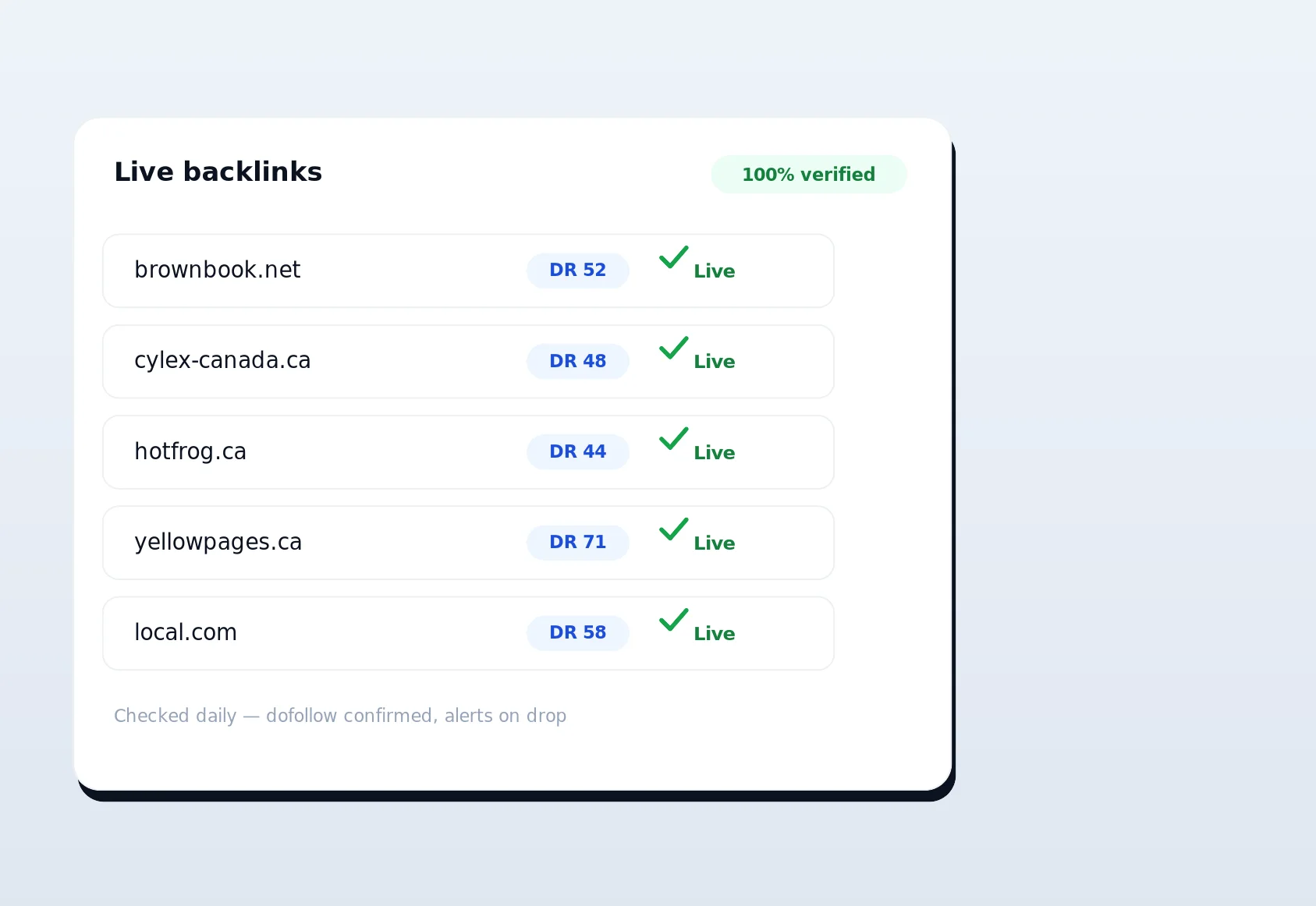
- Verify those links stay live with live link verification, so the equity you built doesn't quietly disappear.
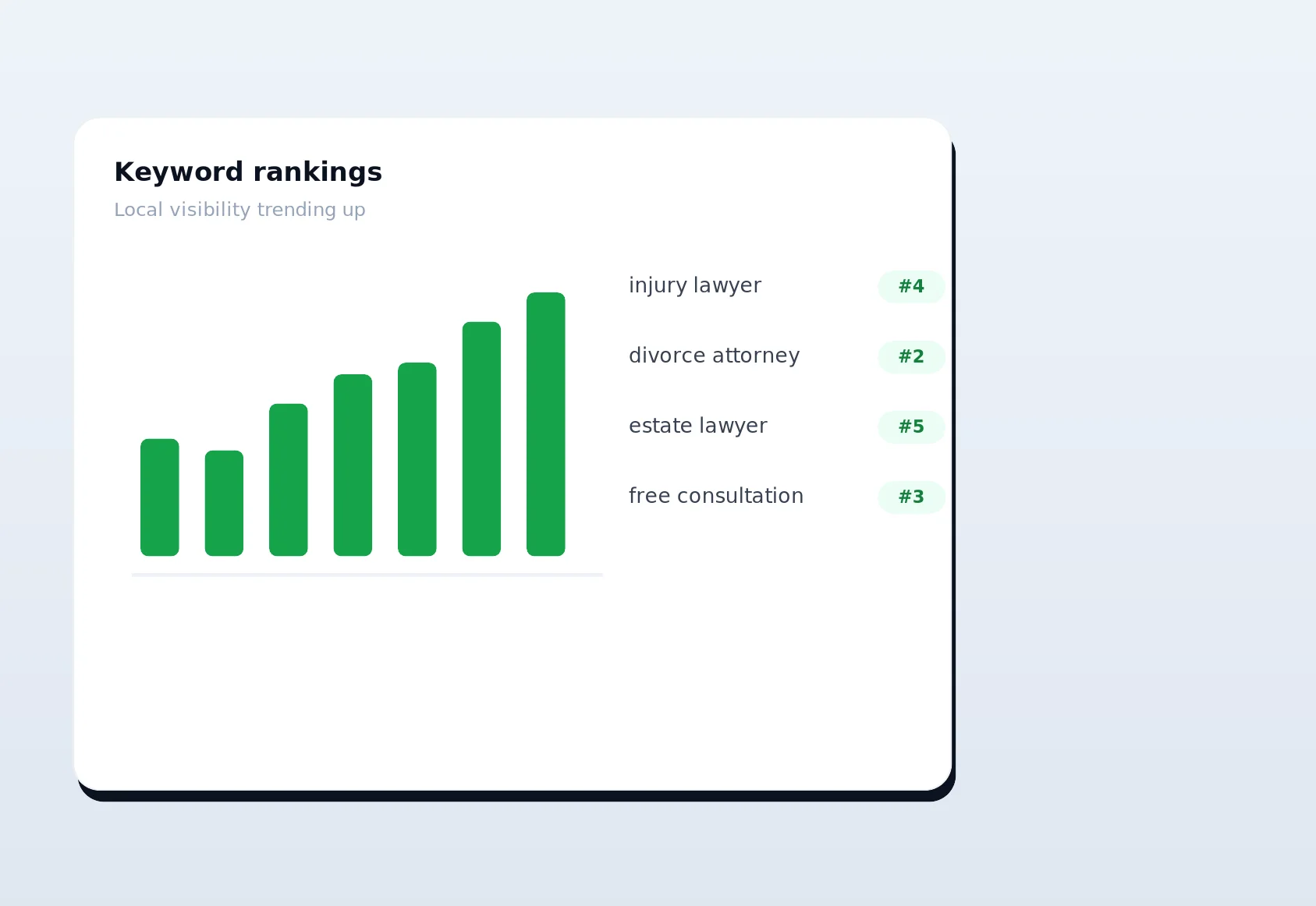
- Track the ranking impact with rank tracking and spot unexplained drops that hint at a toxic-link problem.
- Analyze where competitors get their links via competitor backlink analysis — the same crawl data that feeds your toxicity scoring.
- Disavow the junk that shows up uninvited, closing the loop.
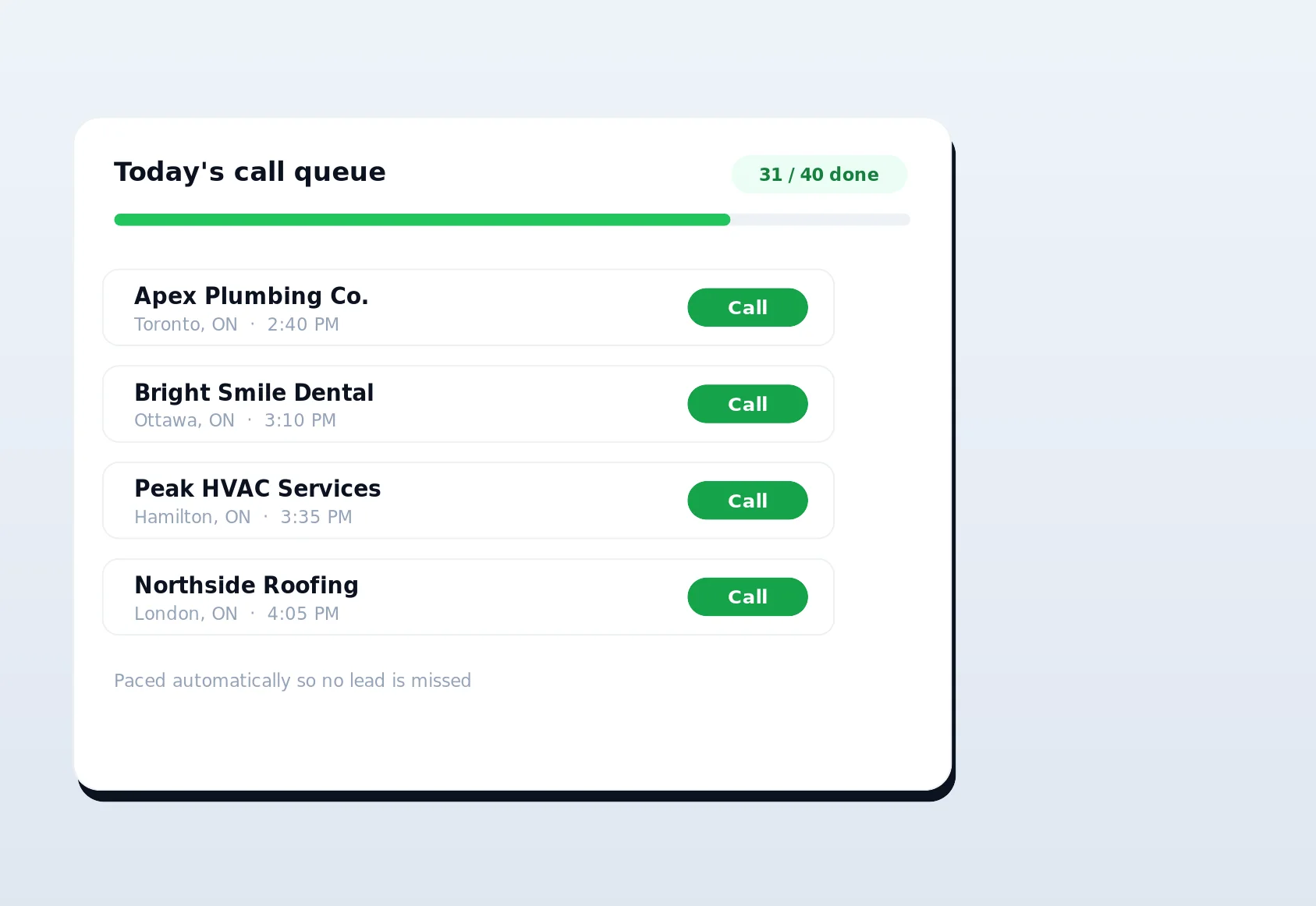
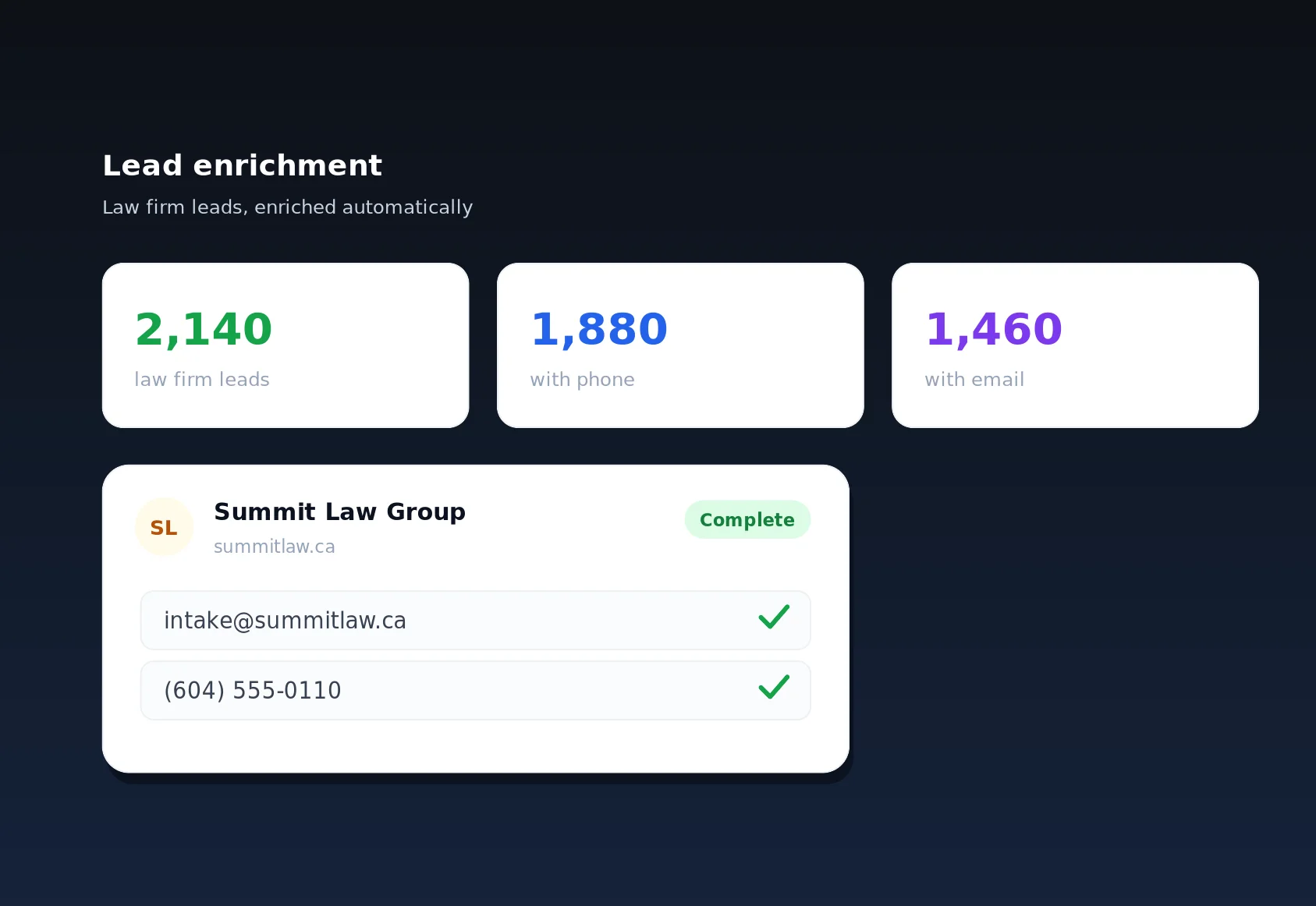
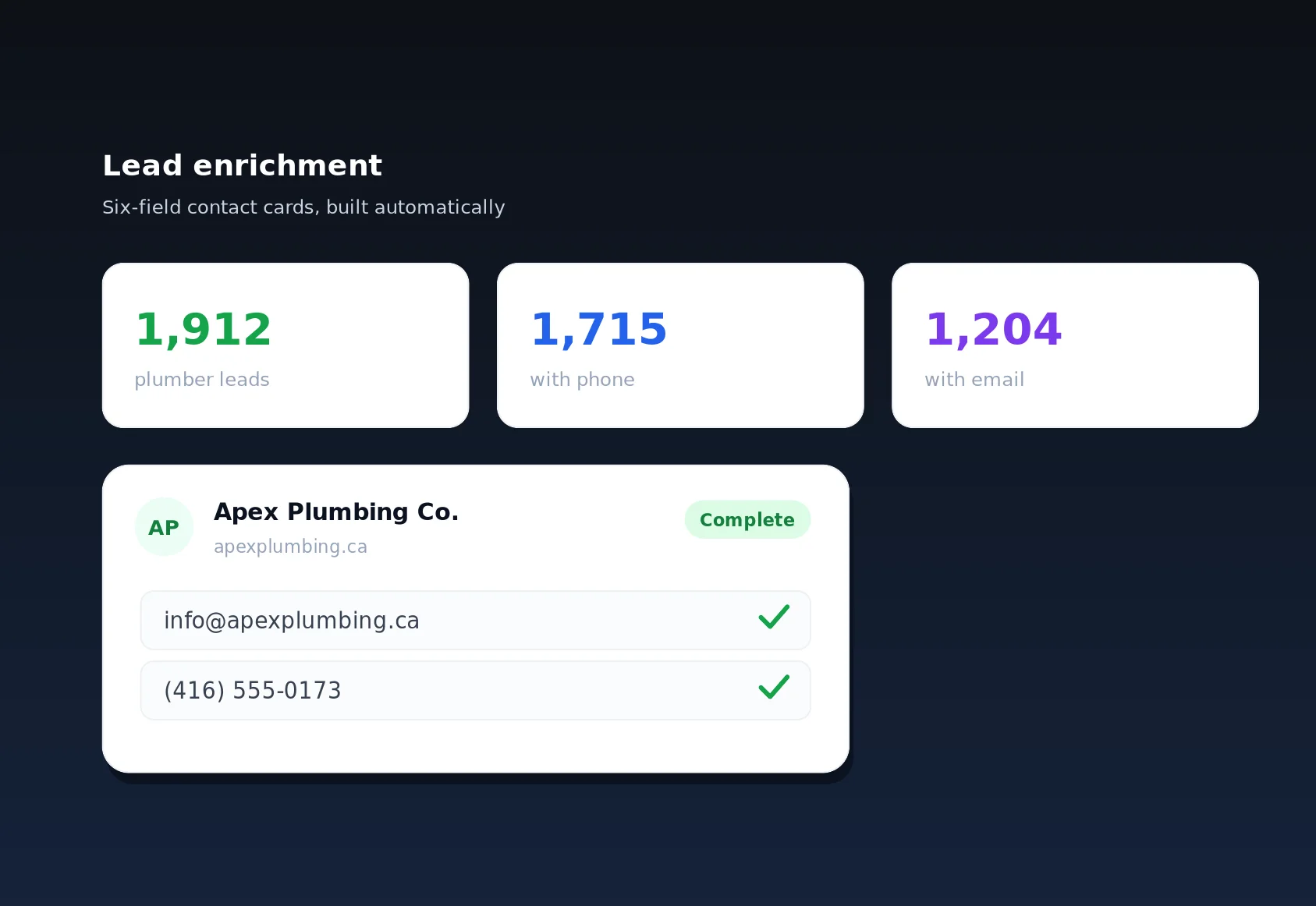
Meanwhile the growth side of the house keeps running: lead enrichment fills in emails and phone numbers through anonymous rotating proxies, and call queuing hands those leads to your reps one at a time. Rankings bring the traffic; the lead engine turns it into revenue. The disavow tool simply makes sure nothing sabotages the rankings you worked for.
The advantage of keeping all of this under one roof isn't just convenience. It's that the tools share data. The crawl that maps a competitor's backlinks is the same crawl that flags a suspicious network pointing at you. The rank-tracking dashboard that shows a sudden drop is the same place that prompts you to check for a link attack. When a spam wave hits, you're not exporting CSVs from four vendors and reconciling them by hand — you see the attack, review the flagged domains, generate the file, and get back to selling. That end-to-end loop is what turns disavowing from a dreaded annual chore into a routine, low-effort part of staying ranked.
Best Practices We Bake In
- Disavow domains, not URLs, wherever the whole site is bad — it's more durable and catches new junk pages automatically.
- Never disavow out of anxiety. A low score alone isn't a reason; manipulation is.
- Keep one master file per property. Each upload replaces the last, so LinkSpear maintains a single cumulative, versioned file.
- Document your reasoning with comment lines, so future-you (or a Google reviewer) understands each entry.
- Re-check quarterly, or immediately after any suspicious ranking drop.

Start Cleaning Up Your Link Profile Today
You don't need to be under a penalty to benefit from a healthier backlink profile — you just need to stop leaving it to chance. LinkSpear's backlink disavow tool finds the toxic links, shows you the evidence, and builds a Google-ready file you can trust, all inside the same platform that handles your citations, rankings, and lead generation. Every new user gets a 14-day free trial on the Starter plan, no credit card required, so you can import your profile, run your first toxicity audit, and see exactly what's pointing at your site before you commit to anything. Start your free trial today and turn your link profile from a blind spot into a defended asset.