Most local businesses have a Google Business Profile, a Facebook page they half-forgot about, and not much else. Meanwhile the social web - Twitter/X, LinkedIn, Instagram, Pinterest, YouTube, Crunchbase, Foursquare, Yelp and dozens of niche platforms - is quietly one of the most reliable places to earn consistent local citations and branded links. Social profile creation is the practice of claiming, completing and standardising your business's presence across those platforms so that search engines see one coherent, well-linked identity everywhere they look. LinkSpear turns what is normally a tedious afternoon of copy-pasting into a review-and-click workflow that runs from your own real browser and your own real IP, so every profile you build looks exactly like a human made it - because one did.
This page explains what social profile creation is, how the LinkSpear tool works step by step, the concrete outcomes you can expect, who it is built for, and how it slots into the wider LinkSpear workflow alongside directory backlink building, lead enrichment and live-link verification. If you have ever typed the same business name, tagline and bio into ten different social sign-up forms, this is the page for you.
What is social profile creation?
Social profile creation is the deliberate, structured process of building out a business's presence on social and web 2.0 platforms as an SEO and reputation asset - not just as a place to post updates. Every complete profile you create is three things at once: a citation (your name, address and phone appearing consistently on a trusted domain), a branded backlink (many platforms let you link your website from your bio or about section), and a discovery surface (a real person searching a platform can find you there). Done well, social profile creation reinforces the exact same business identity that your directory citations, your website and your Google Business Profile already broadcast.
The catch is consistency and legitimacy. A half-filled Twitter bio with a stale address, or ten profiles created in a rush from a single datacenter IP, do more harm than good. Search engines reward businesses whose details agree across the web and quietly discount identities that look scattered or automated. LinkSpear's tool is built to solve exactly that: it enforces one canonical business profile and fills each platform's sign-up and about pages from that single source of truth, inside your own browser, so the profiles look organic and the data stays identical everywhere.
Citations, branded links and discovery in one
It helps to be precise about why social profiles matter for local SEO, because the value is genuinely layered. First, they are citations: a consistent NAP on LinkedIn, Foursquare or Crunchbase feeds the same local-ranking signal as a directory listing. Second, many platforms pass a real or nofollow branded link back to your site, which diversifies your link profile with high-authority, entirely legitimate domains. Third - and often overlooked - people actually browse these platforms. A complete, professional profile with your logo, hours and description can send you real enquiries, not just algorithmic credit. Social profile creation captures all three at once from a single filled-in form.
Not spam, not fake accounts
To be clear about what this is not: LinkSpear does not spin up throwaway fake accounts, mass-follow, or post spam. It helps you create genuine, complete, human-reviewed profiles for a real business on platforms where that business legitimately belongs. Every profile carries the same accurate details, a human confirms each one before it goes live, and nothing is designed to trick a platform's spam filter. This is citation and brand-presence work, done properly.
How the LinkSpear social profile creation tool works
The workflow mirrors the browser-based approach LinkSpear uses across its link-building tools: the speed of automation with none of the fingerprints. Instead of routing sign-ups through a headless server farm - the approach that gets accounts flagged and banned - the tool runs as a lightweight Chrome extension inside the browser you already use. When you land on a platform's sign-up or profile-edit page, it recognises the fields and populates them from your saved business profile. You review, you submit. That is the whole loop, and most users complete their first profile within minutes of installing.
- Step 1 - Build your canonical profile. In LinkSpear, create one business profile with your NAP, website, categories, a short tagline, a long bio/description, opening hours, logo, cover image and existing social URLs. If the business already lives in your local business directory, import the full contact card in one click instead of typing it.
- Step 2 - Install the Chrome extension. Add the LinkSpear extension from your account and sign in. It links to your saved profiles and your target platform list - no separate desktop software, no download managers.
- Step 3 - Choose your target platforms. Pick from LinkSpear's curated list of social and web 2.0 sites that carry SEO and discovery weight, filtered by relevance so you only pursue profiles that matter for your market and category.
- Step 4 - Auto-fill and review. Open a sign-up or profile-edit page and the extension maps your canonical details onto the fields - name, bio, website, location, categories, images. You see everything before it goes anywhere, tweak a bio or swap an image, then submit when you are happy.
- Step 5 - Handle human-in-the-loop steps. When a platform asks for a CAPTCHA, an email confirmation or a phone verification, you solve it in the moment inside your own browser. That human touch is exactly what keeps the accounts clean, real and approved.
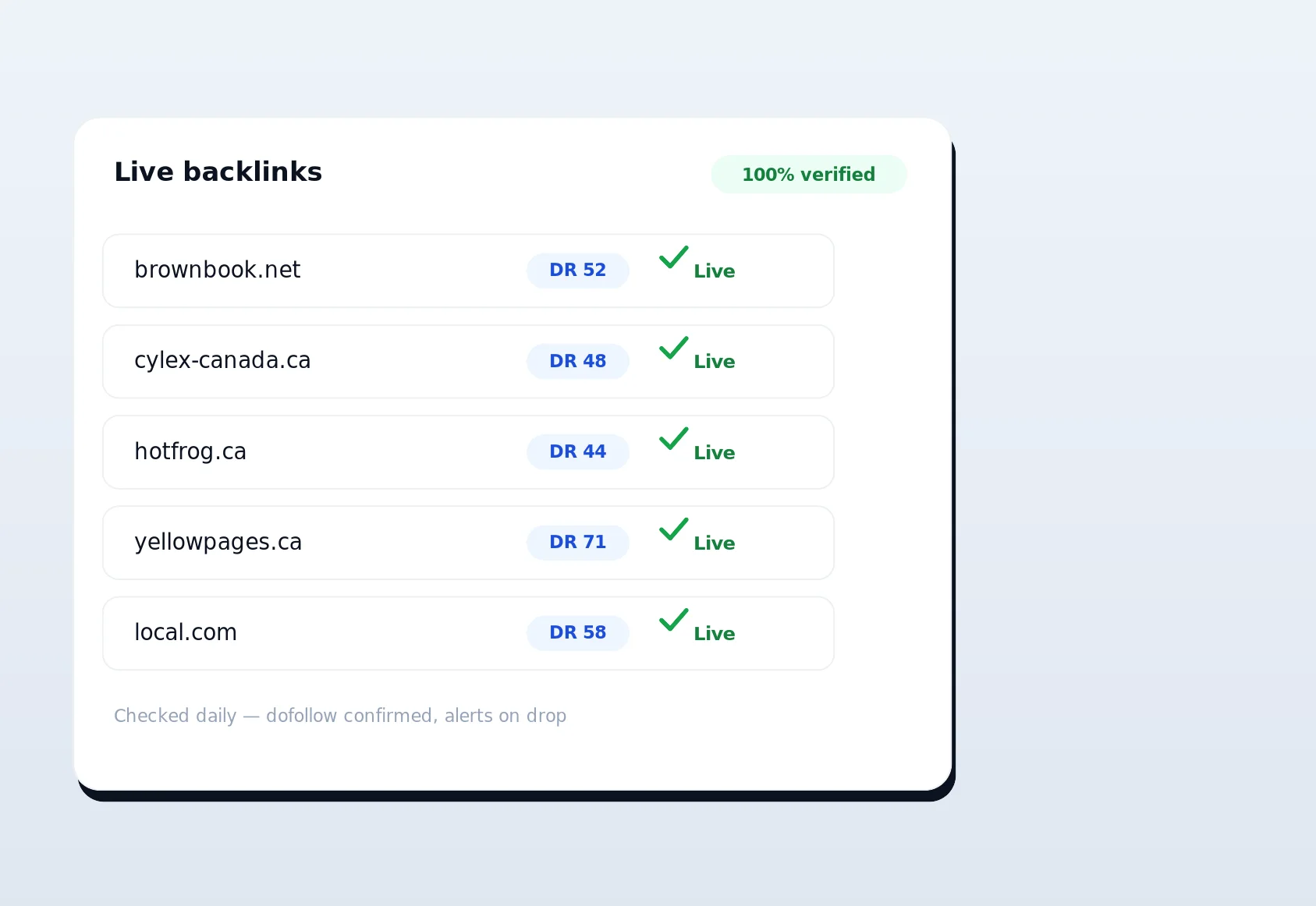
- Step 6 - Log, verify and maintain. Every profile you create is recorded. LinkSpear's live-link verification then re-checks your profile URLs on a schedule, so you always know which are live, which are pending, and which need attention.
Real browser, real IP, zero footprints
Footprints are the quiet killer of any profile-building campaign. Identical user-agents, sequential sign-ups from one server IP, impossibly fast form completion and dozens of accounts sharing a single network are trivial for platforms to detect and filter. Social sites have spent years training their trust-and-safety systems on exactly those signals. The moment a sign-up trips one of them, the account either gets silently limited or dropped into a review queue where it dies. LinkSpear sidesteps all of it by never leaving your machine. Each profile you create carries your genuine browser fingerprint and network identity, complete with your history, cookies, extensions and natural typing cadence when you edit a field. To the platform, you are simply an ordinary person creating an ordinary business account.
This is the same deliberate philosophy behind LinkSpear's directory backlink builder and its Chrome extension autofill: for citation and profile work, legitimacy beats raw volume every time. A profile that goes live and stays live is worth more than ten that get flagged within a week. Because the tool keeps a human in the loop for the parts that matter - the review, the CAPTCHA, the confirmation email - your profiles compete on merit, not on how well you disguised a bot.
Why the real-browser approach wins
There is a genuine fork in how profile-building tools operate, and it directly determines your results. One camp automates everything on remote servers for maximum volume. The other keeps a human in the loop for maximum legitimacy. LinkSpear sits firmly in the second camp, and the table below shows why that is the right trade for local SEO.
| Factor | LinkSpear (real browser + real IP) | Manual profile creation | Cheap automated / server-farm tools |
|---|---|---|---|
| Footprint risk | None - your genuine device and IP | None | High - shared IPs, bot signatures |
| Speed per profile | Fast - fields auto-fill instantly | Slow - retype everything each time | Fast but often blocked |
| Account survival rate | High - looks human, is human-reviewed | High | Low - flagged and suspended |
| CAPTCHA / verification handling | You solve in-flow, so it passes | You solve it | Frequently blocked |
| NAP & brand consistency | Enforced from one canonical profile | Error-prone across sites | Templated, sometimes wrong |
| Effort per campaign | Low | Very high | Low upfront, high cleanup |
The pattern is clear: manual creation is safe but exhausting, server-farm automation is fast but fragile, and LinkSpear gives you the safety of manual work at close to the speed of automation. It is worth being honest about the trade-off, because that honesty is the whole point. LinkSpear is not the fastest way to spin up a thousand disposable accounts - if that is the goal, you are on the wrong platform and the wrong side of SEO. What it is, is the fastest way to build social profiles that actually survive and count. When you measure by live, verified, consistent profiles rather than raw sign-up count, the real-browser approach wins comfortably, and it never puts your accounts or reputation at risk.
Concrete benefits and outcomes
Social profiles are not a vanity metric. For local businesses they drive four real outcomes: stronger local-ranking signals from consistent citations, a more diverse and credible backlink profile, referral traffic from platforms people actually browse, and a professional first impression when a prospect searches your brand. Here is what the tool delivers in practice.
- Hours saved every week. A campaign that would take a full afternoon of copy-pasting collapses into a quick review-and-click session. The same canonical profile fires into every relevant platform without retyping a single field.
- Higher account survival rates. Because profiles look organically created and a human confirms each one, more accounts go live and stay live instead of getting silently limited.
- Rock-solid NAP and brand consistency. One saved profile means the same name, address, phone, bio and imagery everywhere. Inconsistent details confuse search engines and dilute your local signals; a single source of truth fixes that.
- No account or IP burn. Nothing routes through shared proxies during sign-up, so you never torch an account or trip a network-level ban.
- A verifiable paper trail. Every profile is logged and re-checked on a schedule, so you can report exactly which live profiles exist to clients or stakeholders.
- Real discovery, not just link equity. A complete profile with your logo, hours, description and website can send you actual enquiries from people browsing the platform - value that a bare sign-up never captures.
To put numbers on it: a solid social-profile campaign typically targets somewhere between fifteen and forty platforms. Done by hand at five to eight minutes per sign-up - allowing for account creation, retyping and the occasional verification - that is comfortably a half to a full working day. With LinkSpear, the retyping disappears entirely and the per-profile time drops to the seconds it takes to review and click, plus whatever a CAPTCHA or confirmation email demands. Across a book of clients, that reclaimed time is the difference between social profiles being a chore you keep postponing and a service you deliver reliably every month.
Who it is for
Social profile creation fits anyone who needs legitimate, consistent brand presence across the social web without the manual grind.
Local service businesses
Trades and local services live and die by consistent citations and a credible online footprint. Whether you run a plumbing company, an HVAC firm or a dental practice, complete profiles across the platforms your customers use reinforce the same identity your directory listings and website already broadcast. See how the wider workflow maps to specific trades on our plumbers and dentists pages.
Marketing agencies
Agencies get the biggest multiplier. Maintain one canonical profile per client, deploy the extension across your whole team, and turn what used to be junior-level busywork into a fast, repeatable deliverable. Pair it with agency sub-accounts to keep every client's data cleanly separated and reportable.
In-house marketers and SEO consultants
If you own SEO for one brand or a handful of locations, the tool removes the most tedious part of the job - the repetitive form-filling - while keeping you in full control of exactly what gets published and where.
How it fits the wider LinkSpear workflow
Building social profiles is one stage of a longer local growth engine, and the tool is designed to hand off cleanly to the rest of the platform. A typical LinkSpear sequence looks like this:
- Find the businesses. Use business lead scraping (OpenStreetMap and YellowPages) to build a raw list of prospects in your target area.
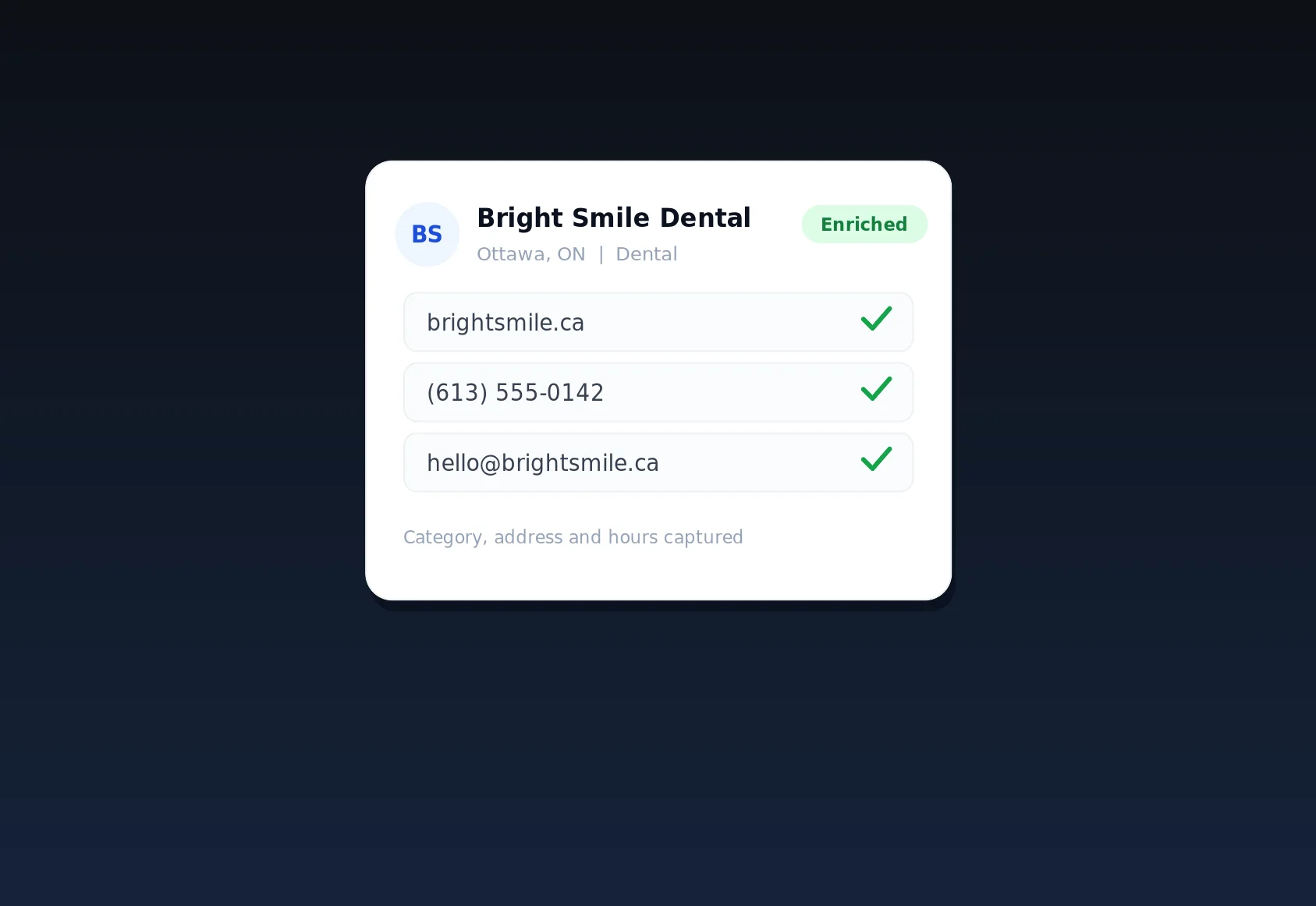
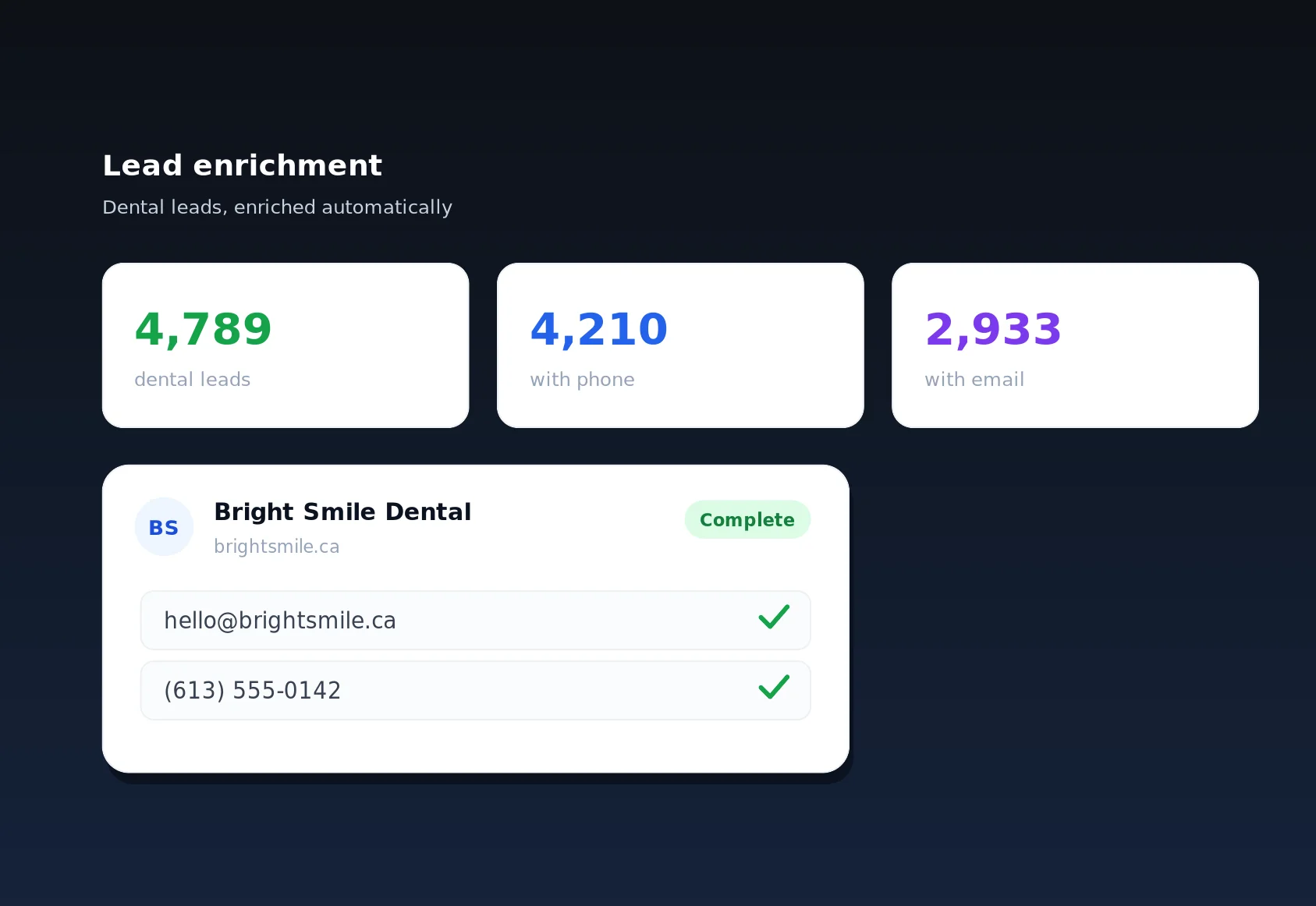
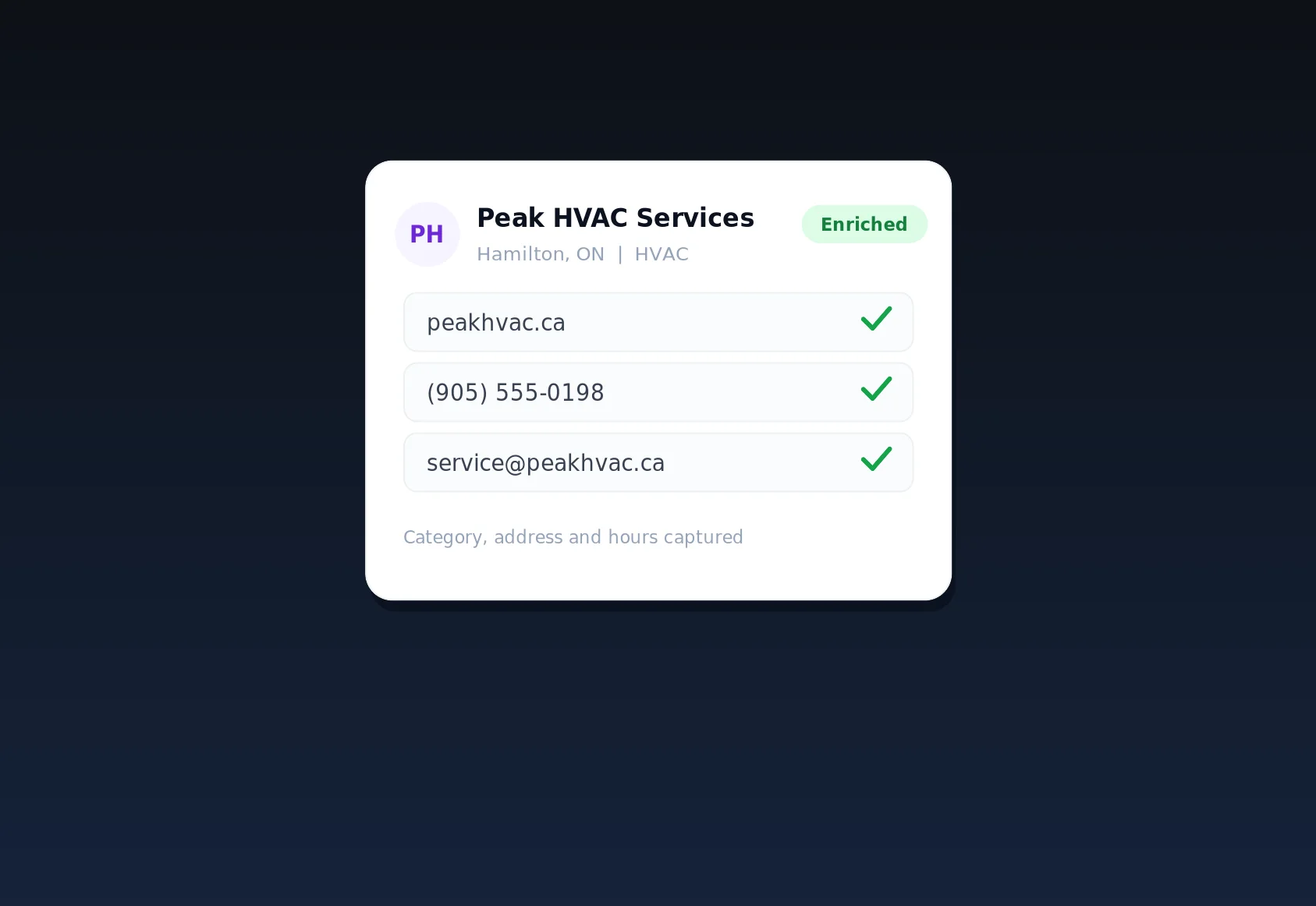
- Enrich the data. Lead enrichment visits each business's own website through rotating anonymous proxies to fill in missing emails and phone numbers - your IP never leaks during discovery.
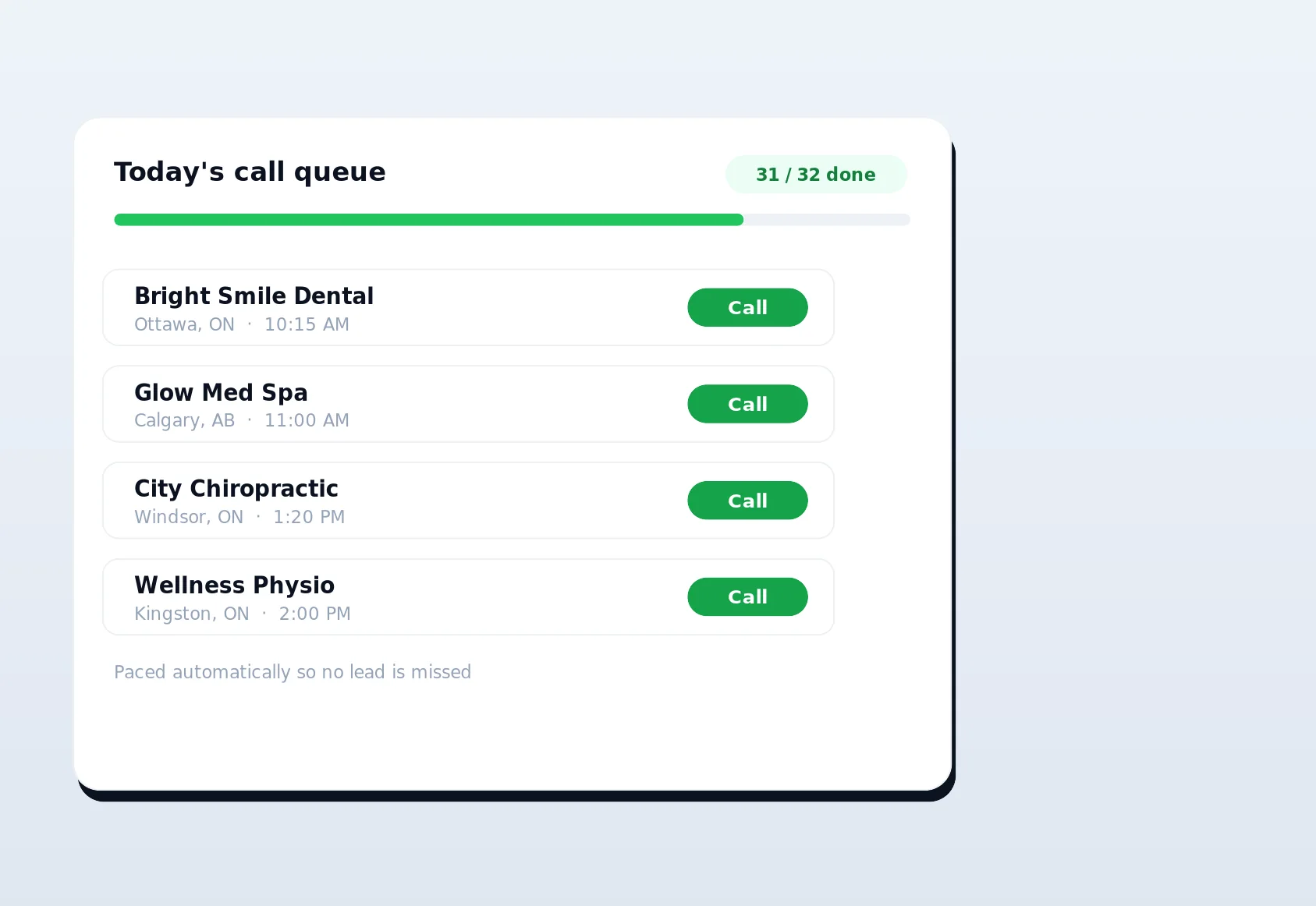
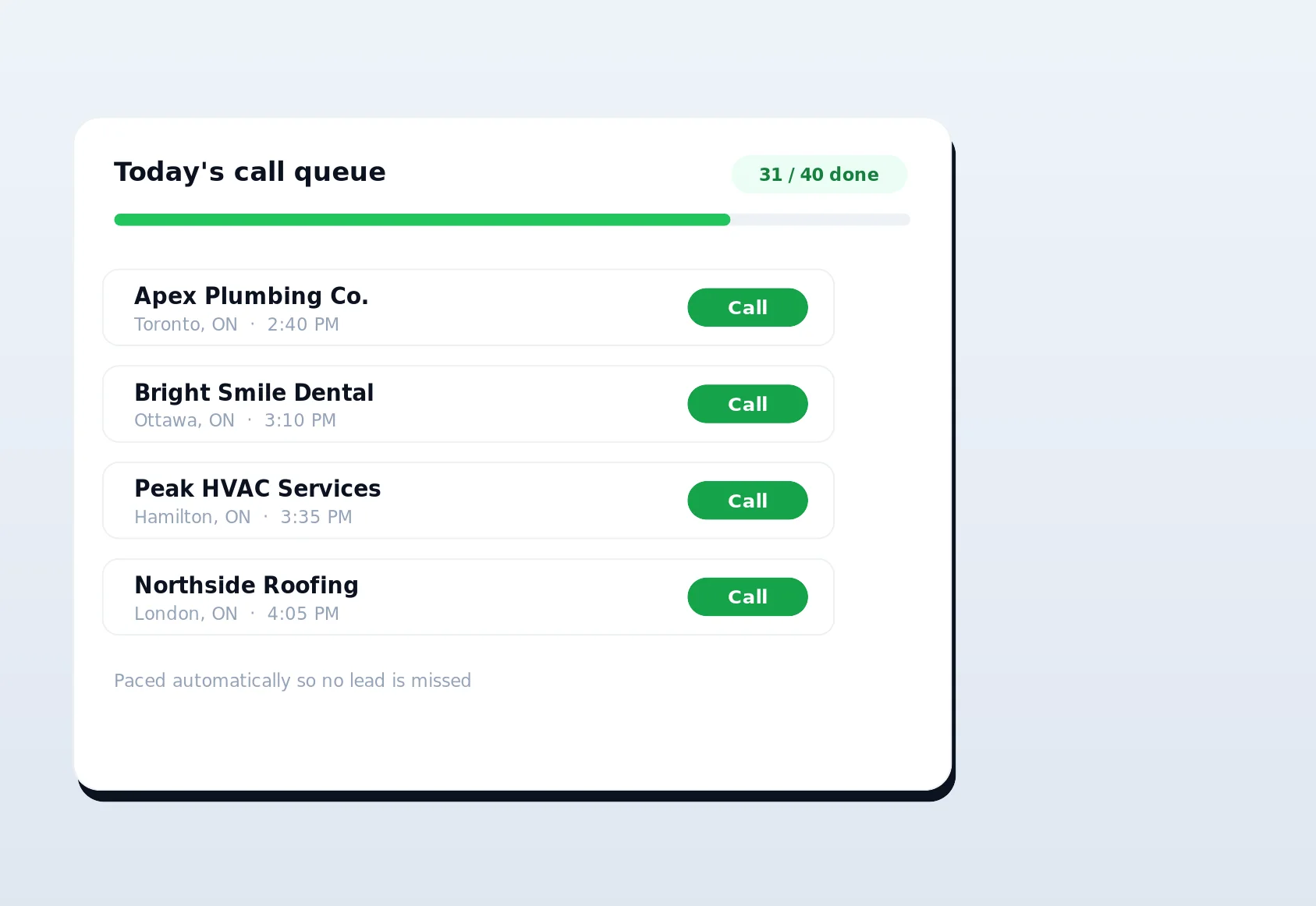
- Work the leads. Call queuing hands prospects to your sales reps one at a time, with fair cross-tenant distribution, cooldowns and daily call caps.
- Build the presence. Once a business is a client, social profile creation and the directory backlink builder get them listed and profiled everywhere that matters - this time using their real browser and IP for a clean footprint.
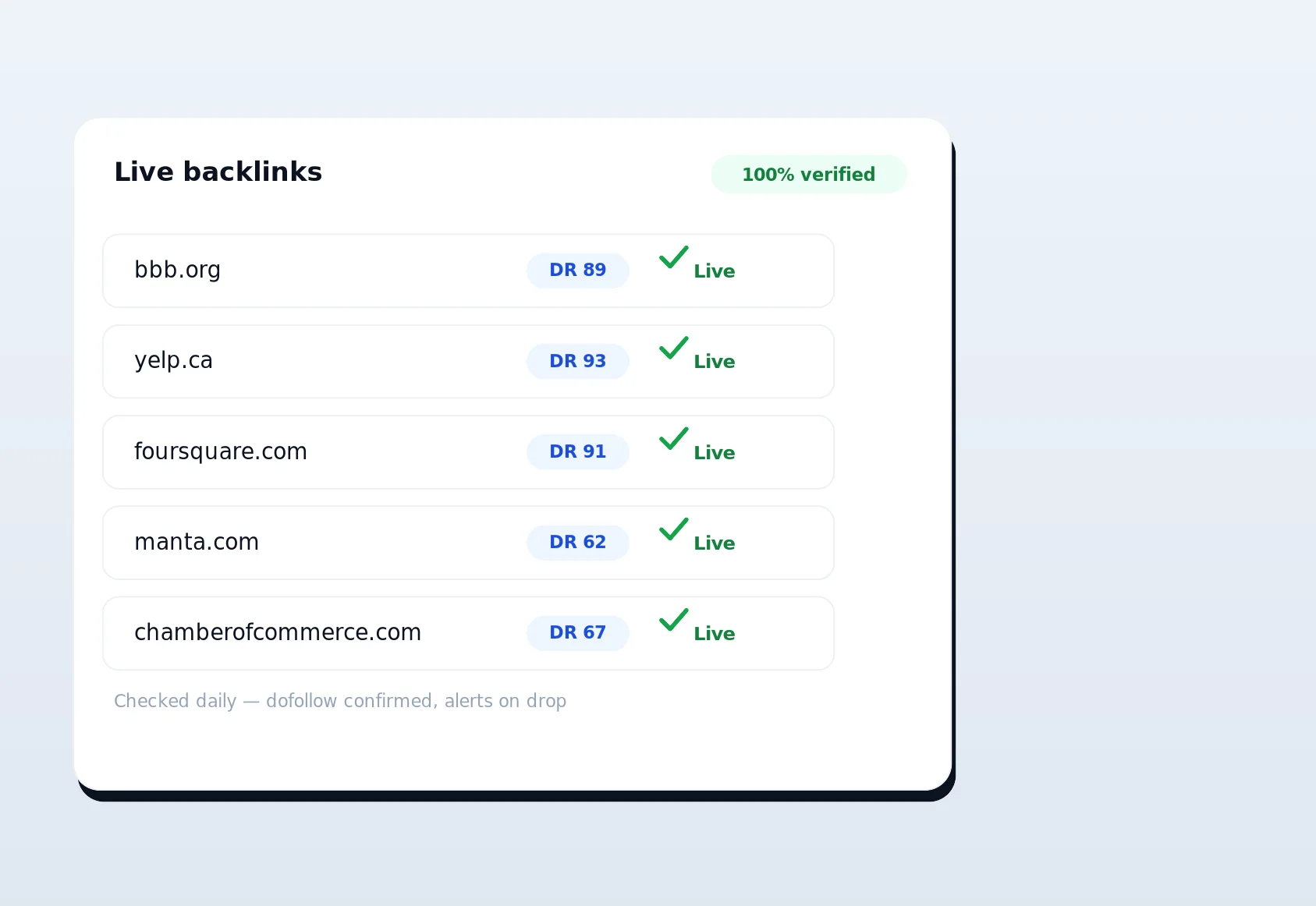
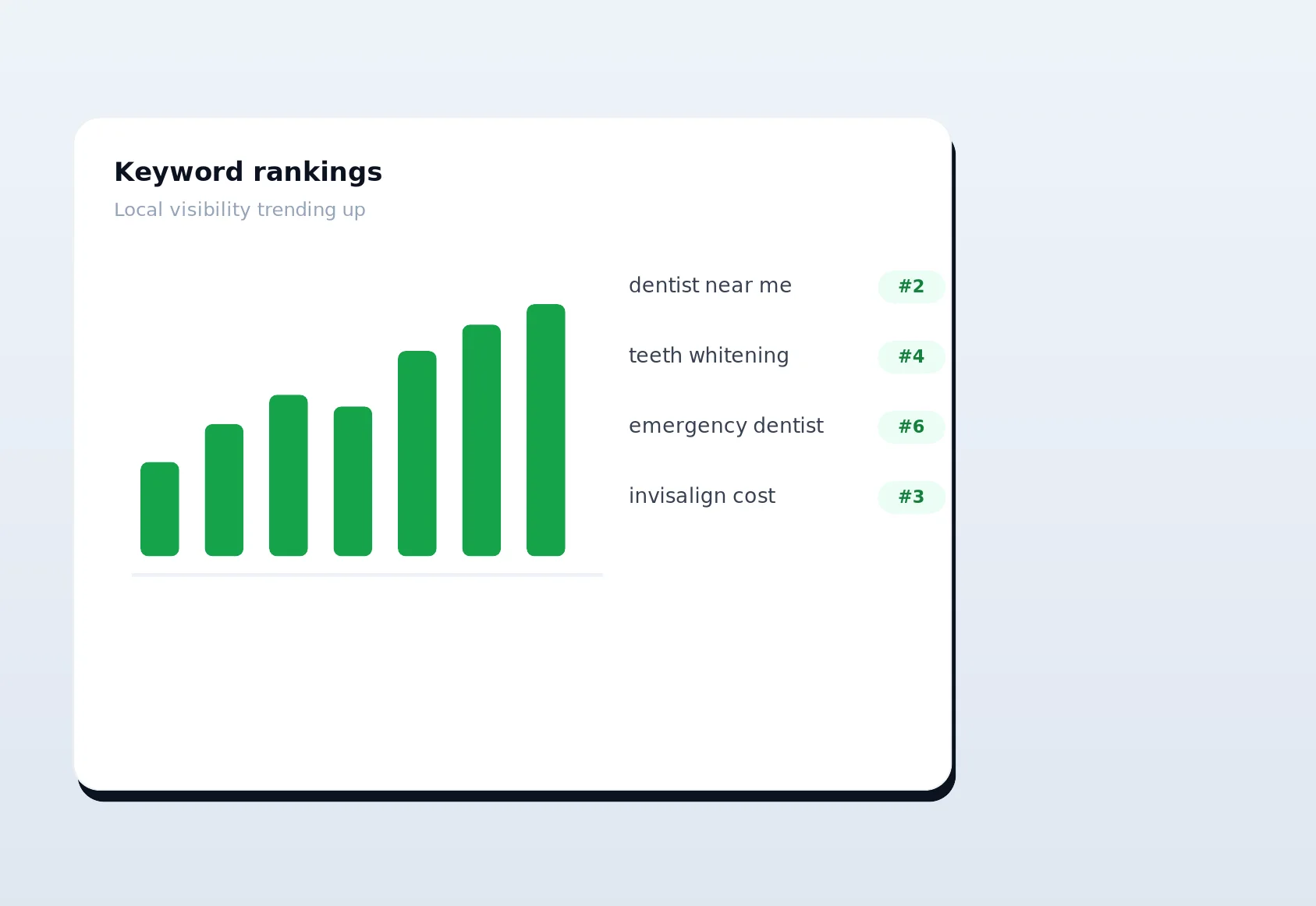
- Measure and protect. Rank tracking, live-link verification, schema audits, instant indexing and the disavow tool close the loop, so you can prove the profiles are live and the rankings are moving.
Notice the deliberate split in how identity is handled. During lead discovery and enrichment, LinkSpear routes through anonymous rotating proxies so you never expose yourself while scraping the open web. During profile creation and citation submission, it does the exact opposite on purpose, using your real browser and IP because that is what makes a new account look legitimate. Same platform, two correct strategies for two different jobs.
Built for consistency and clean data
Local ranking algorithms reward businesses whose name, address, phone and brand details agree across the web. Every mismatched profile - an abbreviated street, an old phone number, a bio written three different ways - is a small dent in your credibility with search engines. The social profile creation tool enforces one canonical profile per business, so the fortieth account carries the exact same data as the first. Update a phone number once and every future profile uses it. That discipline is hard to maintain by hand and impossible to guarantee with tools that improvise content per sign-up.
Consistency also compounds over time. As you add more profiles from the same canonical source, you are effectively voting for one version of your business identity again and again, and search engines weight that repetition. The opposite is true too: a scattering of near-matches actively suppresses visibility because the algorithm cannot confidently decide which details are correct. Pair the tool with live-link verification and you also catch the day a platform quietly changes or drops your profile, so consistency is maintained rather than assumed. For businesses that also invest in anchor-text optimization and a diverse link profile, clean social citations are the stable foundation the rest of the strategy rests on.
Answered in one line
Is this fake accounts? No - it is genuine, complete, human-reviewed profiles for a real business on platforms where it belongs. Will it get my brand flagged? The opposite: real-browser, real-IP, human-verified profiles are exactly what platforms and search engines trust. Do I need technical skills? None. If you can fill in a web form, you can run a full social profile campaign.
Start building your social presence the right way
Manual profile creation is honest but brutal on your time. Server-farm automation is fast but fragile and footprint-heavy. LinkSpear's social profile creation tool gives you the best of both: the legitimacy of a real browser and a real IP, the speed of one-click auto-fill, and a verifiable log of every profile you build - all sitting inside a platform that also handles lead scraping, enrichment, call queuing, directory citations, rank tracking and live-link verification. New users get a 14-day free trial on the Starter plan, with no long-term commitment, so you can install the extension, build your canonical business profile and watch your first social accounts go live before you decide anything. Start your free trial today and stop retyping your business details into one more sign-up form.