Local lead generation and SEO are never a one-person job for long. The moment you add a second salesperson, a virtual assistant, or a junior link-builder, you hit the same wall: shared logins, mystery changes, and no idea who called which business. LinkSpear's multi-user team accounts replace that chaos with real user seats, roles, and permissions so your whole team works inside one account without stepping on each other. Everyone gets their own login, their own queue, and their own audit trail - while you keep a single, unified view of every lead, call, and backlink.
This page explains what multi-user team accounts are, how the seats and roles work in practice, the concrete outcomes you get from ditching shared passwords, and where team accounts sit inside the wider LinkSpear workflow - from lead scraping and lead enrichment to call queuing and directory backlink building.
What are multi-user team accounts?
A multi-user team account is a single LinkSpear workspace that many named users share, each with their own credentials and a role that decides what they can see and do. Instead of one owner password that gets passed around Slack, every rep, VA, and manager logs in as themselves. The data - your local business directory, call history, backlink campaigns, and rank tracking - lives in one place, but the actions are attributed to the individual who took them.
Under the hood, a team account is one tenant with many seats. The tenant owns the catalogue, the campaigns, and the billing. Seats are the people. Roles are the rules that connect the two. Because everything is scoped to the tenant, adding or removing a teammate never risks the shared data: you are granting or revoking access, not copying or deleting anything.
That last point is easy to gloss over but matters enormously in practice. On a shared login, your data effectively lives inside a password - lose control of that password, or lose the person who set it up, and you are one bad day away from a lockout or a leak. With named seats, the workspace and its records exist independently of any single person. You can hire, promote, reshuffle, and part ways with staff without your book of business ever wobbling. The catalogue, the call history, and the backlink campaigns simply stay put, and access rides on top of them as a separate, revocable layer.
Seats, roles, and the difference from agency sub-accounts
It is worth being precise, because the two features solve different problems. Multi-user team accounts add people to one workspace - your internal team collaborating on the same book of business. Agency sub-accounts add separate isolated workspaces - one per client, each with its own catalogue and its own team. Most agencies use both: sub-accounts to keep clients walled off from each other, and team seats inside each workspace so several staff can service that client together.
How multi-user team accounts work
Setting up a team is deliberately boring - which is the point. You should be able to onboard a new salesperson in the time it takes to send an email, and offboard one in seconds when they leave. Here is the end-to-end flow.
Step 1 - Invite teammates by email
From your account settings, enter a teammate's email address and pick a role. LinkSpear sends them an invite link; they set their own password and land directly in your workspace. No shared credentials ever change hands, and you never learn or store anyone else's password. Invites can be revoked before they are accepted if you fat-finger an address.
Step 2 - Assign a role and permissions
Each seat gets a role that maps to what that person actually does. An Owner controls billing and can delete campaigns. A Manager can build campaigns, assign work, and see every teammate's numbers. A Sales Rep can pull businesses from the call queue and log outcomes but cannot touch billing or backlink settings. A Link Builder runs directory submissions and citation work without seeing the sales pipeline. You are never forced to over-grant access just to let someone do their job.
Step 3 - Everyone works their own queue
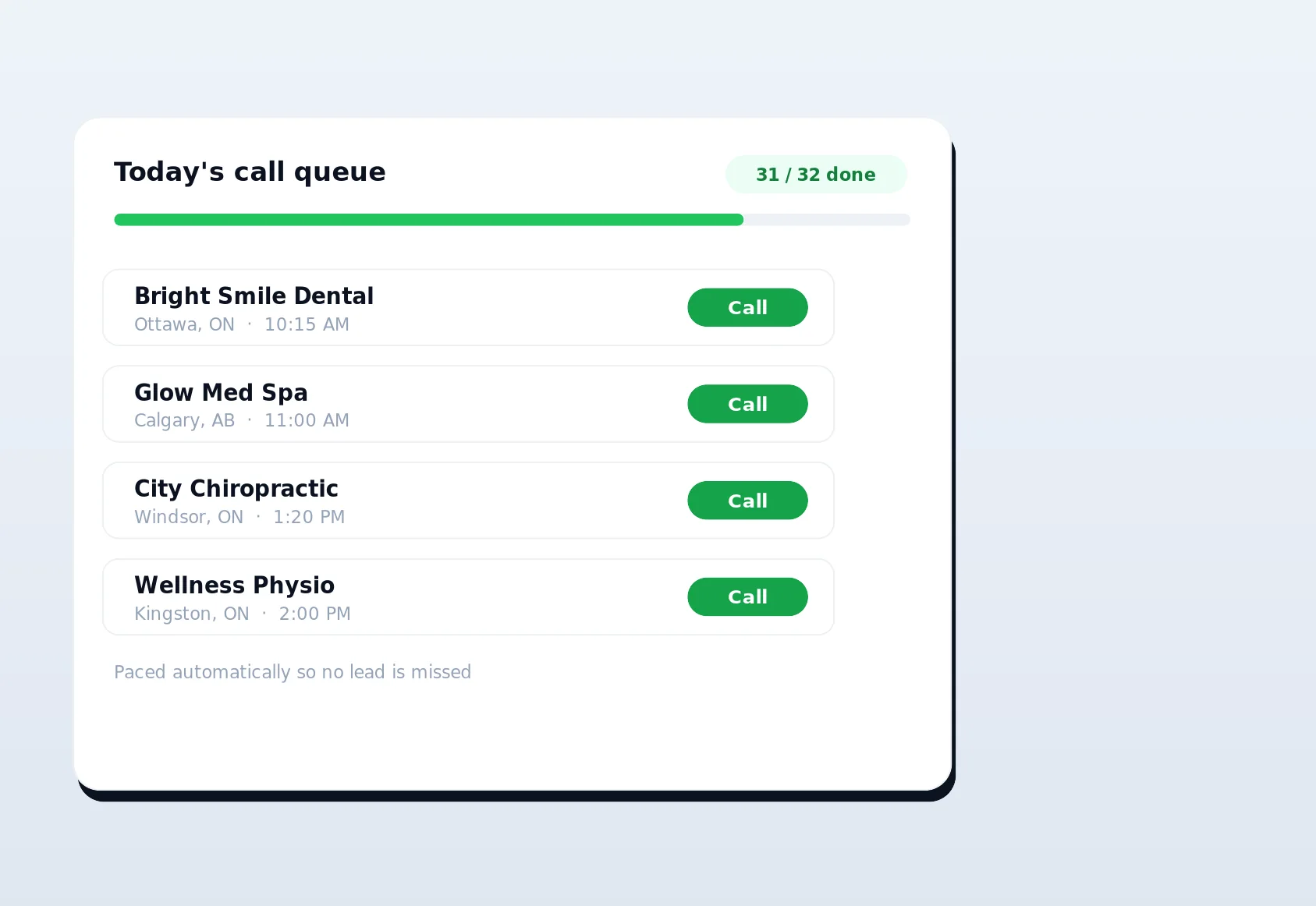
Once seats are live, the platform hands work out per person. Sales reps each draw from a fair, cross-tenant call queue with cooldowns and daily caps, so two reps never dial the same plumber five minutes apart. Link builders pick up directory submissions in the Chrome extension using their own browser and IP. Managers watch it all roll up in real time without lifting a phone. The queue is the quiet hero here: because it is aware of every seat, it distributes fresh businesses evenly, respects each business's cooldown window across the whole team, and enforces per-rep daily caps so nobody burns through the catalogue in an afternoon. What looks like a simple "next lead" button to a rep is, underneath, a fairness engine that keeps ten people productive without collisions.
Step 4 - Track who did what
Every meaningful action - a call logged, a lead reassigned, a backlink submitted, a setting changed - is attributed to a named user and written to the audit log. When a number looks off or a client asks "who updated this," you have an answer in seconds rather than a shrug. Attribution is also the foundation for fair performance reporting, which we cover below.
Step 5 - Adjust seats as the team changes
People join, change roles, and leave. Promote a rep to manager, downgrade a contractor to read-only, or deactivate a seat entirely the day someone gives notice. Deactivating a seat instantly cuts that person's access while preserving every record they created - their calls, notes, and links stay in your history exactly as they were. Your data is never tied to an individual's continued employment.
The problems team accounts solve
Shared logins feel harmless right up until they cost you. Here is what proper multi-user team accounts fix.
- No more shared passwords. One credential per person means you can offboard cleanly, satisfy basic security hygiene, and stop resetting a master password every time a contractor rolls off.
- No more duplicate calls. Per-rep queues with cooldowns and daily caps stop two salespeople from hammering the same business, which protects your reputation and your directory relationships.
- No more mystery edits. Every change is attributed, so "who deactivated this campaign" has a name and a timestamp attached to it.
- No more blind management. Managers see live per-rep and per-builder numbers instead of asking for a screenshot at the end of the week.
- No more over-granting. Roles let a VA do exactly their job - no billing access, no ability to delete anything they should not touch.
Roles and permissions at a glance
The default roles cover the vast majority of local lead-gen and SEO teams. Use this table as a quick reference for who can do what.
| Capability | Owner | Manager | Sales Rep | Link Builder |
|---|---|---|---|---|
| Manage billing & plan | Yes | No | No | No |
| Invite & remove teammates | Yes | Yes | No | No |
| Build & assign campaigns | Yes | Yes | No | No |
| Pull from the call queue & log calls | Yes | Yes | Yes | No |
| Run directory submissions & citations | Yes | Yes | No | Yes |
| View all teammates' performance | Yes | Yes | Own only | Own only |
| See the full audit log | Yes | Yes | No | No |
Roles are a starting point, not a straitjacket. A two-person shop might run everyone as a Manager and never think about permissions again; a 20-seat agency will lean hard on tight Sales Rep and Link Builder roles to keep the workspace clean and the reporting honest.
The design principle behind the roles is least privilege: give each person exactly the access their job requires and nothing more. That is not about distrust - it is about reducing the blast radius of ordinary mistakes. A Sales Rep who cannot reach billing cannot accidentally change your plan. A Link Builder who cannot see the sales pipeline cannot muddle up dispositions they were never meant to touch. And because the boundaries are enforced by the platform rather than by a shared understanding of "please do not click that," they hold even when a new hire is still learning the ropes. The result is a workspace where you can hand someone the keys to their part of the operation on day one without lying awake wondering what else they can reach.
How team accounts fit the LinkSpear workflow
Multi-user team accounts are not a bolt-on - they are the layer that lets every other part of LinkSpear scale past one operator. Here is how a real team runs the full pipeline together.
Sourcing and enrichment
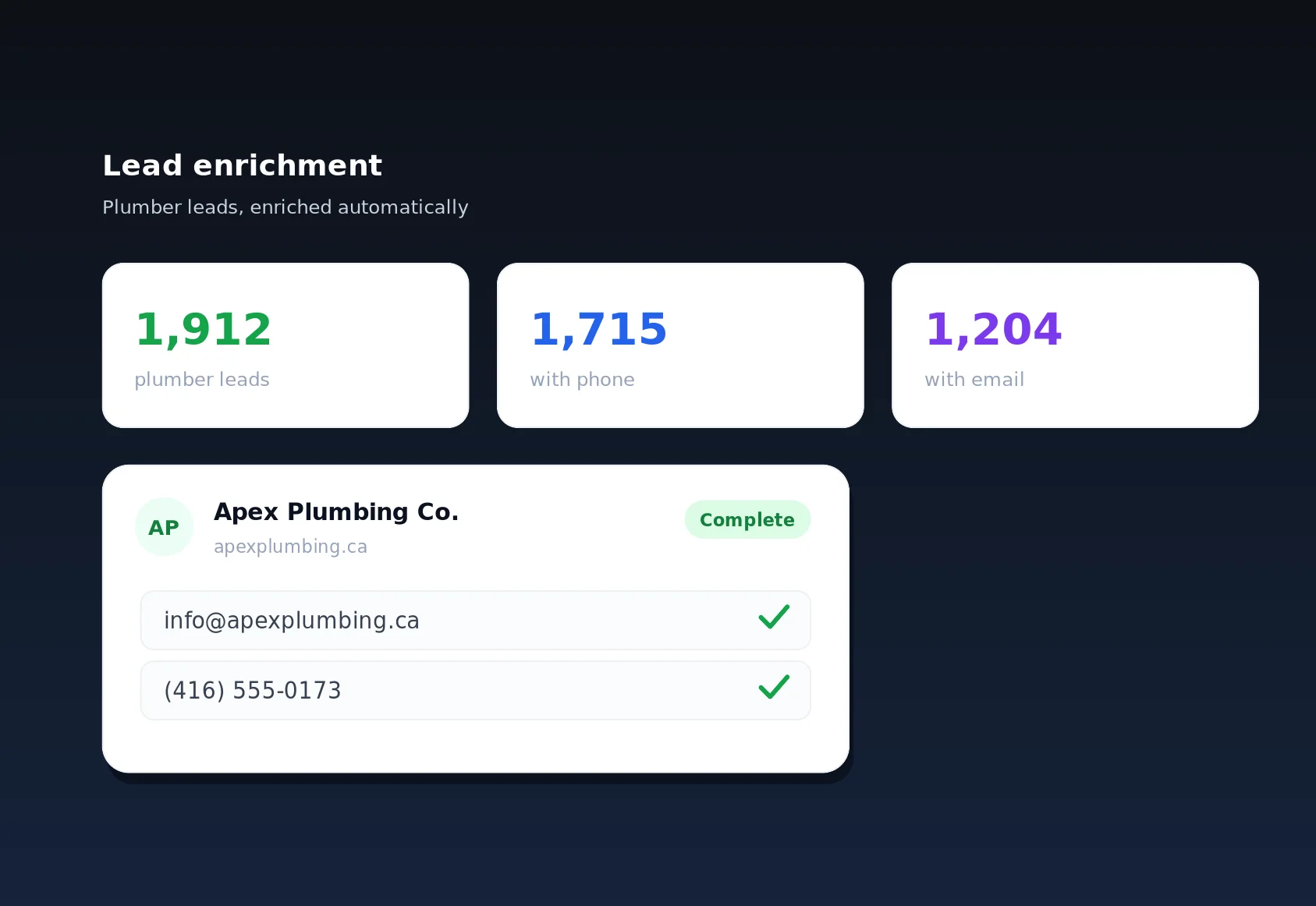
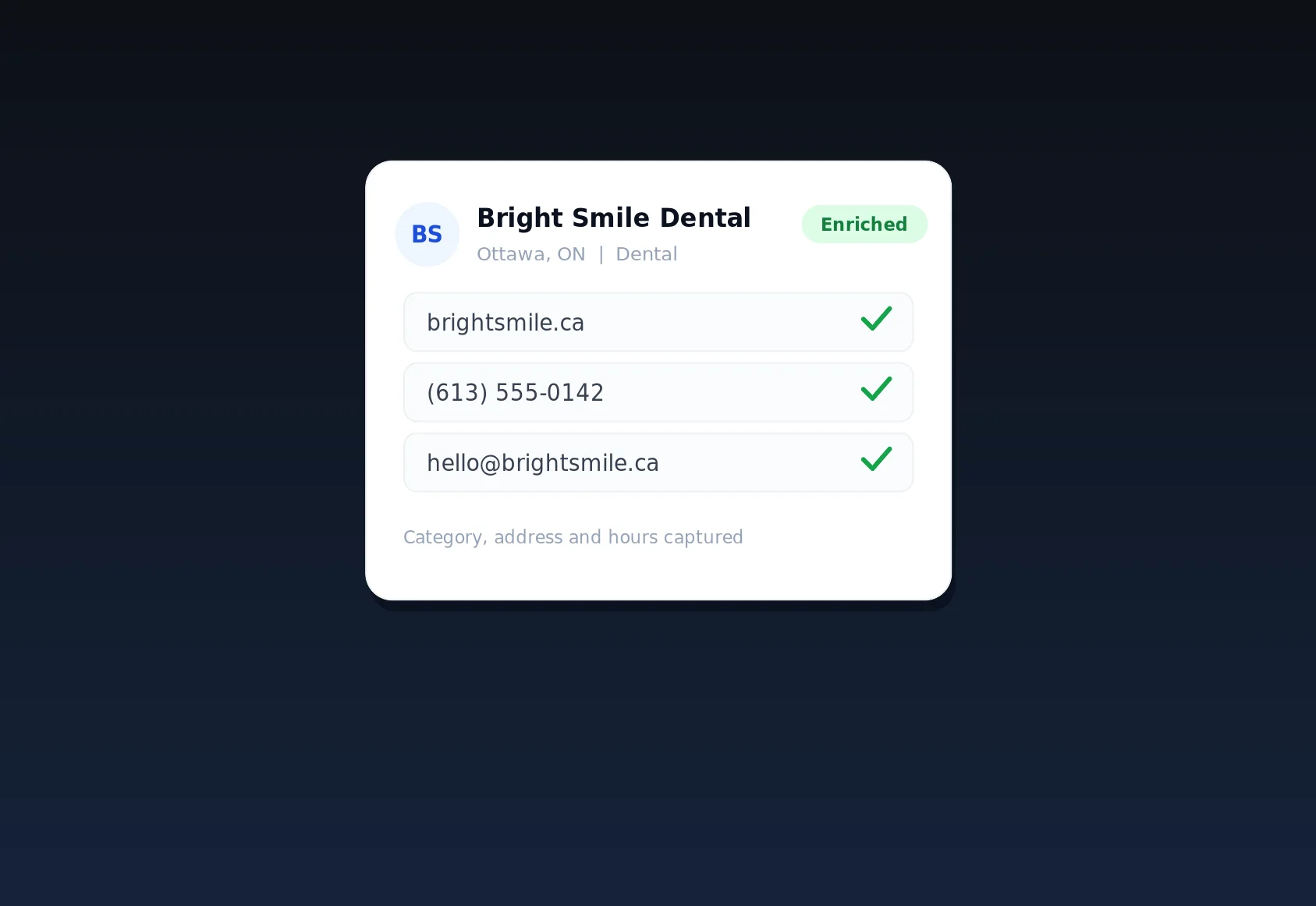
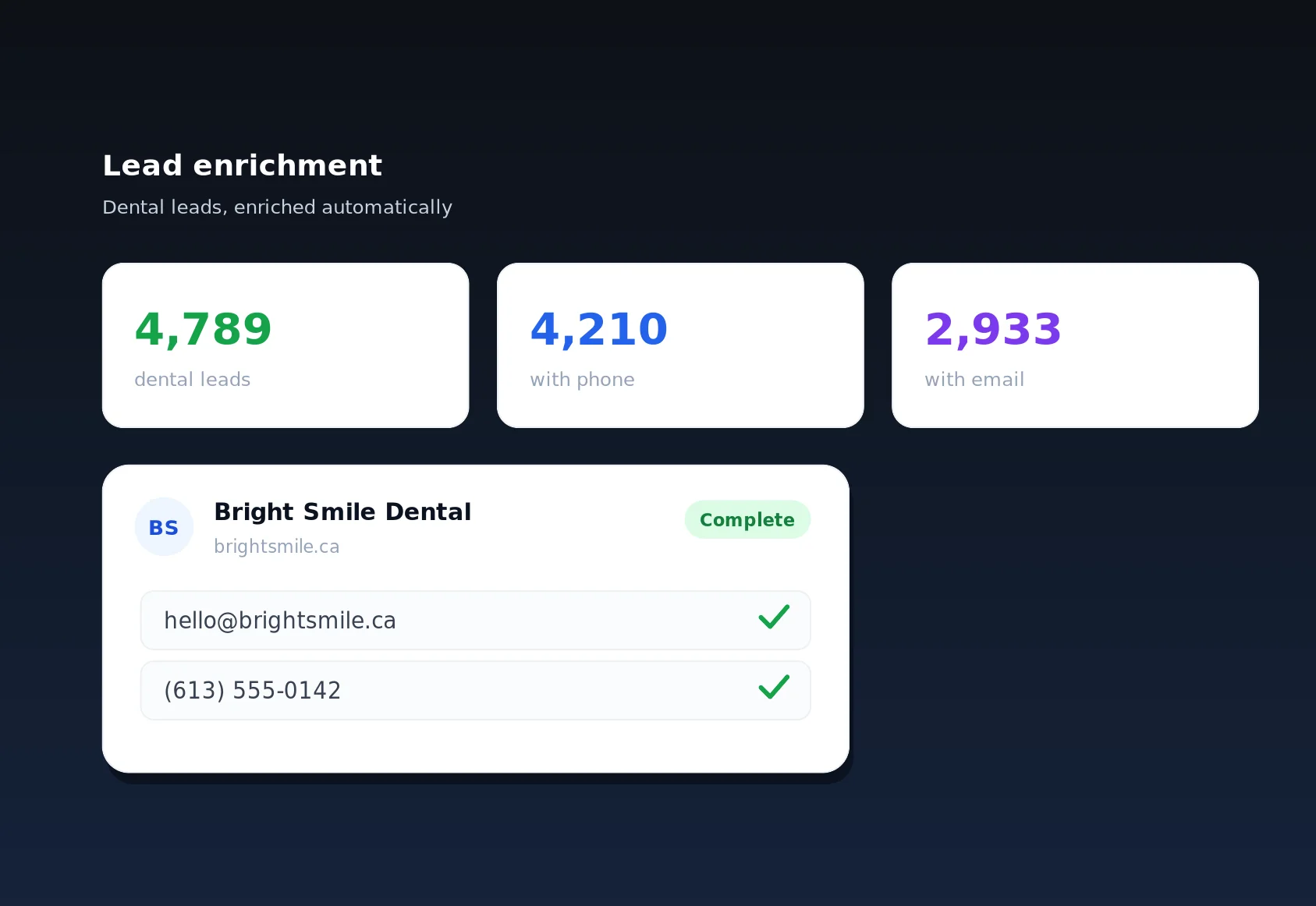
A researcher or VA uses business lead scraping to pull fresh businesses from OpenStreetMap and YellowPages into your deduplicated master catalogue. Lead enrichment then visits each business's own website through rotating anonymous proxies to fill in missing emails and phone numbers automatically - so your reps inherit complete contact cards instead of half-blank rows. This division of labour is only possible because seats let you separate roles: the researcher never has to touch the phones, and the reps never waste time chasing missing contact details. Each person picks up the pipeline exactly where the previous stage left it, and the audit trail makes the handoffs visible so nothing falls through the cracks.
Selling
Sales reps log in to their own seats and work the call queue, which hands them one business at a time with fairness, cooldowns, and daily caps baked in. Because seats are individual, every dial, disposition, and note is tied to the rep who made it. Managers watch conversion by rep and rebalance the queue without touching a phone themselves.
Building authority
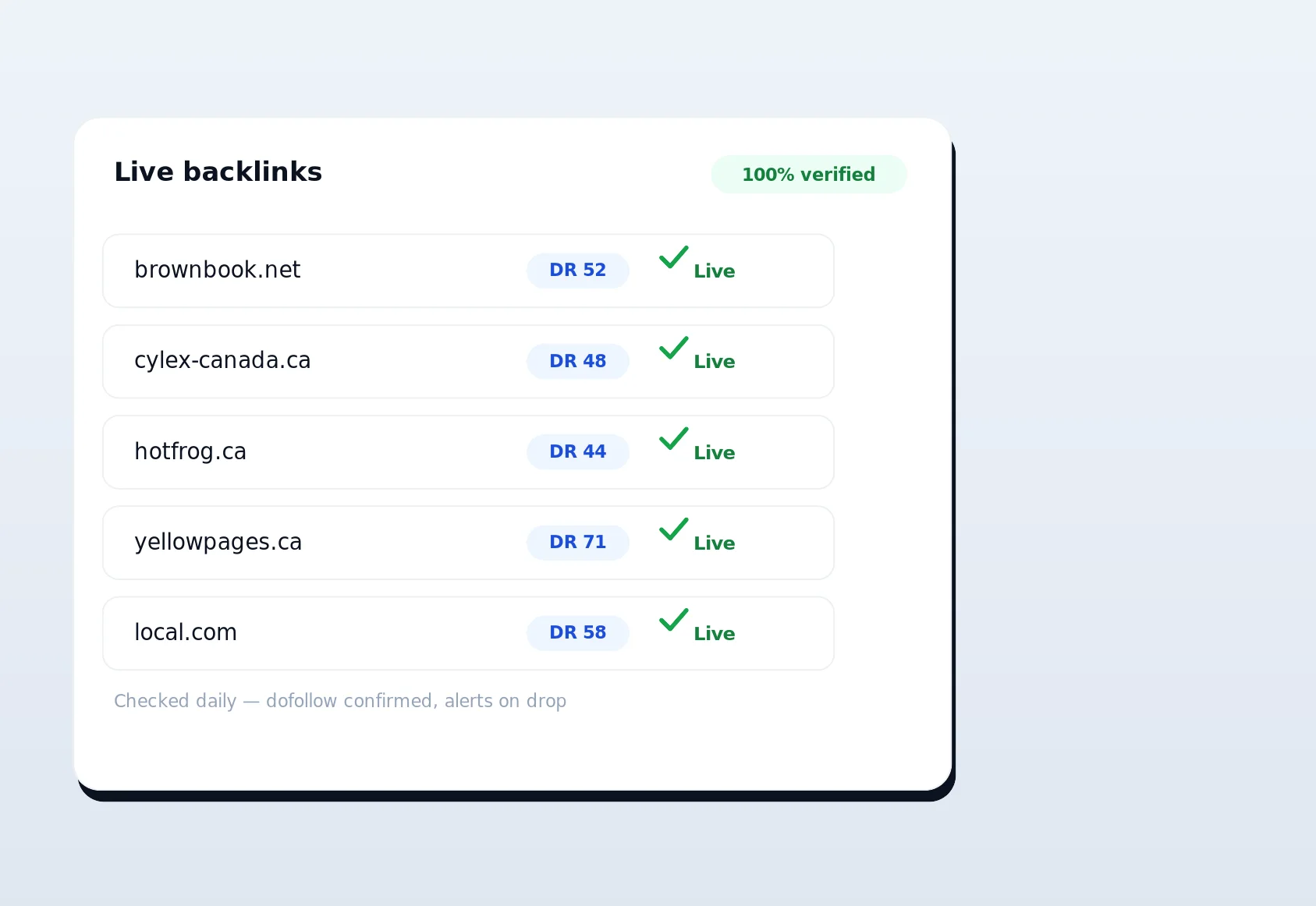
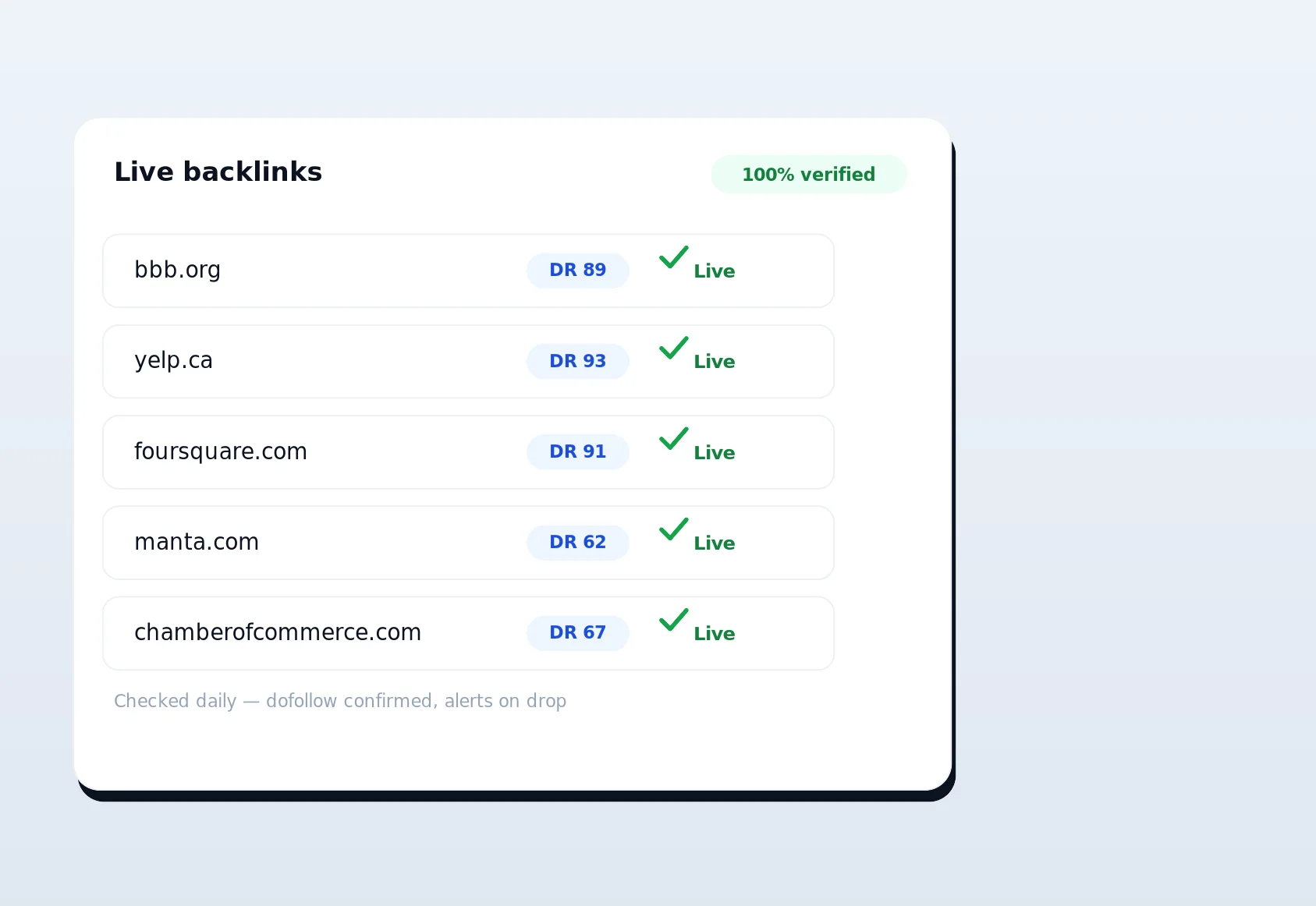
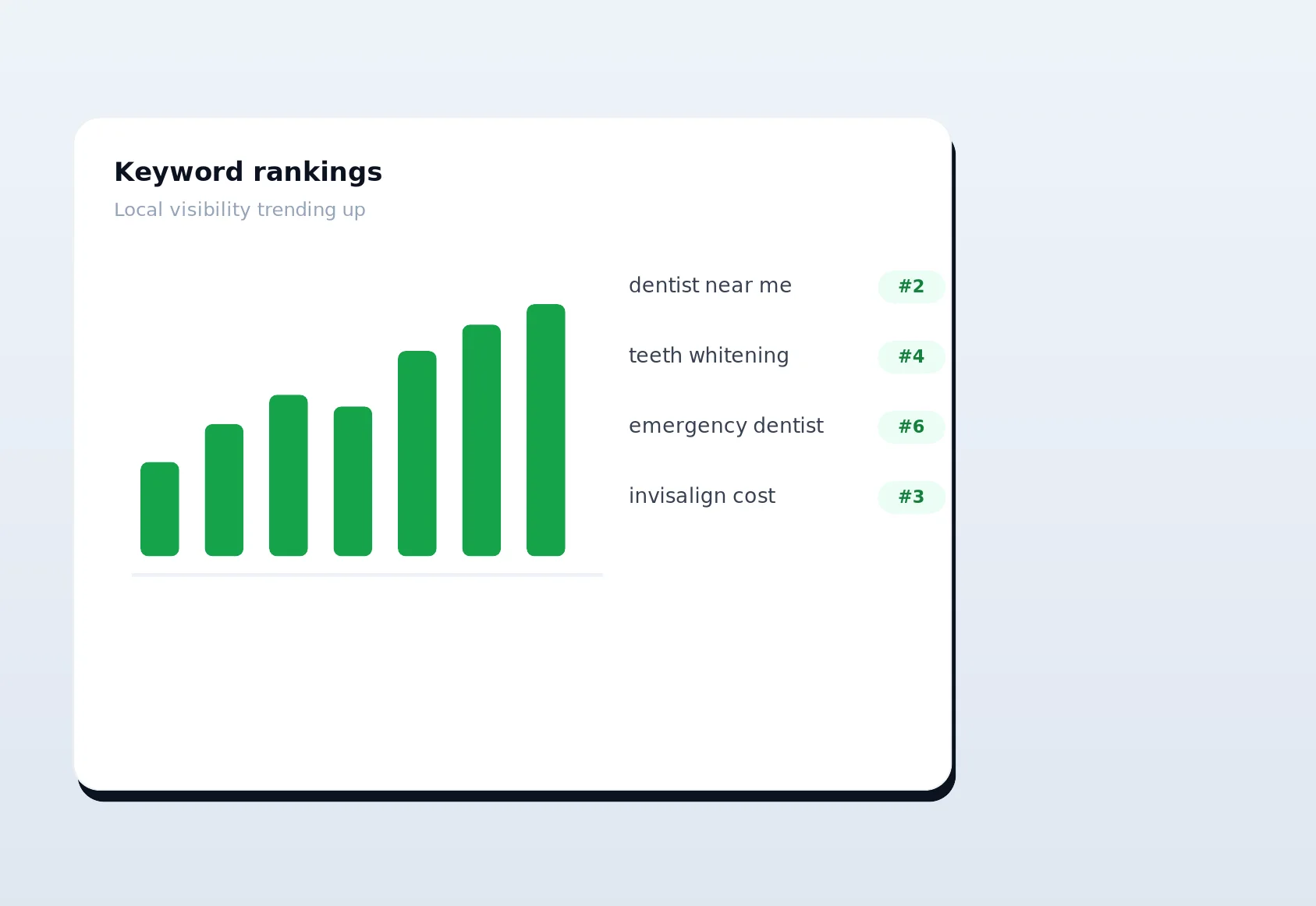
Link builders take the same businesses into automated directory backlink building, where a Chrome extension auto-fills citation and directory submissions using their real browser and real IP - no footprints. From there the team layers on local citations, rank tracking, and live-link verification, all attributed to the person who did the work.
Oversight
Owners and managers get a single pane of glass: one catalogue, one pipeline, one backlink program, and one audit log that ties every action to a name. Nothing happens in your workspace that you cannot trace back to a person and a moment.
Who multi-user team accounts are for
If more than one human touches your leads, you need seats. The pattern shows up in a few common shapes.
- Local sales teams. A business with two to ten reps cold-calling from the same catalogue needs per-rep queues and fair distribution so nobody double-dials a plumber or an HVAC company.
- Marketing agencies. Account managers, VAs, and link builders collaborate on client work; pair team seats with agency sub-accounts to keep each client isolated while several staff service them.
- Lead-gen operators. Solo founders who hired their first VA or contractor and refuse to hand out the master password.
- Multi-location businesses. A group of dental practices or restaurants running outreach across locations from one workspace, with a manager per region.
Security, accountability, and keeping your data safe
Handing more people access to your business is exactly when security stops being abstract. Multi-user team accounts are built so that growing your team makes your operation safer, not riskier.
Individual credentials you can revoke
Because every person has their own login, you never have to rotate a shared secret. When someone leaves, you deactivate their seat and their access ends immediately - no scrambling to change one password that a dozen people still need. There is no window where a former contractor still knows the credentials that get them back in, because those credentials were only ever theirs and are now dead.
A complete, tamper-evident trail
The audit log records who did what and when across the workspace: calls, reassignments, campaign edits, backlink submissions, and setting changes. That trail is what turns "something changed and I do not know why" into a two-minute lookup. It is also what lets you answer a client honestly when they ask who touched their account, and what lets a manager spot an unusual pattern before it becomes a problem.
Your records outlive any one person
LinkSpear treats your data as permanent by default. Deactivating a seat, changing a role, or reshuffling your team never deletes the work those people produced. Every lead, note, disposition, and link stays exactly where it was, still attributed to whoever created it. Your history is an asset that belongs to the business, not a byproduct of who happened to be on staff last quarter.
Multi-user team accounts vs. shared logins
Plenty of small teams limp along on a single shared login for months. The table below shows what actually changes when you switch to real seats.
| Consideration | Shared login | Multi-user team accounts |
|---|---|---|
| Who did what | Unknowable | Attributed to a named user |
| Offboarding a teammate | Reset the master password for everyone | Deactivate one seat in seconds |
| Duplicate calls | Common - one shared queue | Prevented - per-rep queues with caps |
| Access control | All or nothing | Role-based, least-privilege |
| Performance reporting | Guesswork | Per-rep and per-builder metrics |
| Security posture | One leaked password exposes everything | Individual credentials, revocable seats |
Outcomes you can expect
The point of seats is not tidiness for its own sake - it is measurable operating leverage. Teams that move off shared logins typically see the same handful of wins.
- Faster onboarding. A new rep is invited, assigned a role, and working the queue the same morning - no credential handoffs or setup calls.
- Cleaner data. Because actions are attributed and queues are fair, your call history and backlink records stay trustworthy instead of turning into a pile of anonymous edits.
- Real accountability. Managers coach on numbers that belong to a specific person, and reps can see and own their own results.
- Lower risk. One departing contractor no longer means a scramble to rotate a shared password and hope nothing was copied.
- Room to grow. Adding your fifth or fifteenth teammate is a two-minute task, not a re-architecture of how your team works.
- Better retention. Reps who can see and own their own numbers stay engaged; managers who coach on real data instead of hunches build stronger teams. Clear ownership is quietly one of the biggest levers on whether good people stick around.
None of these outcomes require a change to how your team actually sells or builds links. They fall out naturally from the simple decision to give each person their own seat instead of sharing one login. The work is the same; the visibility, safety, and accountability around it improve on their own.
Getting started with team accounts
You do not need a big team to benefit - you need a second person. The moment someone other than you touches a lead, seats pay for themselves in clarity alone. Start solo, invite your first VA or salesperson when you are ready, and the workspace grows with you without ever forcing a migration or a data reshuffle.
Every new LinkSpear account begins with a 14-day free trial on the Starter plan - no card gymnastics, no commitment. Spin up your workspace, load your local business directory, invite a teammate, and watch multi-user team accounts turn a tangle of shared logins into one clean, accountable operation. Start your free trial today and give your team the seats it can actually grow into.